Alcohol wipes on a laptop screen: what five makers say
Apple says a 70 percent isopropyl wipe is fine. Microsoft says never use disinfectant wipes on a Surface. Here is how the big laptop makers differ.
 SUMO· the number puzzle
 Dialo· learn languages by speaking
 ediviewer· read EDI files like documents
 giftdetect· the right gift in minutes
Can you use alcohol wipes on a laptop screen? Depends whose laptop it is. Apple, Microsoft, Dell, HP and Lenovo don't give the same answer, and the wrong wipe can leave marks that don't come off.
The usual advice is a clean, dry microfiber cloth and very little liquid, because moisture can run inside the display. Alcohol evaporates fast, so it seems safer. It is still a harsh chemical.
What do laptop makers say about alcohol wipes?
Apple is the most relaxed. Its support page allows a 70 percent isopropyl alcohol wipe, a 75 percent ethyl alcohol wipe or a Clorox Disinfecting Wipe. For routine cleaning, though, it recommends a soft, lint-free cloth dampened with water only.
Microsoft is stricter. For Surface screens it suggests a screen-cleaning wipe or a dry lint-free cloth, dampened if needed with water or an isopropyl solution of 70 percent or less. It says never to use disinfectant wipes, glass cleaner or other chemical cleaners on a Surface touchscreen.
Dell, HP and Lenovo care about which alcohol you use. Dell wants a microfiber cloth with 70 percent isopropyl and 30 percent water. Lenovo suggests water or a 50-50 mix of isopropyl and distilled or deionized water. HP recommends 70/30 for disinfecting. All three say to avoid ethyl alcohol, and HP warns it and ammonia could permanently damage LCD screens.
Coatings are the catch. Our own guide to cleaning home screens advises against isopropyl alcohol on any display, since it can damage anti-reflective or glossy coatings and, with repeated use, leave the screen cloudy and uneven. Lenovo adds that some medical-grade wipes can discolor surfaces. Apple notes liquid damage isn't covered by its warranty or AppleCare.
How to clean it safely
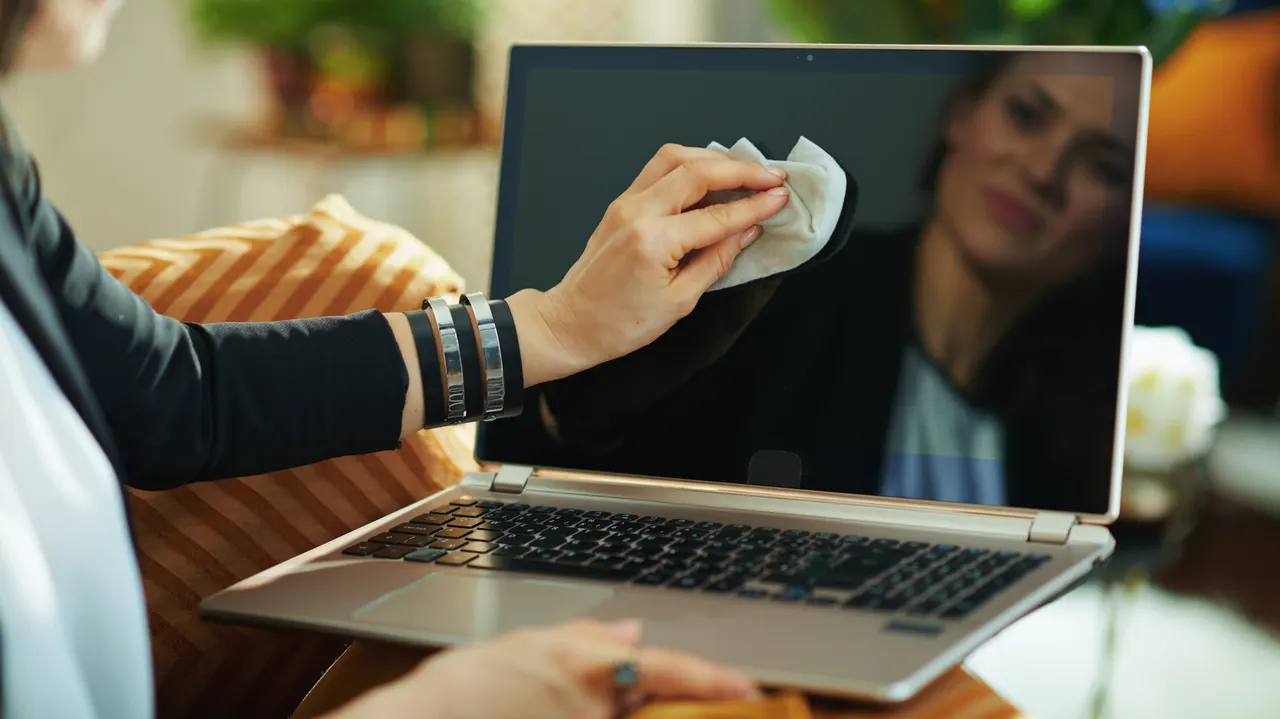
Shut the laptop down and unplug it. Wipe gently with a dry microfiber cloth, then add a little water if marks remain. For MacBooks, distilled water is less likely to leave residue. All five makers say not to spray liquid straight onto the device.
If your maker allows alcohol, use a cloth dampened with a solution of 70 percent or less, damp but not dripping. Check wipe labels for ethyl alcohol. Let the screen dry fully before closing the lid.
Skip window cleaner, ammonia, bleach, hydrogen peroxide, acetone and paper towels.
Apps worth a look
SUMO: the number puzzleTap the right tiles, add them up, hit the target. Easy to learn, hard to master. Free, for all ages.
Dialo: learn languages by speakingTalk to an AI conversation partner; every sentence comes back corrected and explained in your language. 9 languages, A1 to C2.
ediviewer: read EDI files like documentsOpen EDIFACT and X12 messages, see every segment explained, convert to JSON/XML, export PDF and Excel. Runs locally, no upload.
giftdetect: the right gift in minutesPick who it is for, the occasion and their personality. The search engine reads product descriptions from local shops and ranks what fits. Free, no sign-up.
More from this day
See all →
iOS 27 automatic subtitles: how to turn them off on iPhone
Samsung SmartTag3 range: 200 feet up close, 900 million phones beyond
Tether stakeholder Bezrodnykh is a former Kaspersky Lab executive