Huawei Overhauls AppGallery on Its Smartwatches With New Design
Huawei has rolled out a long-awaited redesign of AppGallery for smartwatches, adding a search bar, clearer categories and easier management of installed apps.
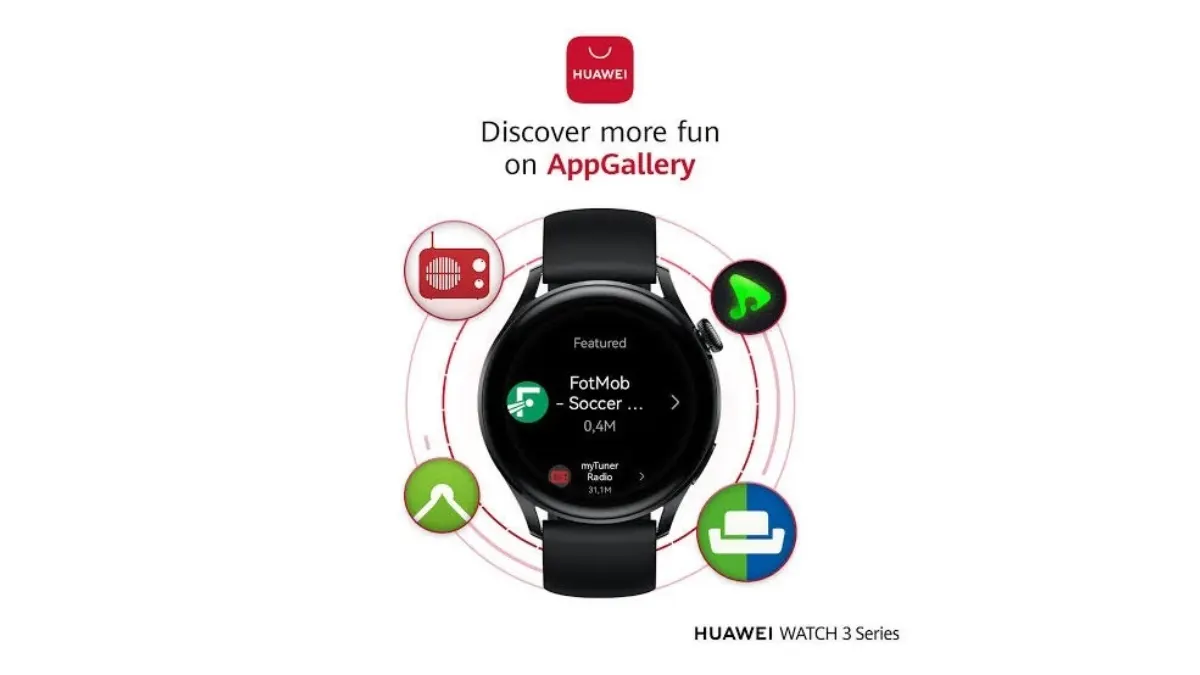
Huawei has started rolling out a long-awaited update to AppGallery on its smartwatches, giving the wearable app store a thorough redesign aimed at making it easier and clearer to use.
AppGallery serves as Huawei's official alternative to Google Play and the Apple App Store. The previous watch version was crowded and relied on long lists of apps that were hard to browse. The new interface is considerably simpler.
What changes
The most notable addition is a search bar at the top of the page, letting users find an app quickly. According to the update details, this is a feature the watch store had lacked for years.
The home screen now shows four main sections: Ranking, New, Tools and Navigation. An arrow in each section opens more apps. Browsing and managing are also separated, so users can switch easily between discovering apps and handling those already installed, where they can update, organize or remove them directly.
Each app is displayed with its icon, a clear name, a short description and a precise action button. Apps that are already installed appear immediately and are marked as "installed".
Still limited in choice
Despite the usability gains, the number of apps built for smartwatches in AppGallery remains limited. The update fixes how the store looks and works, not how much it offers.
Huawei is expected to add more apps in the coming period. The update is reaching users gradually over the next few days, bringing the watch store closer to the more organized experience of app stores on phones and tablets.
Apps worth a look
 SUMO: the number puzzle
Tap the right tiles, add them up, hit the target. Easy to learn, hard to master. Free, for all ages.
 Dialo: learn languages by speaking
Talk to an AI conversation partner; every sentence comes back corrected and explained in your language. 9 languages, A1 to C2.
 ediviewer: read EDI files like documents
Open EDIFACT and X12 messages, see every segment explained, convert to JSON/XML, export PDF and Excel. Runs locally, no upload.
More from this day
See all →
African creators lack infrastructure to turn audiences into income

Binance seeks to resume regulated operations in Malaysia

India's MeitY Releases Guide to Train AI Without Sharing Data