How to block spam texts on iPhone and Android
Fake recruiters, phantom parcels and "hey, how are you?" messages cost US consumers about $470 million in 2024. Here are the settings that cut them down.
 SUMO· the number puzzle
 Dialo· learn languages by speaking
 ediviewer· read EDI files like documents
 giftdetect· the right gift in minutes
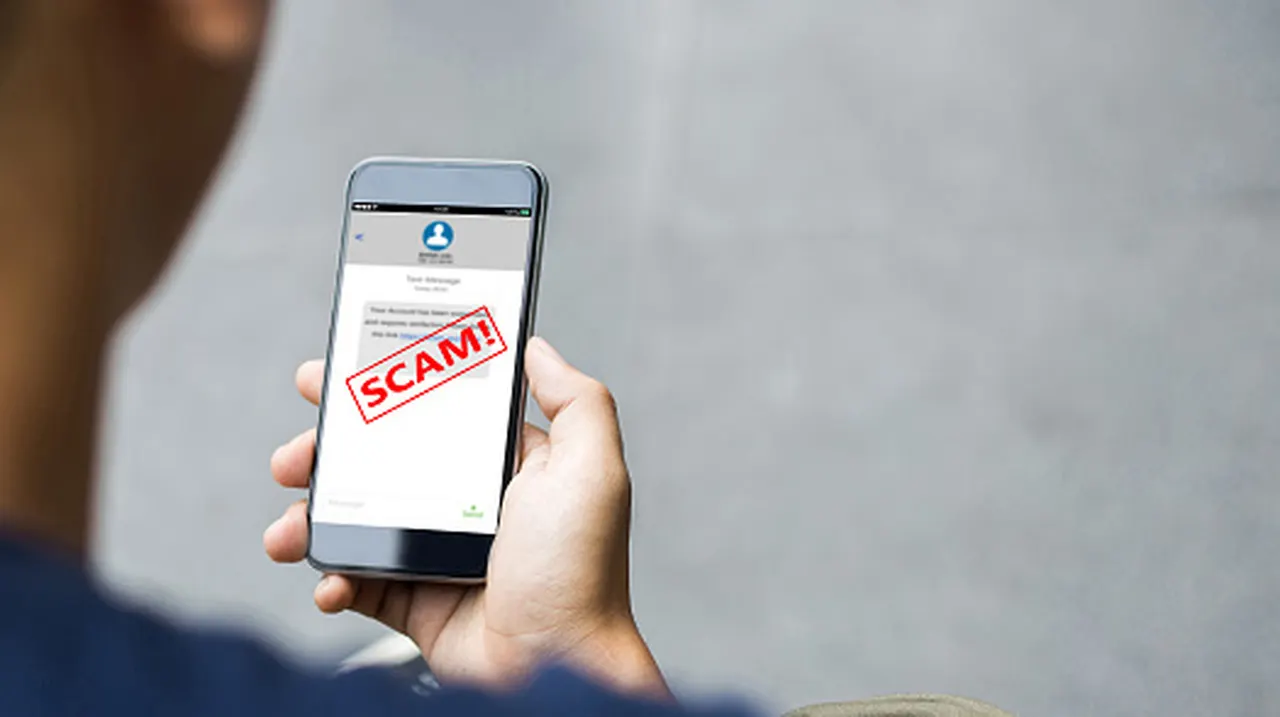
Spam texts are now so common that the odd "hey, how are you?" from a stranger barely raises an eyebrow. That is exactly what scammers want. Fake recruiters, delivery alerts for parcels you never ordered and free gift card offers are all built to get a reply or a click.
It costs real money. The Federal Trade Commission's latest data shows US consumers reported losing about $470 million to scams that started with a text in 2024. You can't switch spam off completely, but a few settings and one reporting habit make a visible difference.
How to block spam texts on iPhone
Open Messages, tap the menu button in the top right of the conversation list and choose Manage Filtering. Turn on Screen Unknown Senders. More options appear, including one that still lets time-sensitive texts such as verification codes notify you. There is also a Filter Spam toggle, which hides the notifications and moves those messages into a Spam list. Apple says the options can differ by country and region.
You can also silence business alerts. Go to Settings, then Apps, then Messages. Depending on your location and carrier, you may see RCS Business Messages, which can be turned off, or Apple Messages for Business, where you can switch off Business Updates.
If you want a hard limit, go to Settings > Screen Time > Communication Limits > During Screen Time and restrict who can contact you.
How to block spam texts on Android
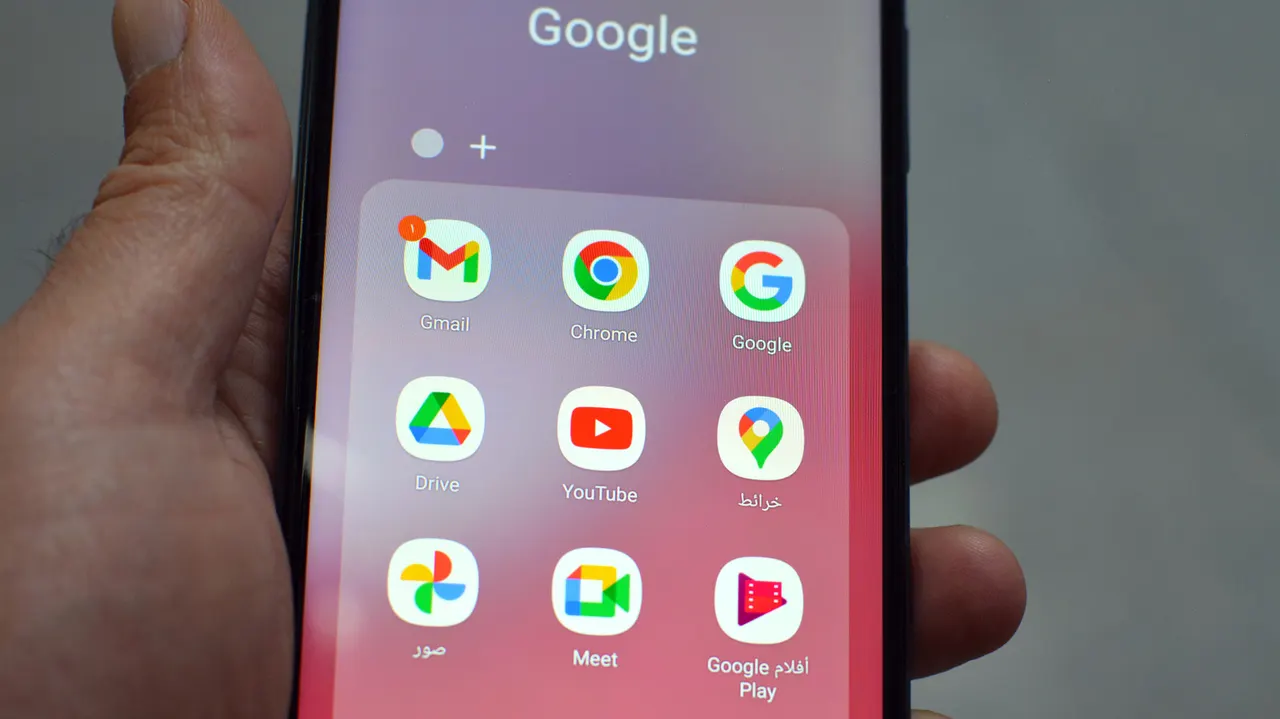
In Google Messages, tap your profile photo in the top right, scroll to Message Settings, then Protection and Safety, and turn on Spam protection. Google has also added an optional Enhanced protection mode that uses Gemini to spot scams and double-check links. Android 17 adds a real-time notification that asks you to confirm whether a call is legitimate.
What to do with a suspicious text
Don't click the link and don't reply, since either can expose your data. Forward the message to 7726 (SPAM), which works in the US and the UK. The FTC says this helps your carrier spot and block similar messages. Major fraud can be reported to the agency directly.
Skip third-party blocker apps from unknown developers. Some contain malware.
Apps worth a look
SUMO: the number puzzleTap the right tiles, add them up, hit the target. Easy to learn, hard to master. Free, for all ages.
Dialo: learn languages by speakingTalk to an AI conversation partner; every sentence comes back corrected and explained in your language. 9 languages, A1 to C2.
ediviewer: read EDI files like documentsOpen EDIFACT and X12 messages, see every segment explained, convert to JSON/XML, export PDF and Excel. Runs locally, no upload.
giftdetect: the right gift in minutesPick who it is for, the occasion and their personality. The search engine reads product descriptions from local shops and ranks what fits. Free, no sign-up.