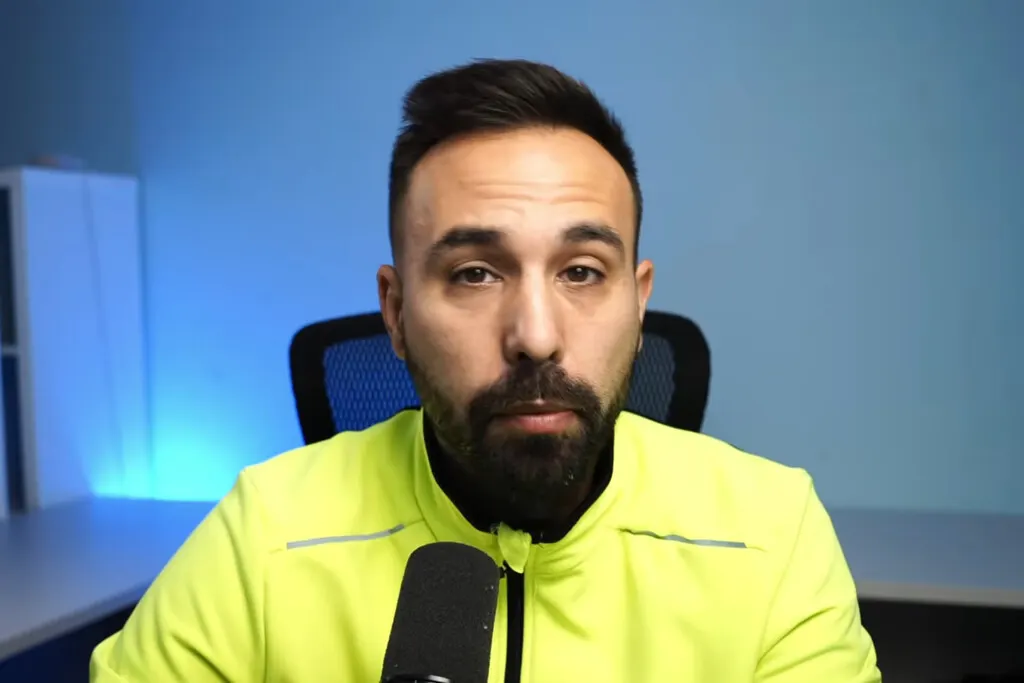
How long does a smart TV last? Usually 7 to 10 years
A smart TV usually lasts seven to 10 years, but panel type, brightness and heat decide a lot. Here is what wears a set out first and how to slow it down.
 SUMO· the number puzzle
 Dialo· learn languages by speaking
 ediviewer· read EDI files like documents
 giftdetect· the right gift in minutes
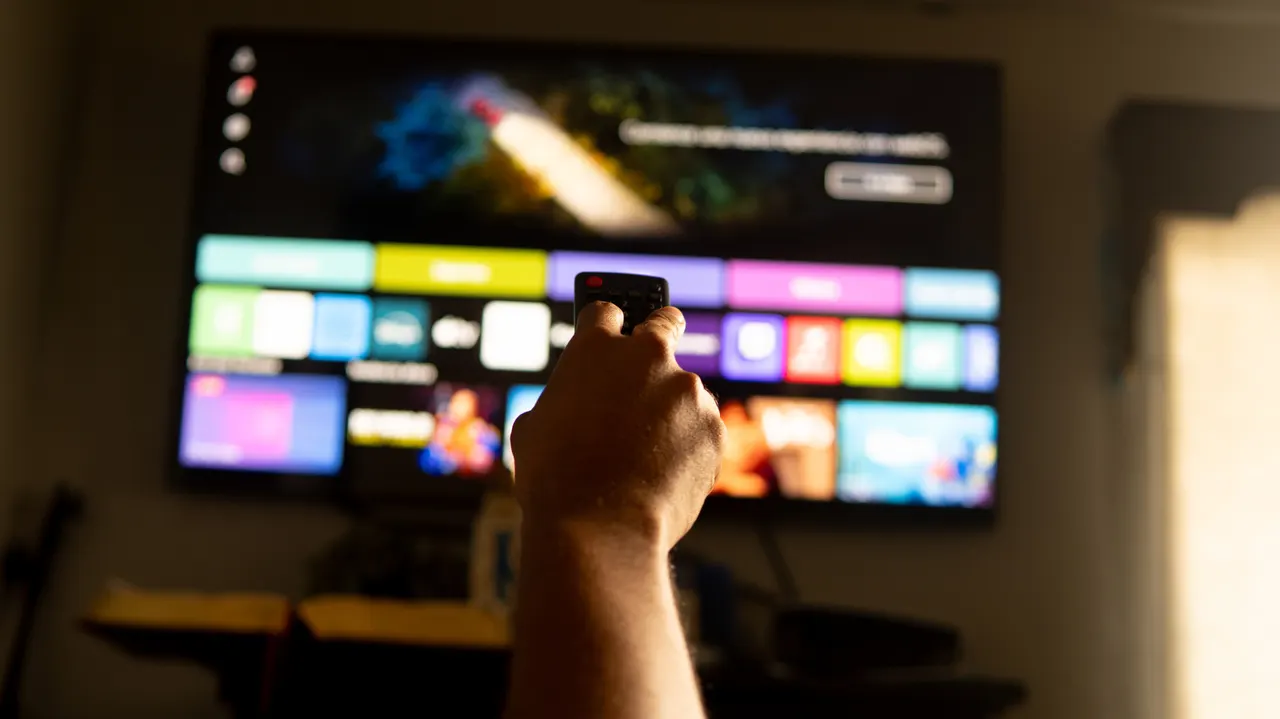
How long does a smart TV last? On average, seven to 10 years. Treat it well and you can stretch that. Leave it on all day at full brightness and you will shorten it.
The panel type matters. A standard LED/LCD TV is rated for 40,000 to 60,000 hours but typically lasts five to seven years, because parts like the power supply or backlight give up first. QLED and mini LED sets are rated for 60,000 to 100,000 hours and tend to last eight to 10 years. OLED is also rated for up to 100,000 hours, with a typical life of eight to 12 years, though it carries the risk of burn-in. MicroLED lasts longest, with over 100,000 rated hours and 11+ years in practice.
Those rated hours measure gradual dimming, meaning how long it takes for brightness to fall below 50 percent of the original. Most TVs die of something else. Heat is a big one, especially on LED/LCD sets, where it gathers around the panel edges and wears out the backlight faster. Maximum brightness does the same. Electrical fluctuations slowly damage the logic board and power supply, and those internal parts often fail before the panel does.
How long do smart TVs get software updates?
Support is part of a TV's life too. Major brands offer four to eight years. Samsung promises seven years on models released since 2024 and some 2023 models, LG offers five, and Hisense offers up to eight years for TVs running VIDAA OS.
How can you make a smart TV last longer?
Keep brightness between 50 and 75 percent, which can extend backlight life by up to 67 percent. Skip the screensaver and standby mode and simply switch the TV off. On an OLED, don't leave a static image up for hours. Use a surge protector, give the set room to breathe instead of wedging it into a tight corner, and install updates when they arrive.
If updates have stopped but the screen is still fine, plug in a streaming box such as an Amazon Fire TV Stick or a Roku.
Apps worth a look
SUMO: the number puzzleTap the right tiles, add them up, hit the target. Easy to learn, hard to master. Free, for all ages.
Dialo: learn languages by speakingTalk to an AI conversation partner; every sentence comes back corrected and explained in your language. 9 languages, A1 to C2.
ediviewer: read EDI files like documentsOpen EDIFACT and X12 messages, see every segment explained, convert to JSON/XML, export PDF and Excel. Runs locally, no upload.
giftdetect: the right gift in minutesPick who it is for, the occasion and their personality. The search engine reads product descriptions from local shops and ranks what fits. Free, no sign-up.
More from this day
See all →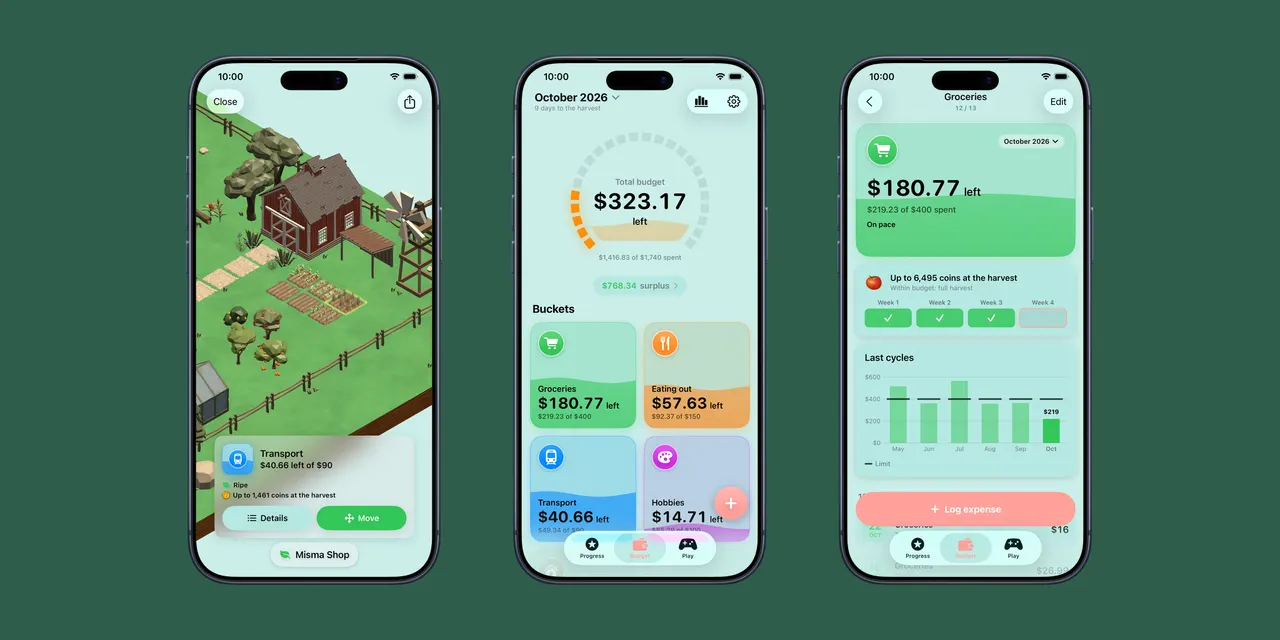
Misma savings app grows a virtual farm as you save, no streaks

Claude "sabotage" claims: Anthropic blames overcaution
Which Android apps use your camera and mic? Check Privacy Dashboard

GTA 6 Xbox Series X crashes: a repair shop reports a surge
More in: Hardware
See all →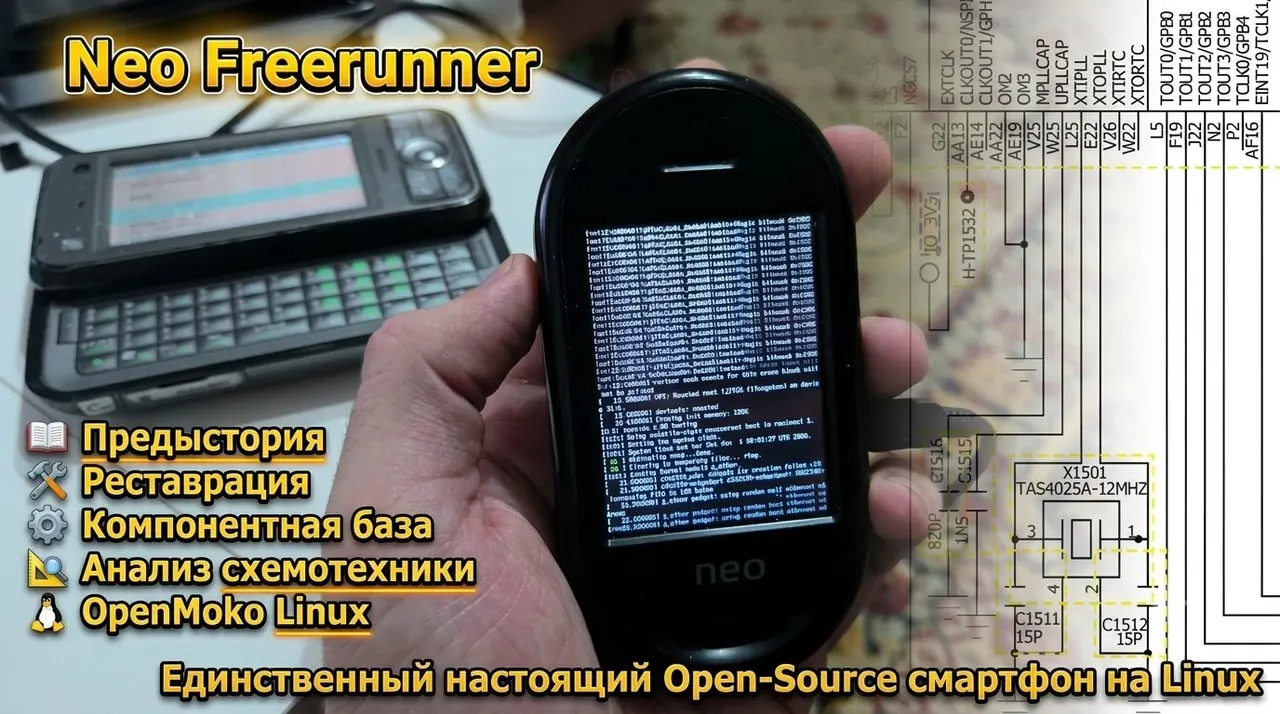
Neo FreeRunner: the open-hardware Linux phone, taken apart
Why your AirTag keeps beeping: the common reasons
Old console browsers: why none can run a modern Chrome