Hey Mac: Free App Unlocks Your Mac With Your Face, No Face ID
Macs still have no Face ID, but a free open-source app called Hey Mac unlocks the screen when you look at the camera. Here is how it works and what to know.
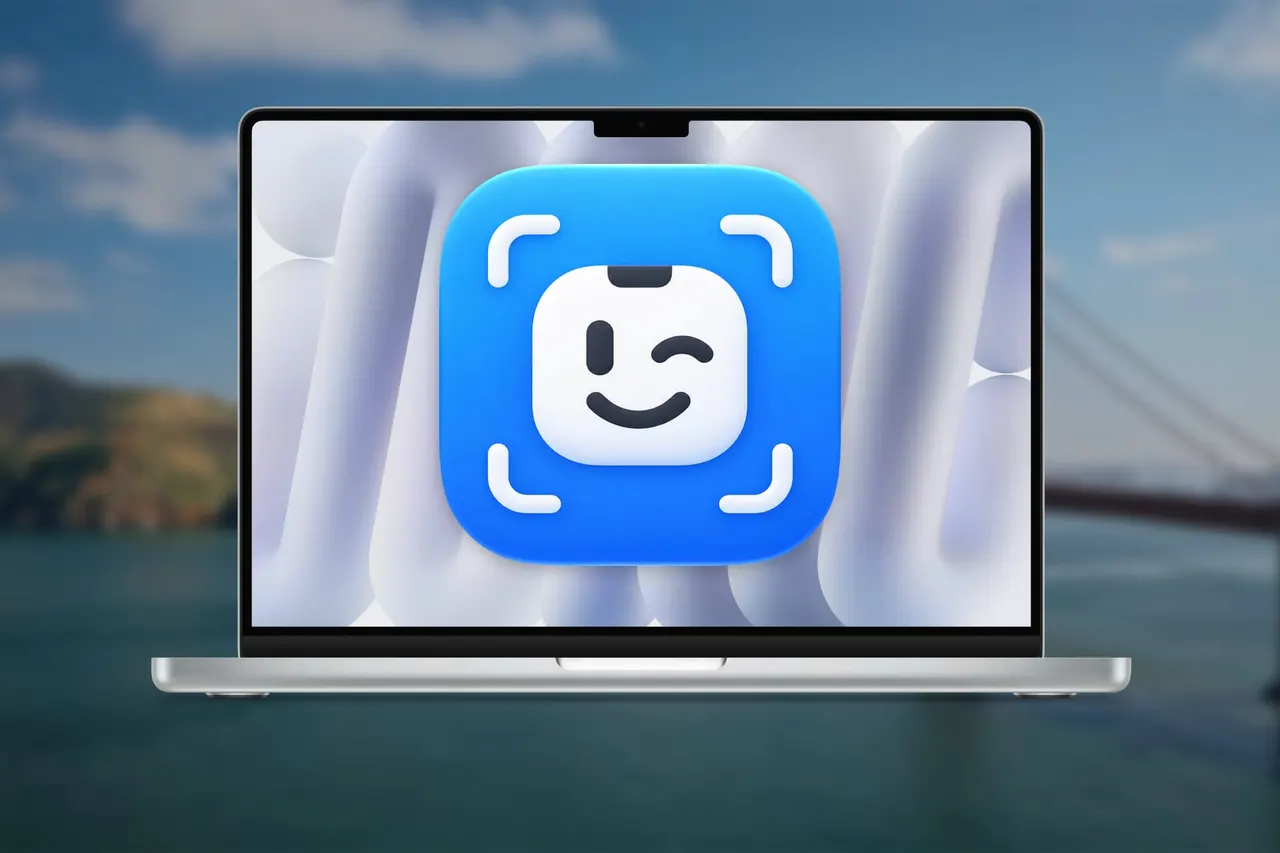
Apple has never put Face ID on the Mac, but a free third-party app now lets you unlock your computer with your face. Hey Mac is open source, works with macOS 14 and later, and can be installed from a downloadable installer or through Homebrew.
The idea is simple: when the Mac is locked, you look at the camera and the screen unlocks. An animation appears in the area at the top of the display where the front camera sits, and you can switch it for a more minimal, less intrusive one. The app can also lock other apps away from prying eyes, so your face becomes one more method alongside your password or Touch ID.
Why Apple has no Face ID on Mac
Rumors about Face ID on Macs surfaced in 2020. In 2021, Tom Boger, then Apple's marketing vice president for iPad and Mac, told The Wall Street Journal that Touch ID was more convenient on a laptop because your hands are already on the keyboard. Other likely factors are cost and design: a 2022 Macworld article explained that the TrueDepth sensor module was too thick for the slim displays of current MacBooks. Nothing rules out a future change if the hardware becomes cheap and small enough.
Today's official options are Touch ID on laptops and on the Magic Keyboard with Touch ID for desktops, or an Apple Watch, which requires Wi-Fi, Bluetooth and the same Apple account on both devices. Unofficial tools such as BLEUnlock unlock the Mac when a paired Bluetooth device is nearby.
Setup and security
Hey Mac needs camera access and permission to store data, and you must give it your user password so it can unlock the Mac for you. On first launch macOS may block it; go to System Settings > Privacy & Security and choose Open Anyway next to Hey Mac.
According to the app's website, facial recognition runs on the Apple Neural Engine, it takes no photos of your face, the data is encrypted and nothing leaves the Mac. Like Face ID, it does not fully replace your password or Touch ID, which remain available if the app fails.
More from this day
See all →
Indian Startups Raise $130.2 Mn in Last Week of October, Down 29%
Google Brings Personal Avatars With Your Face and Voice to Gemini

Anthropic Adds Self-Assessment to Claude to Flag Harmful Chats

Canva Brush: New AI Model Edits Existing Designs by Text Prompt
More in: Software
See all →
Altibase Targets Japan With Altibase v8 at DB Tech Showcase

Windows 11 26H2 Is Out: Light Update, Staggered Rollout

Germany's d-you Wallet: Digital ID Arrives on Phones in 2027