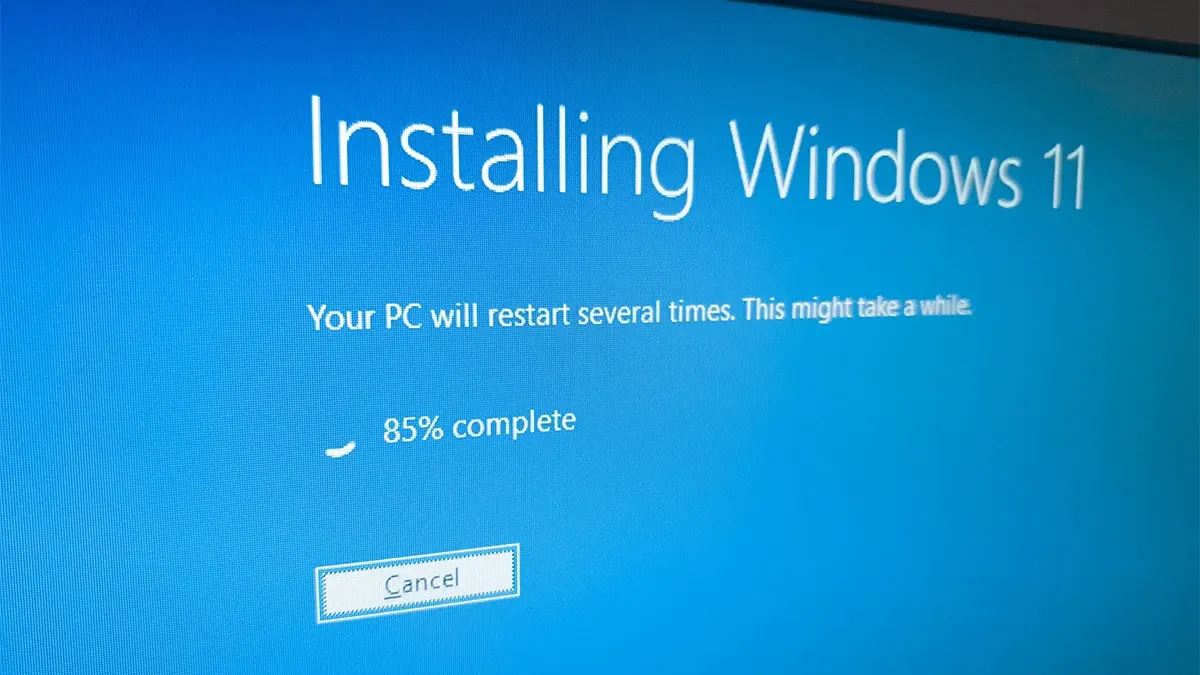
Windows 11 26H2 Is Out: Light Update, Staggered Rollout
Microsoft has released Windows 11 26H2 as a lightweight enablement package. Many of its features already shipped through monthly updates, and the rollout is gradual.

Microsoft has released Windows 11 26H2, the annual update to its operating system, bringing performance improvements, new personalization options and AI-related features. This release has a particular trait, though: many of its new features were already available through the company's monthly updates.
According to Microsoft's official announcement, 26H2 is delivered as an enablement package, a small file that switches on features already present in the system. That means a reduced download and, on most compatible PCs, a single restart without a full installation.
What is included and who gets it
The Start menu, AI tools and personalization options are three of the improvements that were already in place. Some features depend on the PC's hardware or on a progressive rollout, so moving to 26H2 does not guarantee that everything appears right away.
For now, the update is available to devices compatible with Windows 11 24H2 and 25H2. Microsoft has confirmed it is distributing it in stages. To check whether it is available to you, open Settings > Windows Update > Check for updates. You can also turn on the option to receive the latest updates as soon as they are released.
How to wait before installing
Users who want to see whether compatibility problems surface first can delay updates temporarily. Microsoft's support guide explains that you can set a resume date up to 35 days ahead:
- Open Start, then Settings.
- Find the Pause updates option.
- Pick a resume date, up to 35 days, or use the duration menu available in your version.
- Confirm that Windows Update shows updates as paused.
Once the date arrives, Windows will check for and install pending updates again. Delaying can help avoid early glitches, but it also postpones security fixes, so it is worth checking the status of Windows 11 26H2 periodically rather than putting the installation off indefinitely.
More from this day
See all →
Pilot-wave theory survives a new test on quantum tunneling
France's Gigabyte Tax Passes Assembly by One Vote, Targets Streaming

French Armed Forces' AI Agency Amiad Details Mistral Deal and Plans