Phone handset icon with Wi-Fi in the status bar: what it means
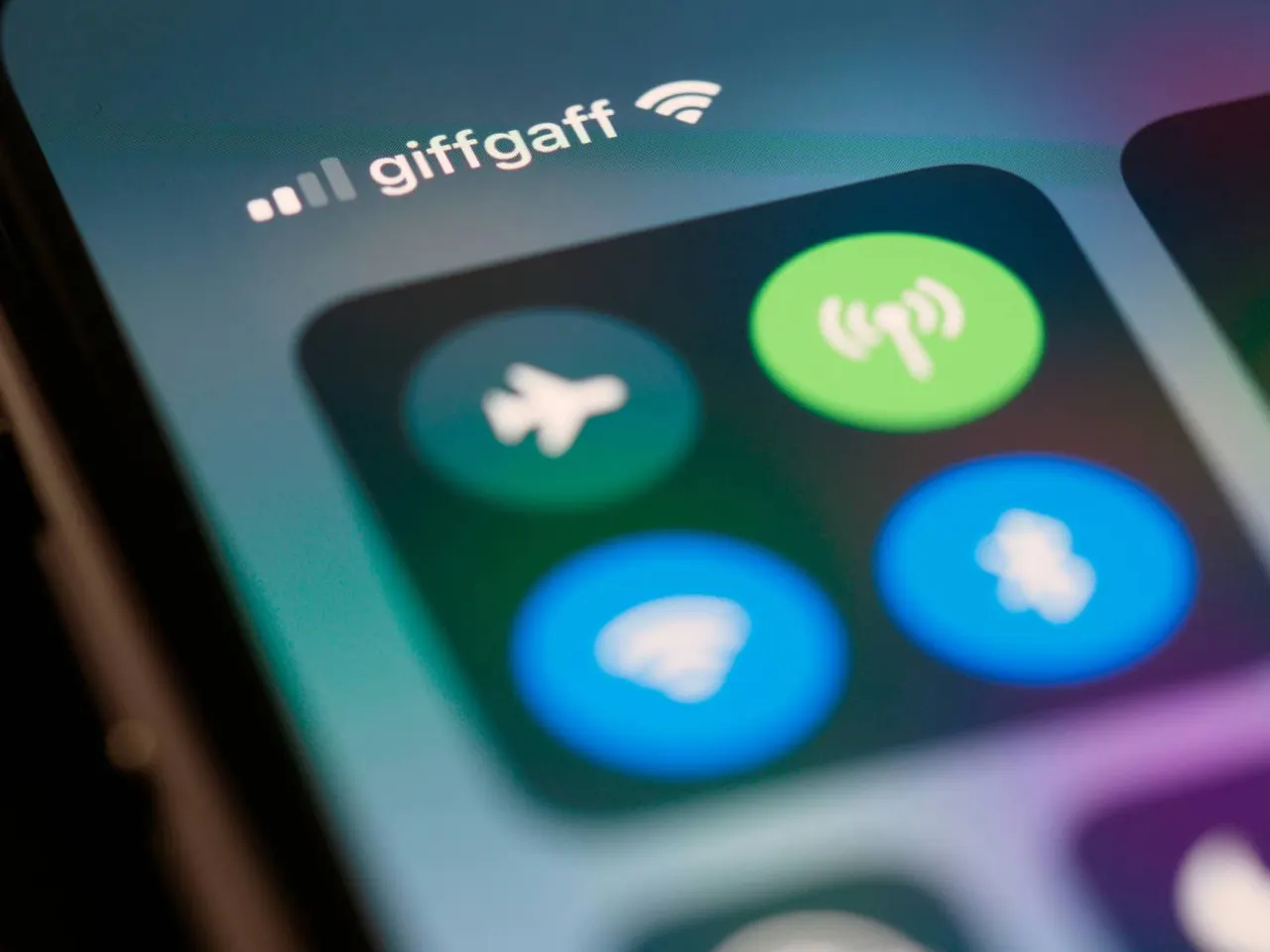
A small handset with a Wi-Fi symbol sits in your phone's top bar, and most people never ask what it is. It points to Wi-Fi calling, and it can be worth switching on.
 SUMO· the number puzzle
 Dialo· learn languages by speaking
 ediviewer· read EDI files like documents
 giftdetect· the right gift in minutes
Take a look at the top of your phone screen. If you spot a tiny handset with a Wi-Fi symbol, it is not a glitch and not a leftover from an update. It is a status icon, and it is worth knowing what it does.
The symbol is usually tied to Wi-Fi calling: your phone makes and receives calls over a wireless network instead of relying only on the mobile network. Seeing it means the feature is active at that moment.
What does the handset with Wi-Fi icon mean?
In short, your call is going through Wi-Fi. The idea is simple. Wherever mobile coverage is poor but a home or office network works fine, the phone can use the network it has. Think basements, thick-walled buildings or a flat at the far end of a block.
When is it worth turning on?
Mainly when your cell signal keeps dropping indoors. If calls stutter at home or you have to walk to a window to talk, this is the first setting to try.
The option normally lives in the phone's settings, in the section for mobile network or calls. Exact names differ between Android makers and iPhone, and support depends on your carrier and handset, so check the menu on your own device. If the option is missing, your operator may not offer it yet.
It is a small thing, but it explains an icon many people have seen for years without a clue what it was for.
Apps worth a look
SUMO: the number puzzleTap the right tiles, add them up, hit the target. Easy to learn, hard to master. Free, for all ages.
Dialo: learn languages by speakingTalk to an AI conversation partner; every sentence comes back corrected and explained in your language. 9 languages, A1 to C2.
ediviewer: read EDI files like documentsOpen EDIFACT and X12 messages, see every segment explained, convert to JSON/XML, export PDF and Excel. Runs locally, no upload.
giftdetect: the right gift in minutesPick who it is for, the occasion and their personality. The search engine reads product descriptions from local shops and ranks what fits. Free, no sign-up.
More from this day
See all →
Can you still refuse a Linky meter? What the EU ruling means

New peanut worm species found in Japan's deep sea has saw-toothed hooks

TikTok's For You feed breaks EU rules, Commission says
United Airlines bans outside AI agents from booking flights
More in: Mobile
See all →
iPhone Duo returns: 30% of early buyers sent it back, poll says
Android Auto Gemini Intelligence arrives first on Pixel phones only
WhatsApp tests a Contacts tab on iPhone, replacing Communities