Coin on a Wi-Fi router: the viral trick to boost your signal
A new social media tip says a coin placed on your Wi-Fi router can extend its range and fix slow connections. It sounds too simple, so does it work?
 SUMO· the number puzzle
 Dialo· learn languages by speaking
 ediviewer· read EDI files like documents
 giftdetect· the right gift in minutes
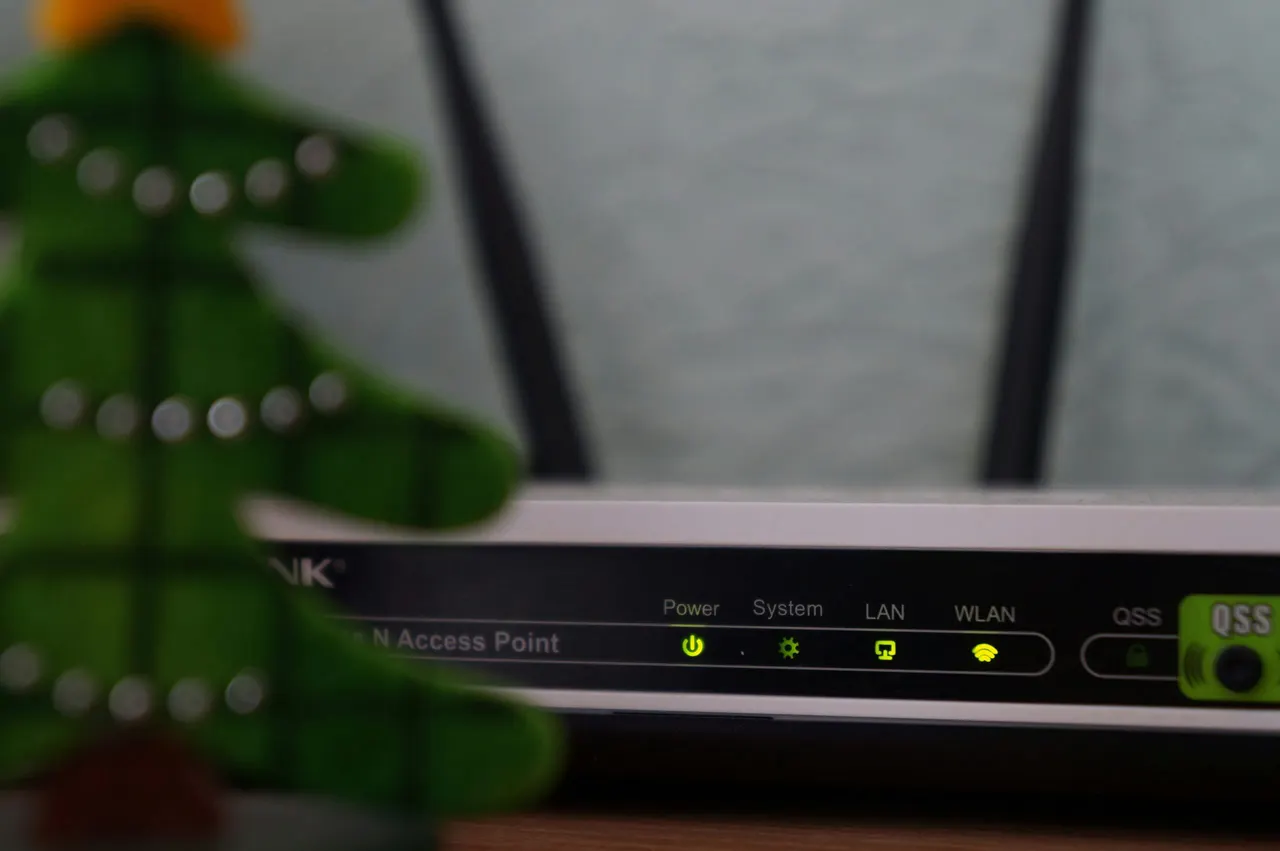
Put a coin on your Wi-Fi router and your internet gets better. That is the latest tip going around social media, and it costs you exactly one coin.
People pushing the trick say a metal object sitting on the router can increase the range of the network and cut down on slow connections. It joins a long list of home-internet hacks that keep resurfacing in feeds, each promising a quick fix with no new gear and no call to your provider.
Does a coin on a Wi-Fi router really work?
That is the question behind the trend, and the claim deserves some suspicion. The promise is big (more range, fewer slowdowns) and the method is tiny. Supporters offer the idea, but a viral post is not a measurement, and nothing in the claims amounts to a test of speed or coverage.
If you want to try it, the sensible way is to check before and after. Run a speed test in the room where the connection is worst, place the coin, and run it again. Do it a few times, since Wi-Fi speeds jump around on their own from minute to minute.
What to do if your Wi-Fi is slow
A coin will not hurt anything, but it is also unlikely to be the only thing between you and a decent connection. If the problem persists, the usual suspects are worth checking first: where the router sits in your home, how far you are from it, and what your provider is delivering.
So the trick is harmless to try. Just treat it as an experiment, not a repair.
Apps worth a look
SUMO: the number puzzleTap the right tiles, add them up, hit the target. Easy to learn, hard to master. Free, for all ages.
Dialo: learn languages by speakingTalk to an AI conversation partner; every sentence comes back corrected and explained in your language. 9 languages, A1 to C2.
ediviewer: read EDI files like documentsOpen EDIFACT and X12 messages, see every segment explained, convert to JSON/XML, export PDF and Excel. Runs locally, no upload.
giftdetect: the right gift in minutesPick who it is for, the occasion and their personality. The search engine reads product descriptions from local shops and ranks what fits. Free, no sign-up.
More from this day
See all →
R3NEGADE: US Army robot drives out of a container, launches 18 drones

Paris is removing nearly 2,000 white direction signs because of GPS

FIFA cyberattack: hackers claim 12 GB, but not Infantino's deal