Carlink turns an old Android phone into a CarPlay screen
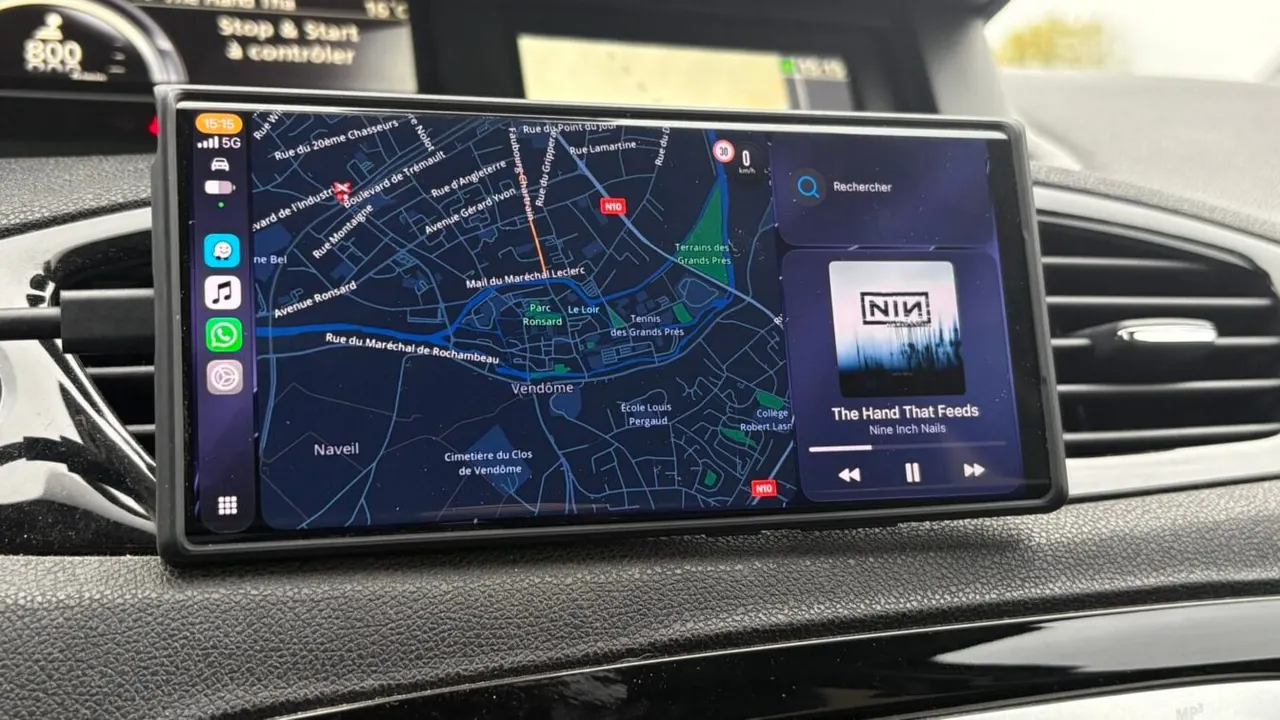
A free app called Carlink lets a spare Android phone or tablet act as a CarPlay or Android Auto display, handy if your car is over ten years old.
 SUMO· the number puzzle
 Dialo· learn languages by speaking
 ediviewer· read EDI files like documents
 giftdetect· the right gift in minutes
That dusty Android phone in your drawer could become the dashboard screen your older car never had. Carlink, a free app, turns a spare Android phone or tablet into a wireless CarPlay or Android Auto display.
What is Carlink?
Carlink was made by independent developer Ayush Soni, who was apparently helped by Claude. It is distributed as an APK file, not through the Play Store. It bundles two open source projects, DiPlay for CarPlay and DiAuto for Android Auto, into one app.
The spare device needs Android 7.1 or later and an ARM processor. By default it connects wirelessly over Wi-Fi Direct to your everyday phone, recognises it and launches CarPlay or Android Auto on its own.
Why bother? Cars more than ten years old usually lack these interfaces, so people prop a phone on a mount and juggle apps. Add-on screens exist, but unless you spend a lot, the interface is often laggy.
How to set up Carlink
Install the APK on the spare device. Google Play Protect may block it. If so, open the Play Store, tap your avatar, go to Play Protect, open settings and turn off "Scan apps with Play Protect", then choose Suspend. It switches back on automatically the next day.
Pair your iPhone or Android phone with the spare device over Bluetooth first. Then open Carlink, tap Start, and tap Allow all to grant the permissions it asks for: Bluetooth, location, microphone, display over other apps, USB access for wired use, and background running. Picking your car brand is optional. Allow Bluetooth visibility for 300 seconds, then choose Connect next to your phone in the list.
Put the phone in landscape mode before connecting, so you land on the right interface without reconnecting. A floating button returns you to Carlink Home. In Settings, enable Show advanced to reach the Display menu, where some options improve smoothness.
Is it safe to rely on?
Not entirely. For CarPlay, the developer says Carlink is not certified by Apple and uses an experimental accessory identifier. A future iOS update could therefore break it, and support is not guaranteed.
Apps worth a look
SUMO: the number puzzleTap the right tiles, add them up, hit the target. Easy to learn, hard to master. Free, for all ages.
Dialo: learn languages by speakingTalk to an AI conversation partner; every sentence comes back corrected and explained in your language. 9 languages, A1 to C2.
ediviewer: read EDI files like documentsOpen EDIFACT and X12 messages, see every segment explained, convert to JSON/XML, export PDF and Excel. Runs locally, no upload.
giftdetect: the right gift in minutesPick who it is for, the occasion and their personality. The search engine reads product descriptions from local shops and ranks what fits. Free, no sign-up.
More from this day
See all →
Comet 220P/McNaught suddenly got 1,000 times brighter. Here's why

Coral Hart used AI to write 370 books in 20 months
WhatsApp Zaps: self-deleting photos and videos for any chat
Green SM taxis: Karnataka halts new registrations, eyes mandatory meters
More in: Software
See all →
Siri AI daily limits: Apple tests caps tied to iCloud Plus
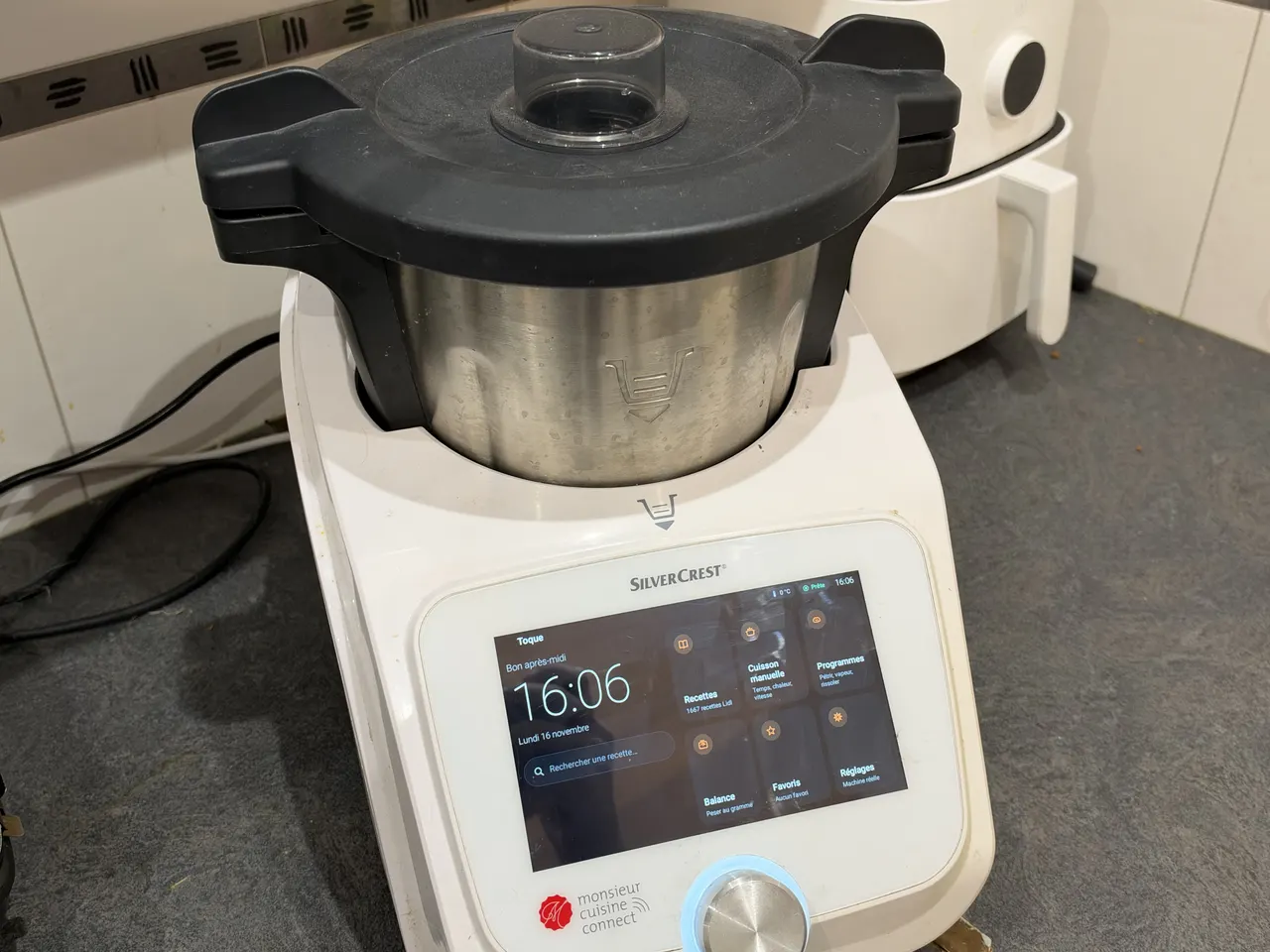
Toque for Lidl Monsieur Cuisine Connect makes the slow robot fast
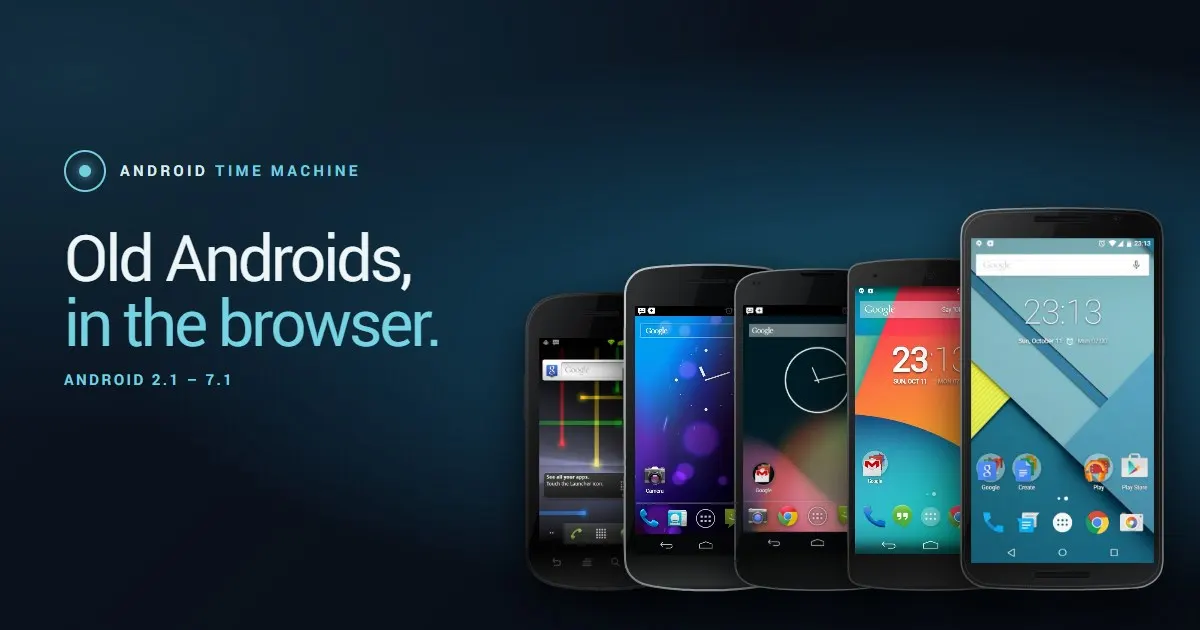
Android Time Machine lets you run Android 2.1 to 7.1 in a browser