Build iOS and macOS apps on Windows without a Mac, using WSL2
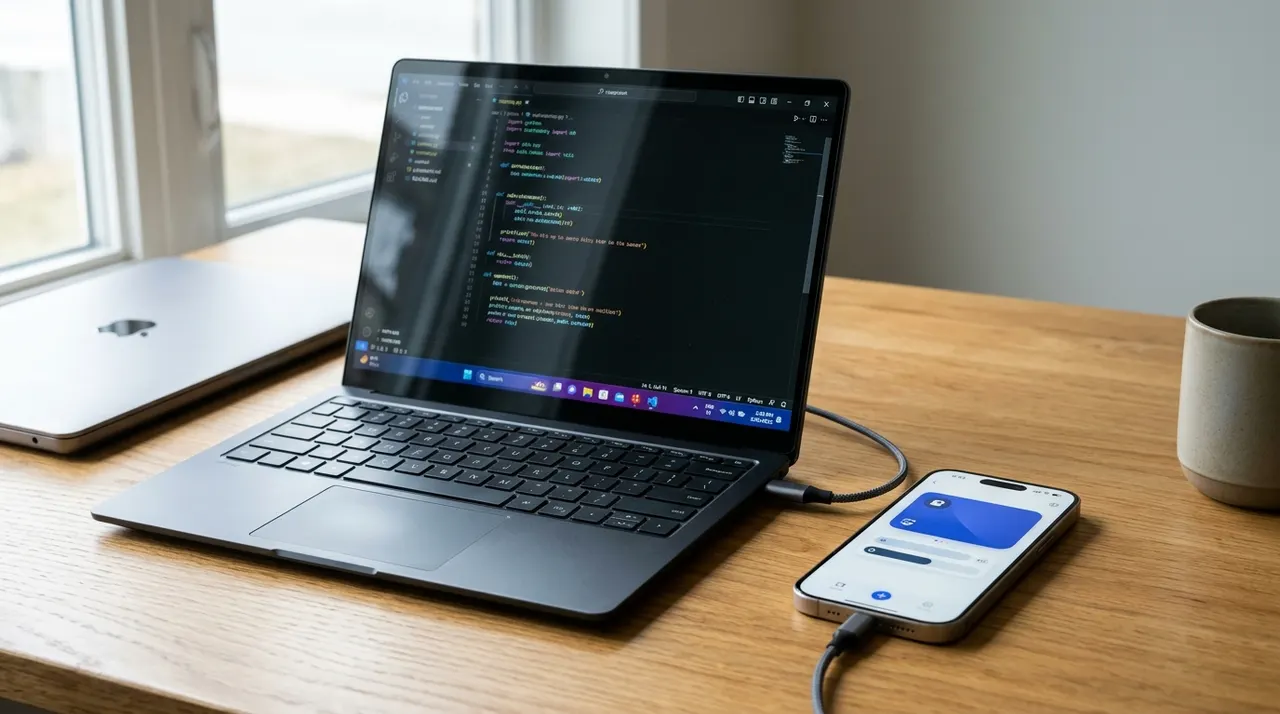
A developer got native SwiftUI apps compiling into an iOS .ipa and a macOS .app on Windows 11 in about 28 seconds, with no Mac and no Xcode window.
 SUMO· the number puzzle
 Dialo· learn languages by speaking
 ediviewer· read EDI files like documents
 giftdetect· the right gift in minutes
You can build a native iPhone app on a Windows PC without owning a Mac. One developer did it on Windows 11 using WSL2, Swift 6.4.1 and a tool called xtool, and a small SwiftUI test app compiled and packed into an .ipa in 28.3 seconds.
The limits come first. This covers cross-compiling, linking Mach-O binaries (Apple's executable format) and packaging .ipa and .app bundles. It does not run the iOS Simulator, test the interface on a real macOS, pass Gatekeeper or sign a release with a Developer ID certificate.
How to build an iOS .ipa on Windows
The setup is an isolated WSL2 Ubuntu 22.04 environment in /opt/macless-build, with Swift 6.4.1, xtool 1.24.0 and the official Xcode_27.1.xip, which you download yourself from your Apple Developer account. A thin Python wrapper called macless-build ties it together. No Apple binaries sit in the public repository.
One trap: running xtool new inside a script makes it open an Apple Account login wizard and hang on a closed stdin. A documented flag switches that off.
The first real build of a SwiftUI screen with a title and a counter button took 24.80 seconds to compile, 28.3 in total. The HelloWindows.ipa weighs 125,215 bytes and holds an arm64 executable targeting iOS 17.0. It is unsigned, on purpose, so the build never touches an Apple account unasked.
Can you build a macOS .app on Windows too?
Yes. While reading xtool's source, the author found that unpacking Xcode.xip also installs a macOS SDK, MacOSX27.0.sdk, with arm64 and x86_64 targets. So Swift on Linux can build macOS SwiftUI projects through SwiftPM directly.
Five snags followed. The target triple must be exactly arm64-apple-macosx or x86_64-apple-macosx, with the minimum OS set in Package.swift. The new swiftbuild engine crashed, so the build needs --build-system native, which SwiftPM already flags as deprecated. The LLD linker prints a warning, which the author left visible. Zipping a .app on Windows strips the executable permission, so the packager writes explicit Unix attributes into the ZIP.
Two details are easy to misread. The binary records SDK 14.0 even though it compiled against the 27.0 SDK. And the code signature on the ARM64 build is only an ad-hoc one added by the linker, not a Developer ID certificate.
Apps worth a look
SUMO: the number puzzleTap the right tiles, add them up, hit the target. Easy to learn, hard to master. Free, for all ages.
Dialo: learn languages by speakingTalk to an AI conversation partner; every sentence comes back corrected and explained in your language. 9 languages, A1 to C2.
ediviewer: read EDI files like documentsOpen EDIFACT and X12 messages, see every segment explained, convert to JSON/XML, export PDF and Excel. Runs locally, no upload.
giftdetect: the right gift in minutesPick who it is for, the occasion and their personality. The search engine reads product descriptions from local shops and ranks what fits. Free, no sign-up.
More from this day
See all →
Old console browsers: why none can run a modern Chrome

Home battery without solar panels: buy power at 3 cents, use it at 20

Gemini for Mac can now run your computer, and Google is in a hurry
Europa Clipper flies past Earth on 3 December to gain speed
More in: Software
See all →
MacBook Globe key: what it does besides emoji and window tiling
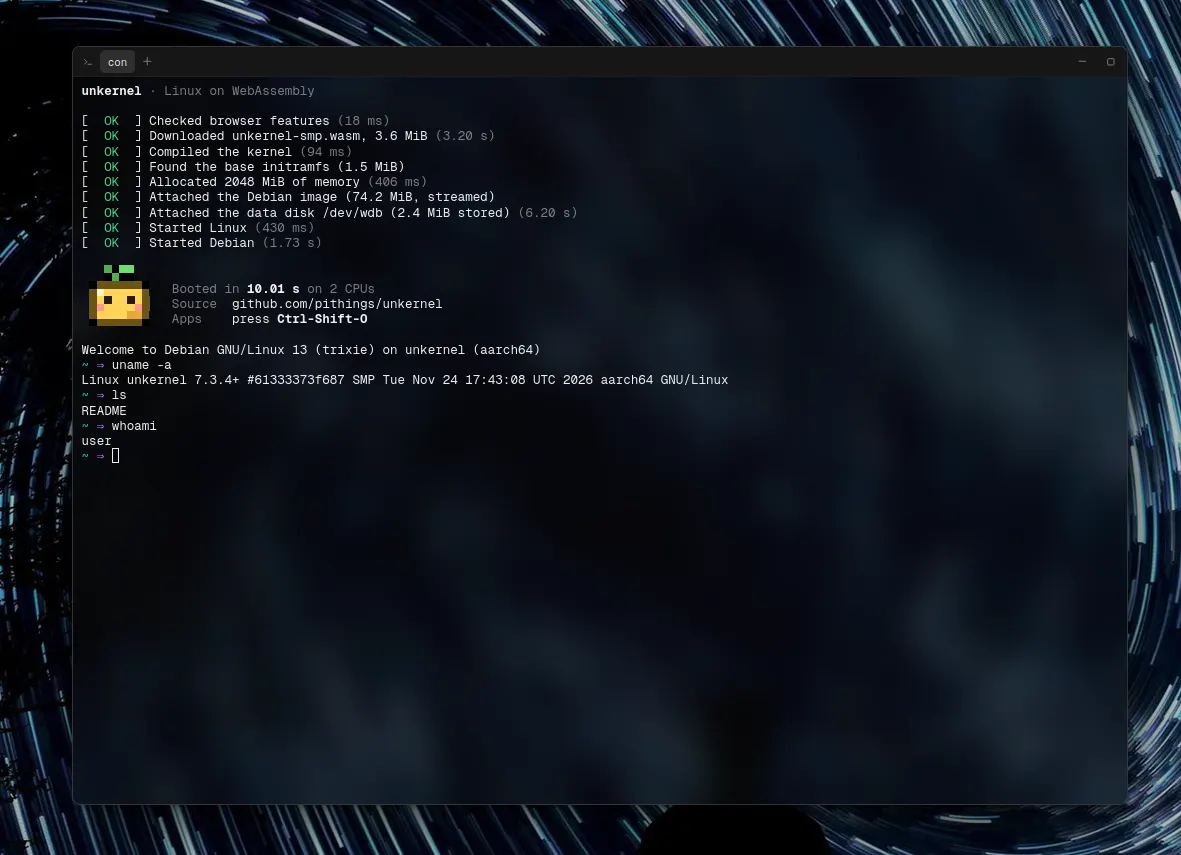
unkernel runs a real Linux 7.3 kernel in your browser tab
Free Microsoft app for tidying up Windows 11 is a hidden gem