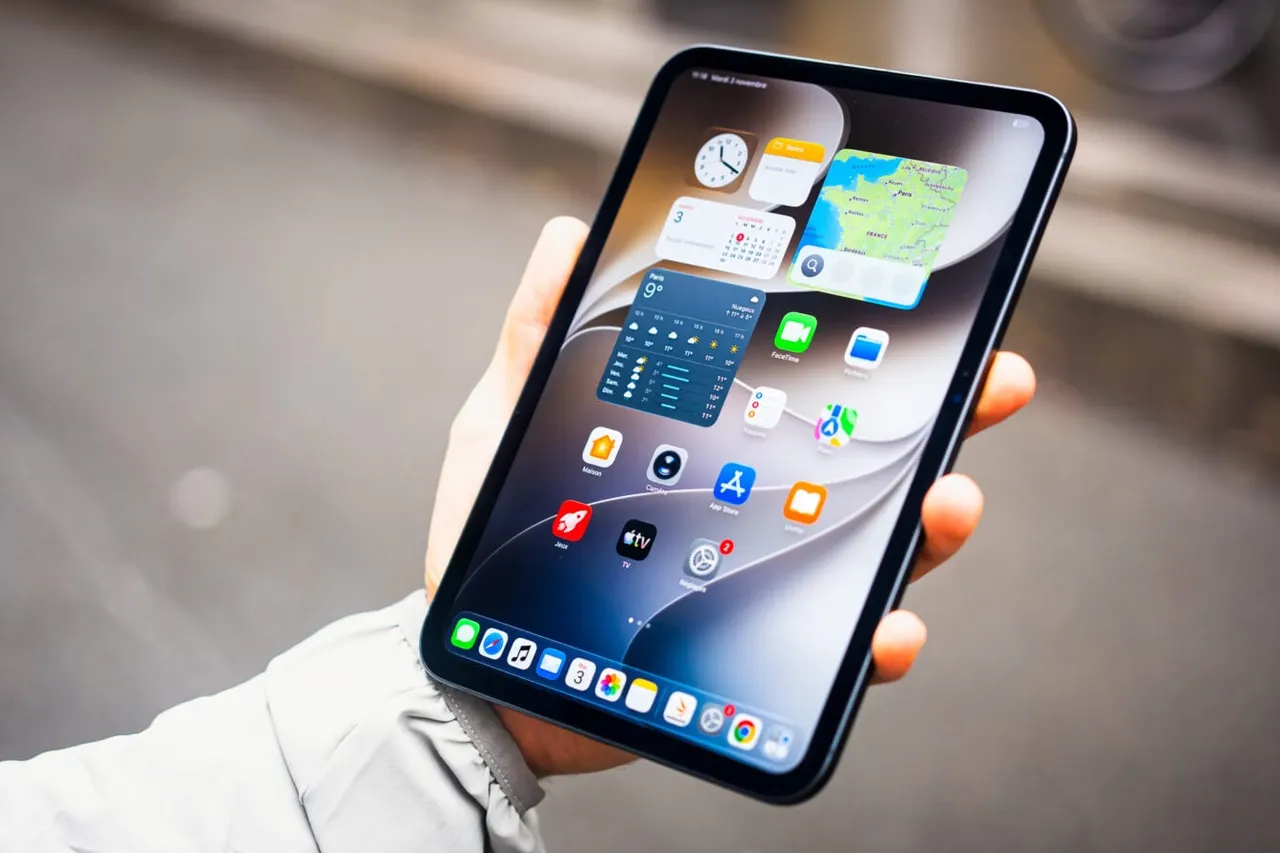
BlanchTouch Turns Walls and Desks Into Touch Surfaces for AR
Tohoku University researchers built BlanchTouch, an AI system that lets AR and mixed reality headsets detect touch on ordinary walls and desks without sensors.
 SUMO· the number puzzle
 Dialo· learn languages by speaking
 ediviewer· read EDI files like documents
 giftdetect· the right gift in minutes
Researchers at Japan's Tohoku University have developed BlanchTouch, a technology that turns ordinary surfaces such as walls, desks and partitions into touch-sensitive areas. It needs no sensors or extra hardware on the surface itself. Instead, it relies on artificial intelligence and the cameras already built into augmented reality (AR) and mixed reality headsets.
The system exploits a natural effect: when a fingertip presses on a hard surface, the skin briefly turns whiter because blood flow in the area changes. An AI model analyzes camera images of the hand to spot this change and registers the moment of contact as a control input.
How it works
The headset camera captures the hand and fingertips as the user interacts with their surroundings. The AI model detects the colour change, a hand-tracking system works out where the finger sits on the surface, and the movement becomes a digital command for virtual buttons and menus. The method needs no markers or special sensors on the wall or desk, and no calibration of each surface beforehand.
The work targets common problems with AR and mixed reality controls. Typical input means waving hands in the air or using separate controllers, and holding arms up for long periods is tiring. Mid-air gestures also lack the physical feedback of touching a real surface. With BlanchTouch, users can rest their fingers on a desk or wall while working with a virtual interface.
Test results
The researchers tested the system on a range of surfaces and materials and found it detected finger contact with consistent accuracy. Participants were able to complete interaction tasks on ordinary surfaces. According to the paper, presented at the IEEE Conference on Virtual Reality and 3D User Interfaces in 2026, the average error in locating a touch was 5.33 millimetres, with a recall rate of 97.88%.
The technique could be useful in offices, classrooms and workplaces, where nearby surfaces could operate virtual keyboards and menus and reduce reliance on conventional controllers. It does not mean any ordinary screen will become a touchscreen after installing an app: for now, it requires an AR or mixed reality headset with hand-tracking cameras.
Apps worth a look
SUMO: the number puzzleTap the right tiles, add them up, hit the target. Easy to learn, hard to master. Free, for all ages.
Dialo: learn languages by speakingTalk to an AI conversation partner; every sentence comes back corrected and explained in your language. 9 languages, A1 to C2.
ediviewer: read EDI files like documentsOpen EDIFACT and X12 messages, see every segment explained, convert to JSON/XML, export PDF and Excel. Runs locally, no upload.
giftdetect: the right gift in minutesPick who it is for, the occasion and their personality. The search engine reads product descriptions from local shops and ranks what fits. Free, no sign-up.
More from this day
See all →
GOG GALAXY Is Coming Natively to Linux After 18 Years
Claude Code accused of leaking users' email addresses to websites

Alta Ares wins six NATO counter-drone lots in first big deal

NCBR Sets Aside PLN 25 Million for International AI R&D Projects
More in: Hardware
See all →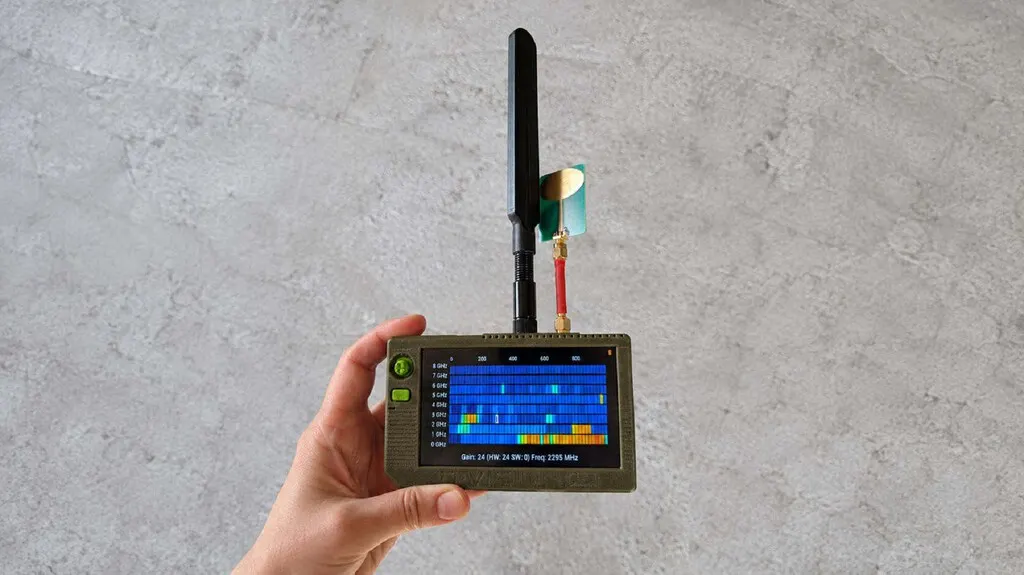
D-Vision SDR: Ukrainian Pocket Receiver Shows Russian Drone Feeds

FritzOS 8.50 and 8.51 roll out to more Fritzbox routers
Bluetooth HDT Quadruples LE Speeds to 7.5 Mbps for Better Audio