Apple Watch Taptic Time tells you the time by vibration
Your Apple Watch can tap out the time on your wrist, no glance needed. Taptic Time has three modes, and one of them speaks Morse Code.
 SUMO· the number puzzle
 Dialo· learn languages by speaking
 ediviewer· read EDI files like documents
 giftdetect· the right gift in minutes
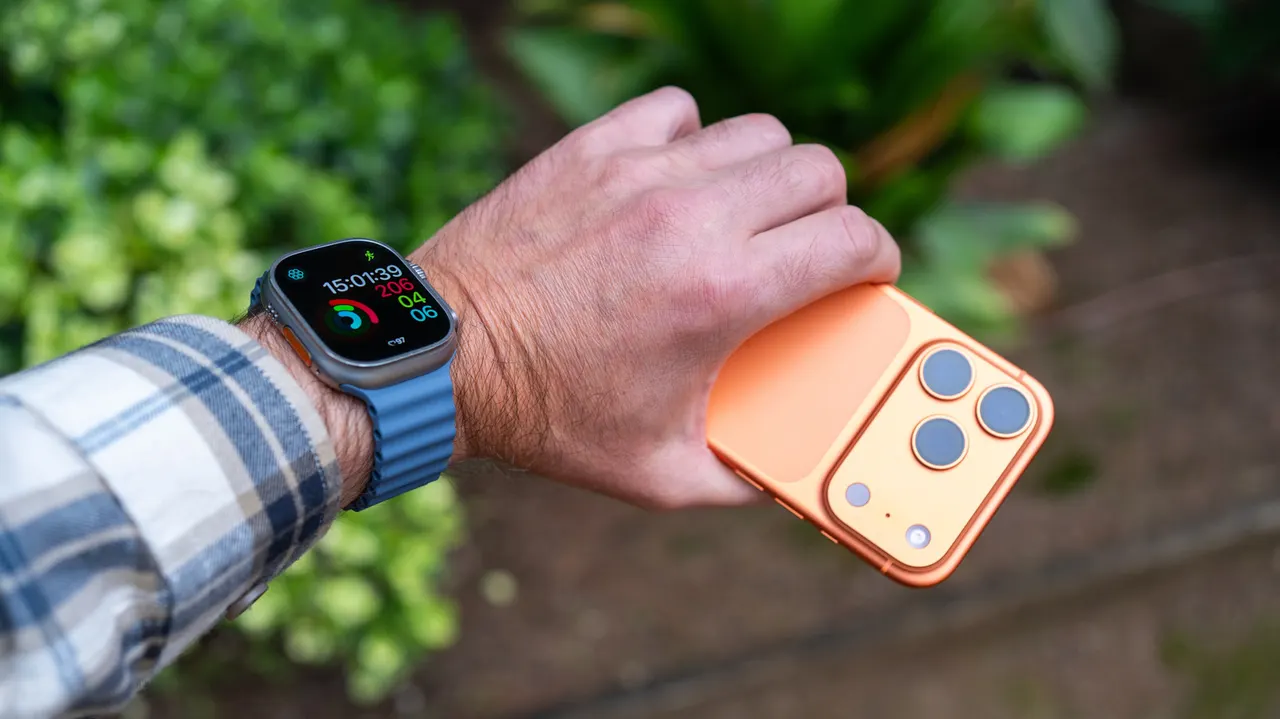
Your Apple Watch can tell you the time without you ever looking at it. The feature is called Taptic Time, and it uses the watch's vibration motor, the Taptic Engine, to tap the hour and minute onto your wrist.
It sounds like a gimmick, but for some people a visual check just isn't an option. Others simply want to know the time while their eyes are busy elsewhere.
How to turn on Taptic Time on Apple Watch
Open the Settings app on the watch, choose Clock, then Taptic Time, and switch it on. You then pick one of three modes: Digits, Terse or Morse Code.
Digits is the clearest. Long taps stand for tens, short taps for ones, applied to both hours and minutes. So 10:09 is one long tap, a pause, then nine short taps.
Terse is vaguer. A long tap means five hours since midnight, short taps add single hours, then long taps mark quarter-hour steps. It's learnable, but you're only getting the time to within 15 minutes, which is a problem if you're trying to catch a ride to the airport.
Morse Code is there too. Unless you're a 19th-century telegraph operator, you'll probably skip it.
If VoiceOver is on, you can also trigger Taptic Time by double-tapping the watch face while the screen is inactive. One catch: it won't work at all if your watch is set to always speak the time. The fix is to go to Settings > Clock and turn on Control With Silent Mode under Speak Time.
Who should use Taptic Time?
Most people shouldn't. A wrist that buzzes every 15 minutes gets old fast, and decoding patterns is more work than looking down. Recent Apple Watches also have motors strong enough to startle you even when you expect the buzz.
The main audience is people with visual impairments. With the right accessibility options on, the watch still offers fitness tracking, music control and smart home control without reaching for an iPhone.
If your eyesight is fine, Terse is the least intrusive way to stay aware of time. It can also suit jobs or hobbies where checking your wrist is awkward. The author, for one, rides an electric unicycle and sometimes needs full attention on the pavement.
Apps worth a look
SUMO: the number puzzleTap the right tiles, add them up, hit the target. Easy to learn, hard to master. Free, for all ages.
Dialo: learn languages by speakingTalk to an AI conversation partner; every sentence comes back corrected and explained in your language. 9 languages, A1 to C2.
ediviewer: read EDI files like documentsOpen EDIFACT and X12 messages, see every segment explained, convert to JSON/XML, export PDF and Excel. Runs locally, no upload.
giftdetect: the right gift in minutesPick who it is for, the occasion and their personality. The search engine reads product descriptions from local shops and ranks what fits. Free, no sign-up.
More from this day
See all →
SpaceX Starmind: FCC OKs up to 1 million data-center satellites

AI in physics: TheoPhysEval was maxed out before release

NovaTech founders ordered to pay $1.3 billion over crypto fraud