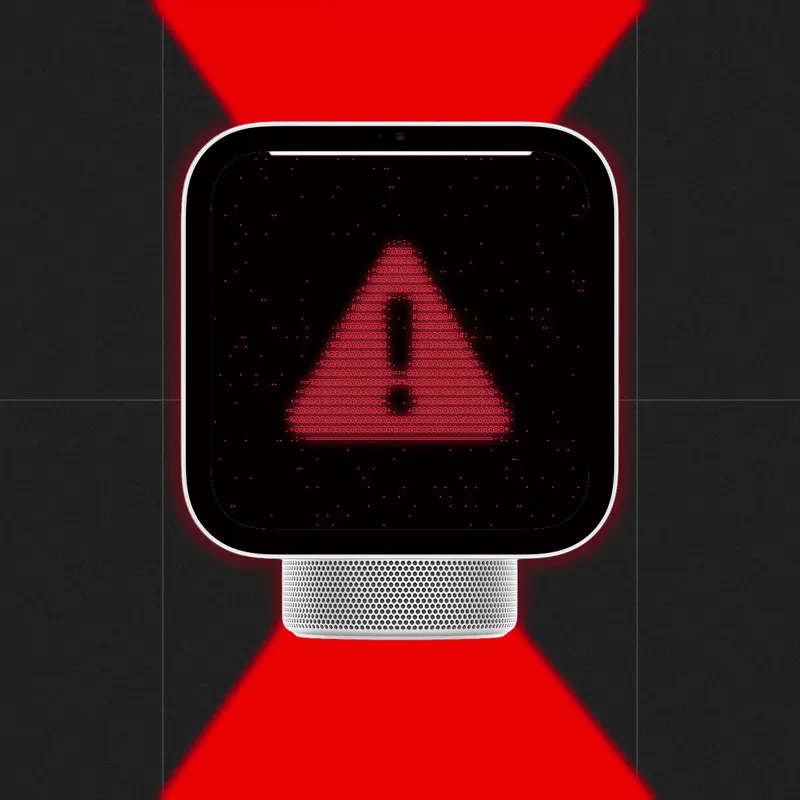
Apple HomeView skips Face ID and recognizes you another way
Apple's HomeView, a countertop smart home device, won't use Face ID to tell users apart. It relies on new person recognition built on the Secure Exclave.
 SUMO· the number puzzle
 Dialo· learn languages by speaking
 ediviewer· read EDI files like documents
 giftdetect· the right gift in minutes
Apple's HomeView launches on Friday, and it doesn't use Face ID to work out who is standing in your kitchen. That's unusual for a company whose face unlock has a long, solid track record.
HomeView is a smart home device you can think of as an iPhone and Apple Watch hybrid sitting on the counter. It can be set up for up to six people, each linked to their own iCloud account. Using ambient face and voice data, it switches between users and keeps their data apart. Ask it about your schedule or a movie a friend texted you, and it answers. Ask about your roommate's travel plans or her messages from last night, and it won't.
How does HomeView recognize people without Face ID?
It uses new "person recognition" technology built on the Secure Exclave, Apple's recently announced architecture for protecting sensor data. Face ID stores biometric data on the Secure Enclave, a physically isolated chip introduced in 2013 with the iPhone 5s. Apple decided that didn't fit here. HomeView has to hop quickly between people, and it relies on AI processing that can't all fit inside the Secure Enclave.
The Secure Exclave isn't a separate chip. It's a dedicated, memory-protected space inside recent Apple processors. Apple says early versions were already in the iPhone 16 and 17 and the MacBook Neo, and it now appears in the S11 chip for Apple Watch Series 12 and Ultra 4 and the A20 Pro in the iPhone 18 Pro and iPhone Duo. In a blog post on Thursday, Apple said it used formal verification, a mathematical technique, to vet the Secure Exclave's microkernel.
Is it as secure as Face ID?
Not necessarily. HomeView's person recognition is simply less comprehensive than Face ID, and it may be more open to reconstructed 3D depth map attacks and possibly voiceprint attacks. Apple adds other checks: like an Apple Watch, HomeView confirms that your iPhone or iPad is on the same Wi-Fi network and was recently unlocked with Face ID or a PIN.
The Secure Exclave also controls the indicator light that shows when the camera or microphone is on, which makes that light harder for an attacker to switch off.
You can skip the personal features. Guest mode is available, as is a lighter "personalized" mode that covers things like playlists but doesn't touch calendar or Messages data. The design also hints at how Apple plans to build more AI into its products.
Apps worth a look
SUMO: the number puzzleTap the right tiles, add them up, hit the target. Easy to learn, hard to master. Free, for all ages.
Dialo: learn languages by speakingTalk to an AI conversation partner; every sentence comes back corrected and explained in your language. 9 languages, A1 to C2.
ediviewer: read EDI files like documentsOpen EDIFACT and X12 messages, see every segment explained, convert to JSON/XML, export PDF and Excel. Runs locally, no upload.
giftdetect: the right gift in minutesPick who it is for, the occasion and their personality. The search engine reads product descriptions from local shops and ranks what fits. Free, no sign-up.
More from this day
See all →



More in: Hardware
See all →
EchoMotion turns a Galaxy Watch into a full-body motion tracker
Ring Drone Cam won't get manual controls after on-air crashes
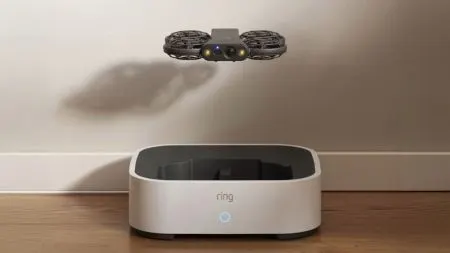
Ring Robotics: Ring's new autonomous camera drone watches homes