Android sideloading gets harder from January 2027: what changes
Installing apps from outside the Play Store on Android will need extra steps, including a device check and a restart. Google says the global rollout starts in January 2027.
 SUMO· the number puzzle
 Dialo· learn languages by speaking
 ediviewer· read EDI files like documents
 giftdetect· the right gift in minutes
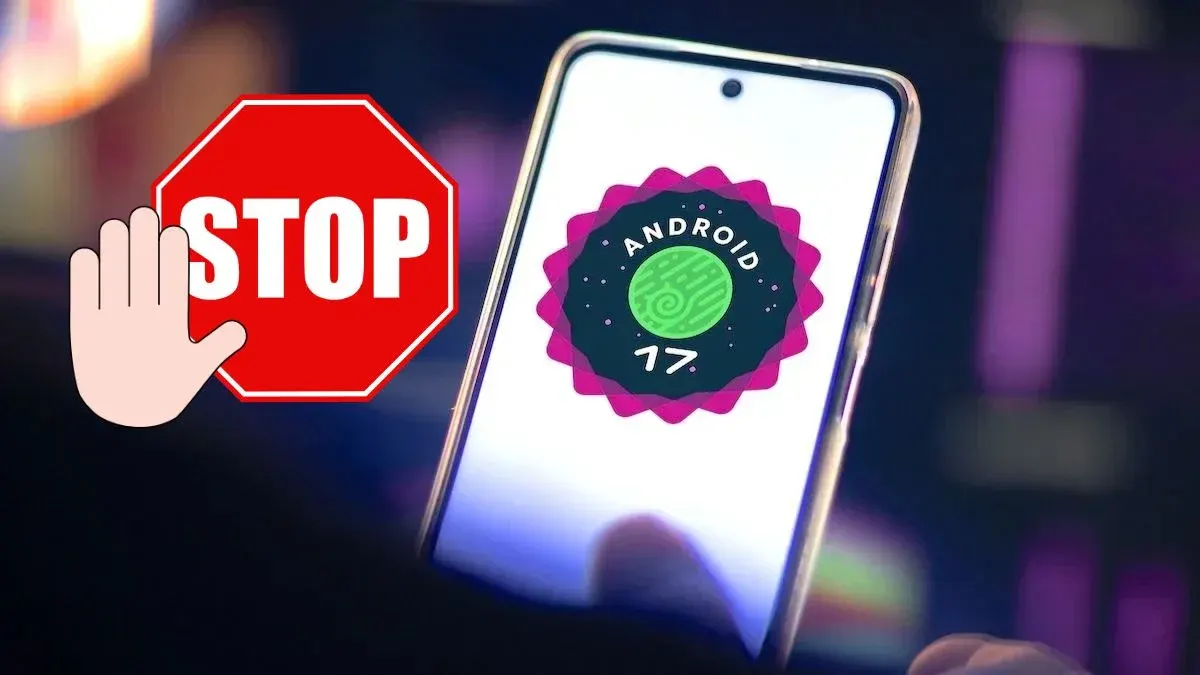
Downloading an APK file and installing it on your Android phone is about to get more awkward. Google has now put a date on it: the global rollout of tighter rules for sideloading, meaning installing apps from outside official stores, begins in January 2027.
The decision was made last year, and the first effects already reached a few countries, mostly in Asia. Alongside it, Google introduced a stricter system for verifying app developers. Now the company says the protection will spread country by country and cover all installation sources on certified Android devices within a few months.
The change applies to phones and other devices running Android 7.0 from 2016 or newer, so nearly every phone in use. Google is working with seven app distributors at launch: Google Play, Galaxy Store, Honor, Oppo, Xiaomi, Transsion and Vivo.
How will sideloading work on Android after the change?
Today it is simple. You grab an .apk from wherever you like and install it, at your own risk. A trustworthy source is fine. A shady website might hand you malware.
Under the new flow, you will have to:
- Open developer options and choose "Apps from unverified developers".
- Allow installation from that source.
- Verify the device and restart it.
- Return to the same menu and choose one of two options: allow sideloaded apps indefinitely or for seven days.
Who will it actually stop?
The idea is to stop impulse installs, for example when someone is pushed by a scam to download a program they do not need. That could protect people who install things without thinking.
It will barely bother anyone who knows what they are doing. The feature only has to be unlocked once.
Apps worth a look
SUMO: the number puzzleTap the right tiles, add them up, hit the target. Easy to learn, hard to master. Free, for all ages.
Dialo: learn languages by speakingTalk to an AI conversation partner; every sentence comes back corrected and explained in your language. 9 languages, A1 to C2.
ediviewer: read EDI files like documentsOpen EDIFACT and X12 messages, see every segment explained, convert to JSON/XML, export PDF and Excel. Runs locally, no upload.
giftdetect: the right gift in minutesPick who it is for, the occasion and their personality. The search engine reads product descriptions from local shops and ranks what fits. Free, no sign-up.
More from this day
See all →
First black hole image confirmed by independent AI analysis
Leaving Google Photos: how to move your memories and skip the fee
Link to Windows 'Extend display' could turn Android into a PC monitor