YouTube not working on new Apple TV 4K? Here's the fix
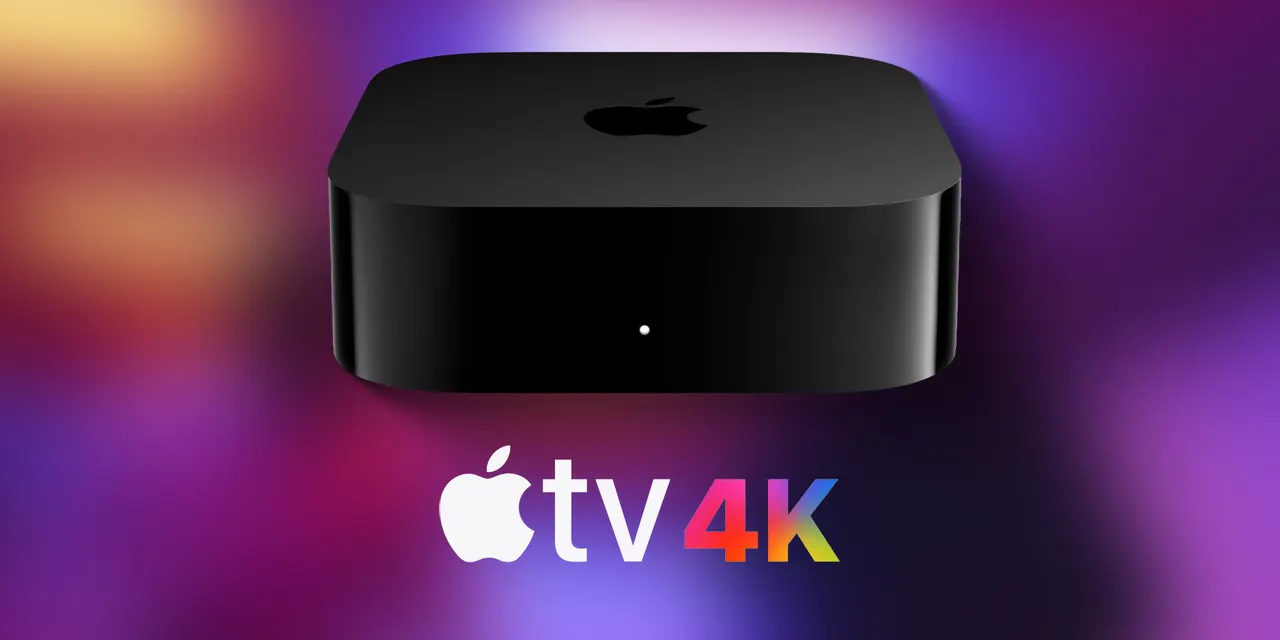
Unboxed a new Apple TV 4K and YouTube says it's "not yet available on this device"? Updating, restarting and reinstalling the app should sort it.
 SUMO· the number puzzle
 Dialo· learn languages by speaking
 ediviewer· read EDI files like documents
 giftdetect· the right gift in minutes
You set up your shiny new Apple TV 4K, open YouTube, and get told: "YouTube is not yet available on this device." Annoying, and apparently not rare.
A number of new Apple TV 4K owners have complained about the error on social media and Reddit, so the problem looks fairly widespread. The good news is that there is a fix, laid out today by Tom Warren on X.
How to fix YouTube on the new Apple TV 4K
First, make sure the box is updated to tvOS 27.2. Then restart it. You can do that in one of three ways: unplug the Apple TV from the power outlet, go to Settings, then System, then choose "Restart", or press and hold the TV and back buttons for five seconds.
After the restart, delete the YouTube app and reinstall it from the App Store. That combination is what the fix describes: update, restart, reinstall.
Do you need to do anything at all?
Maybe not. It also looks like YouTube has started rolling out a server-side fix, which means the correction happens on YouTube's end rather than on your device. If so, the app may start working on your new Apple TV without you touching a thing.
If you're still staring at the error message, run through the steps above. They take a few minutes, and they beat returning a brand-new box over a video app.
Apps worth a look
SUMO: the number puzzleTap the right tiles, add them up, hit the target. Easy to learn, hard to master. Free, for all ages.
Dialo: learn languages by speakingTalk to an AI conversation partner; every sentence comes back corrected and explained in your language. 9 languages, A1 to C2.
ediviewer: read EDI files like documentsOpen EDIFACT and X12 messages, see every segment explained, convert to JSON/XML, export PDF and Excel. Runs locally, no upload.
giftdetect: the right gift in minutesPick who it is for, the occasion and their personality. The search engine reads product descriptions from local shops and ranks what fits. Free, no sign-up.