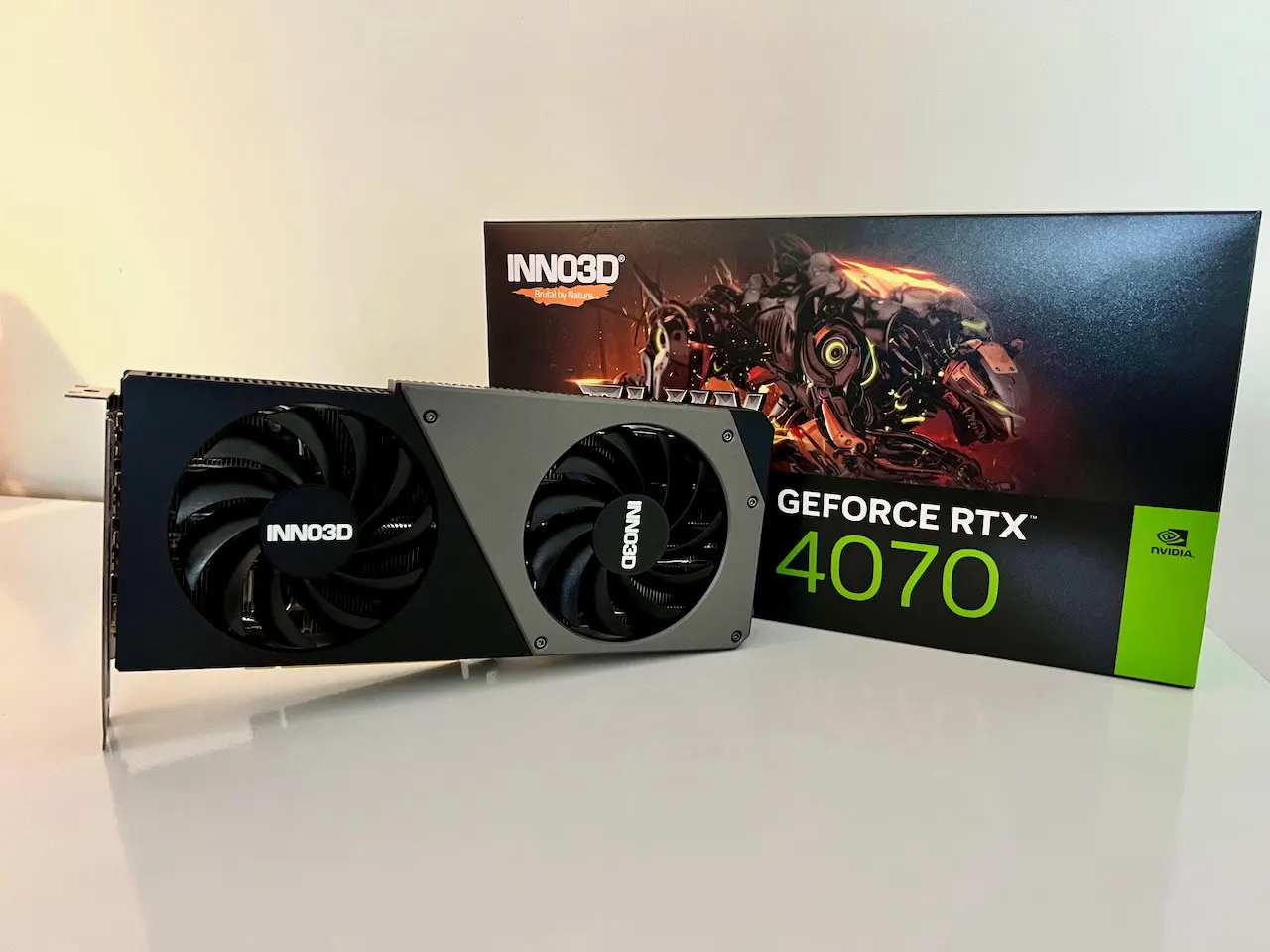
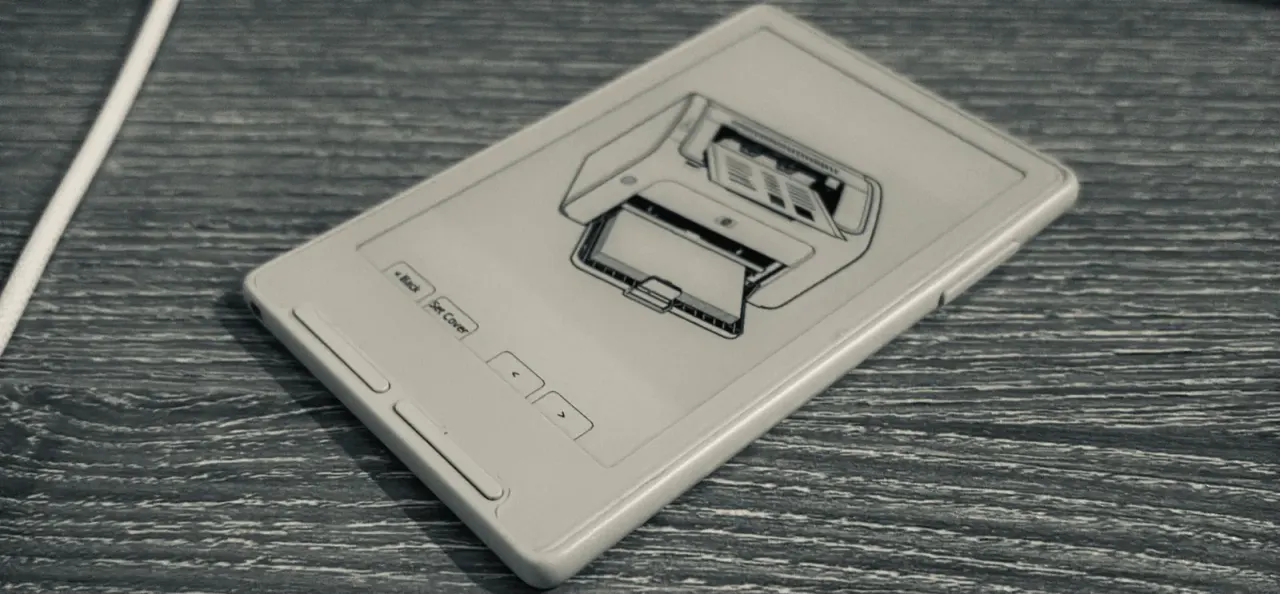
Xteink X3 e-ink reader turned into a Mac-compatible printer
A developer made an e-ink reader with 400 KB of RAM show up as a printer on his MacBook. The trick: a page needs 8 MB, so the screen itself holds the image.
 SUMO· the number puzzle
 Dialo· learn languages by speaking
 ediviewer· read EDI files like documents
 giftdetect· the right gift in minutes
Print a document from a MacBook, pick the printer, and the page appears on an e-ink reader instead of paper. That is what one developer built with the Xteink X3, a thin, programmable reader that has just 400 KB of RAM.
He had bought the X3 to tinker. He was already running the open CrossPoint firmware with extras like dice you roll by shaking the device and a QR code for his LinkedIn profile. But uploading files was a chore: connect to the reader's Wi-Fi hotspot, open a small web page, send the file. If the thing looks like a sheet of paper, he figured, it should act like one.
How does the Xteink X3 work as a printer?
The reader speaks IPP, the Internet Printing Protocol, which lets a computer ask a printer what it can do, send a job and check its status over HTTP. He declared black-and-white printing at 300 dpi, one copy, one side, A5 and Letter paper, and accepted Apple Raster and PWG Raster formats. That makes the Mac turn the document into a bitmap first, and the reader scales it to its own screen. He named the printer penguin, because of its colours.
To make macOS find it without a driver, he advertised the service over Bonjour with a _universal subtype. The Arduino wrapper did not expose the needed mDNS functions, so he called the ESP-IDF ones directly.
The 8 MB page and 400 KB of RAM
A Letter page at 300 dpi is 2550 × 3300 pixels, about 8.4 MB at one byte per pixel. After Wi-Fi started and the image memory was allocated, only 6.8 KB of heap was left. Memory mapping from the SD card was not possible on this chip, since it works with flash only.
The fix was to use the display's own frame buffer. Incoming data is decoded line by line, scaled, dithered to black and white, and written straight into the screen buffer, freeing working memory after each line. Before, he had built a whole second image just to copy it over. Showing the page in stripes looked nice, but each partial refresh took about half a second, so the page now appears in one go.
The finished page is also saved as a BMP on the SD card. His first test, a manga page from Mushoku Tensei, showed up in about a second, and the first printout took one evening.
The print server runs on the reader, either on your Wi-Fi or on its own hotspot called literate-penguin. Saved printouts can be browsed on the device, so it does have an output tray. It is a folder. The code is in his fork of CrossPoint.
Apps worth a look
SUMO: the number puzzleTap the right tiles, add them up, hit the target. Easy to learn, hard to master. Free, for all ages.
Dialo: learn languages by speakingTalk to an AI conversation partner; every sentence comes back corrected and explained in your language. 9 languages, A1 to C2.
ediviewer: read EDI files like documentsOpen EDIFACT and X12 messages, see every segment explained, convert to JSON/XML, export PDF and Excel. Runs locally, no upload.
giftdetect: the right gift in minutesPick who it is for, the occasion and their personality. The search engine reads product descriptions from local shops and ranks what fits. Free, no sign-up.
More from this day
See all →
Switch 2 microSD Express card deals: 256GB from $44.99
Google Assistant shuts down on Home speakers on August 2, 2027
Hayabusa2 drops asteroid 1998 KY26 after last thruster fails

VK Workspace subscription: user can't find how to cancel it
More in: Hardware
See all →
Steam Machine price may rise as Valve warns of memory shortage
Teenage Engineering EP/BC-1 CD player leaves the spinning disc exposed
Nothing's AI device arrives December 8, and it has no screen