Word Compatibility Mode is losing options, and old layouts may shift
Microsoft is retiring some Compatibility Mode settings in desktop Word from December 2026. Old documents may reflow, change page count or move images.

 SUMO· the number puzzle
 Dialo· learn languages by speaking
 ediviewer· read EDI files like documents
 giftdetect· the right gift in minutes
If you still have documents last saved in Word 2010 or earlier, they may not look the same next year. Microsoft is retiring a set of Word compatibility options, and the page layout of old files could shift when it happens.
According to Microsoft, affected documents may show text reflow, changes in spacing or page count, or images and shapes jumping to another page. Its advice for anyone who needs a layout to stay put is to consider exporting the document to PDF before the change.
What is Word Compatibility Mode?
Compatibility Mode lets a newer version of Word open a document created in an older one, such as Word 2010, without changing how it is laid out. Newer features are switched off while the file is open this way. You can convert the document to unlock them, though people on older versions of Word may then struggle to edit parts of it.
The change applies to documents in Compatibility Mode in the desktop app. Microsoft has not said which individual settings are going. It says only that the aim is to simplify how Word handles document layout and give a more consistent experience across platforms.
When does the change happen?
The rollout begins in the Windows version of Word in December 2026 and should finish by January 2027. The Mac version follows in early 2027.
For home users, the fix is simple: export anything whose pagination matters to PDF. For administrators, it is more work. Older templates, forms and other documents that depend on fixed page breaks are worth checking before the update lands.
Word is more than 40 years old, and its first Windows version arrived as the 1980s were ending. Compatibility Mode has long been one of the things keeping ancient files from falling apart. With some of those safeguards going, IT desks may soon be fielding tickets that amount to "what happened to this document?"
Apps worth a look
SUMO: the number puzzleTap the right tiles, add them up, hit the target. Easy to learn, hard to master. Free, for all ages.
Dialo: learn languages by speakingTalk to an AI conversation partner; every sentence comes back corrected and explained in your language. 9 languages, A1 to C2.
ediviewer: read EDI files like documentsOpen EDIFACT and X12 messages, see every segment explained, convert to JSON/XML, export PDF and Excel. Runs locally, no upload.
giftdetect: the right gift in minutesPick who it is for, the occasion and their personality. The search engine reads product descriptions from local shops and ranks what fits. Free, no sign-up.
More from this day
See all →
Quantum Systems drones fly again after QBase malware scare

Whoop Humans is a social network built on 'verified heartbeats'

Peanuts Native runs 12 Switch games on Android, no emulator
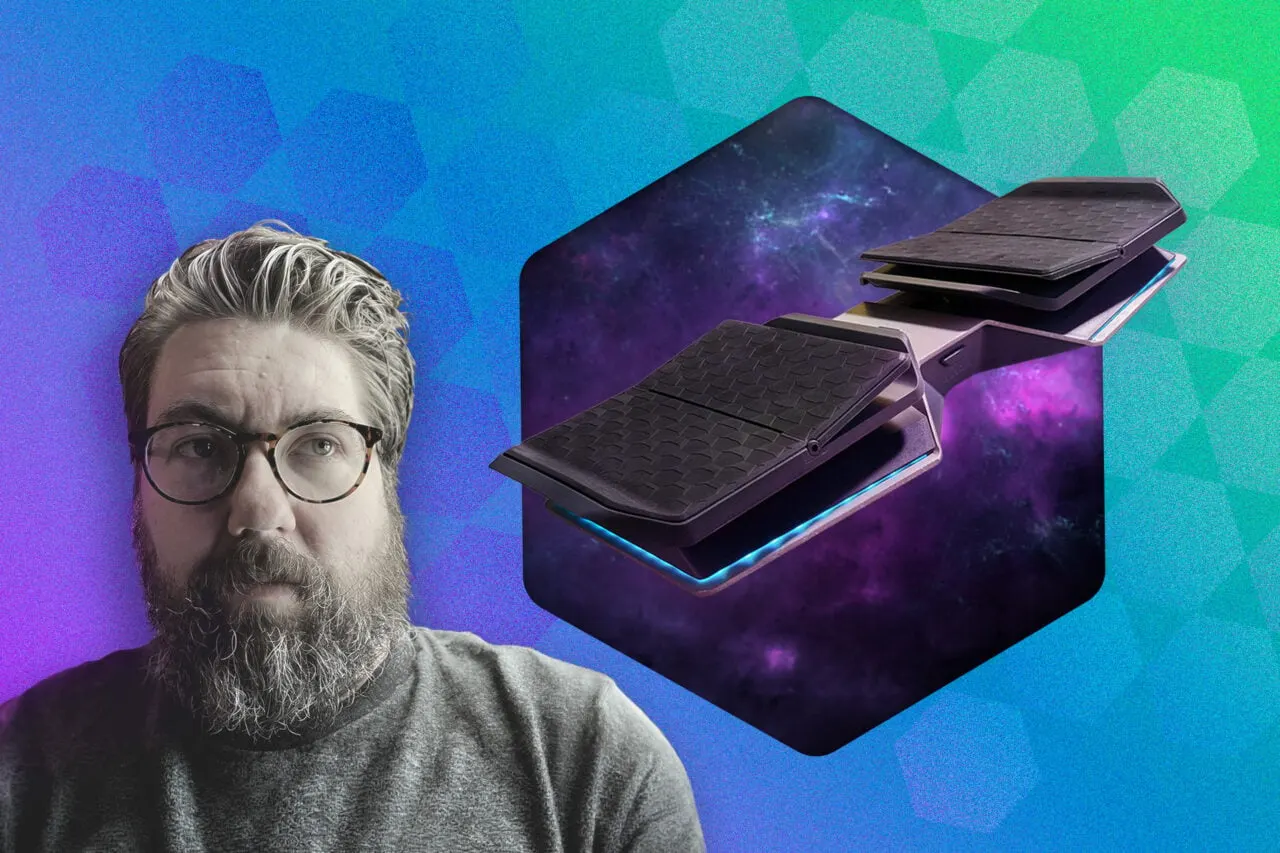
Glydr foot controller: a $299 pad that moves gaming to your feet
More in: Software
See all →
Google Maps in South Korea: Google removes coordinates from Maps and Earth
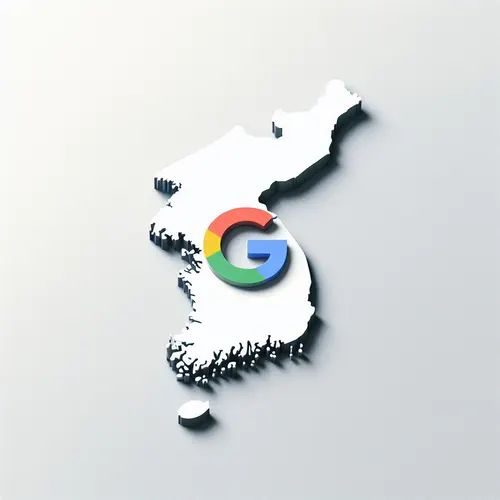
Google Maps in South Korea: coordinates gone, map data heads abroad

Palantir's NHS Cancer 360 app: praised, but only six trusts use it