Windows UserAssist tracks every app you open: how to turn it off
Windows has quietly logged which apps you install, launch and uninstall since Windows 2000. The log is still there in Windows 11, and you can switch it off.

 SUMO· the number puzzle
 Dialo· learn languages by speaking
 ediviewer· read EDI files like documents
 giftdetect· the right gift in minutes
Your Windows PC has probably been keeping a diary of every app you open. The feature is called UserAssist, it dates back to Windows 2000, and it still runs in Windows 11.
What is Windows UserAssist?
Back then, Microsoft called it "personalized menus". The idea was simple: show the apps you use most at the top of the Start menu. To do that, Windows has to count apps and how often you start them. That count is stored in the registry (the database where Windows keeps its settings) under a key named "UserAssist".
By default, the entries are encoded and look like gibberish. A free tool called UserAssistView turns them into real app names. When XDA Developers tested it, the PC had logged more than 325 entries since May 2022.
The list doesn't just show how often each program was launched. It also records when apps were installed and even when they were uninstalled, so deleting an app doesn't remove its trace. We tried the tool too and found plenty of entries, including exactly when we had started the Vivaldi browser, plus launches of games and utilities.
How to turn off app tracking in Windows 11
The switch exists, but it is tucked away. Open Settings, go to "Privacy & security" and then "Recommendations & offers". There, turn off the slider labelled "Improve Start and search results".
Once it is off, the previously recorded list disappears. Windows only starts tracking again if you switch the option back on. One oddity: after re-enabling it, apps showed up in the list that had never been launched, either before or after. Why that happens isn't known.
The discovery lands at a time when many Windows 11 users want more privacy. Microsoft's AI features in particular have earned it a reputation for digging a bit too deep into user activity, and the company has promised to improve and has made some privacy changes.
Apps worth a look
SUMO: the number puzzleTap the right tiles, add them up, hit the target. Easy to learn, hard to master. Free, for all ages.
Dialo: learn languages by speakingTalk to an AI conversation partner; every sentence comes back corrected and explained in your language. 9 languages, A1 to C2.
ediviewer: read EDI files like documentsOpen EDIFACT and X12 messages, see every segment explained, convert to JSON/XML, export PDF and Excel. Runs locally, no upload.
giftdetect: the right gift in minutesPick who it is for, the occasion and their personality. The search engine reads product descriptions from local shops and ranks what fits. Free, no sign-up.
More from this day
See all →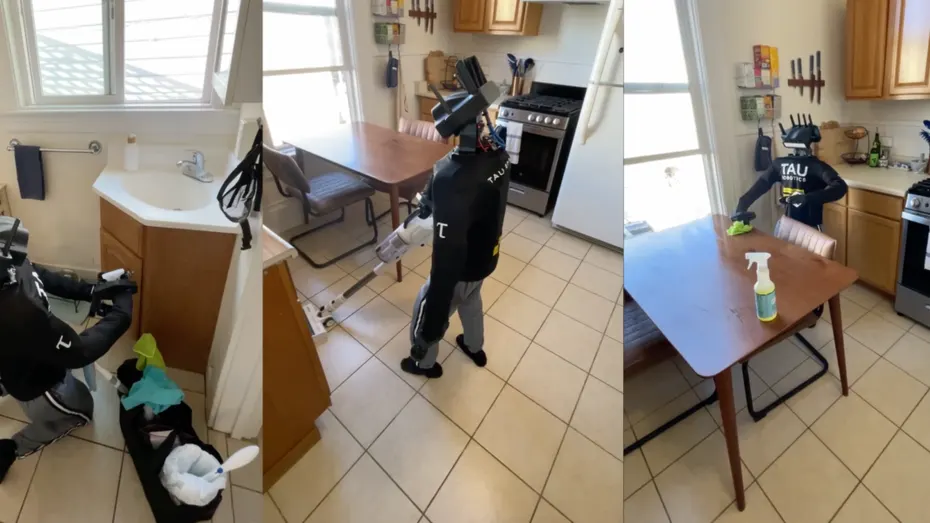
Tau Robotics cleaning robot: $30 for a humanoid, and a human at the controls

Robot dance world record: 151 humanoid robots dance in sync
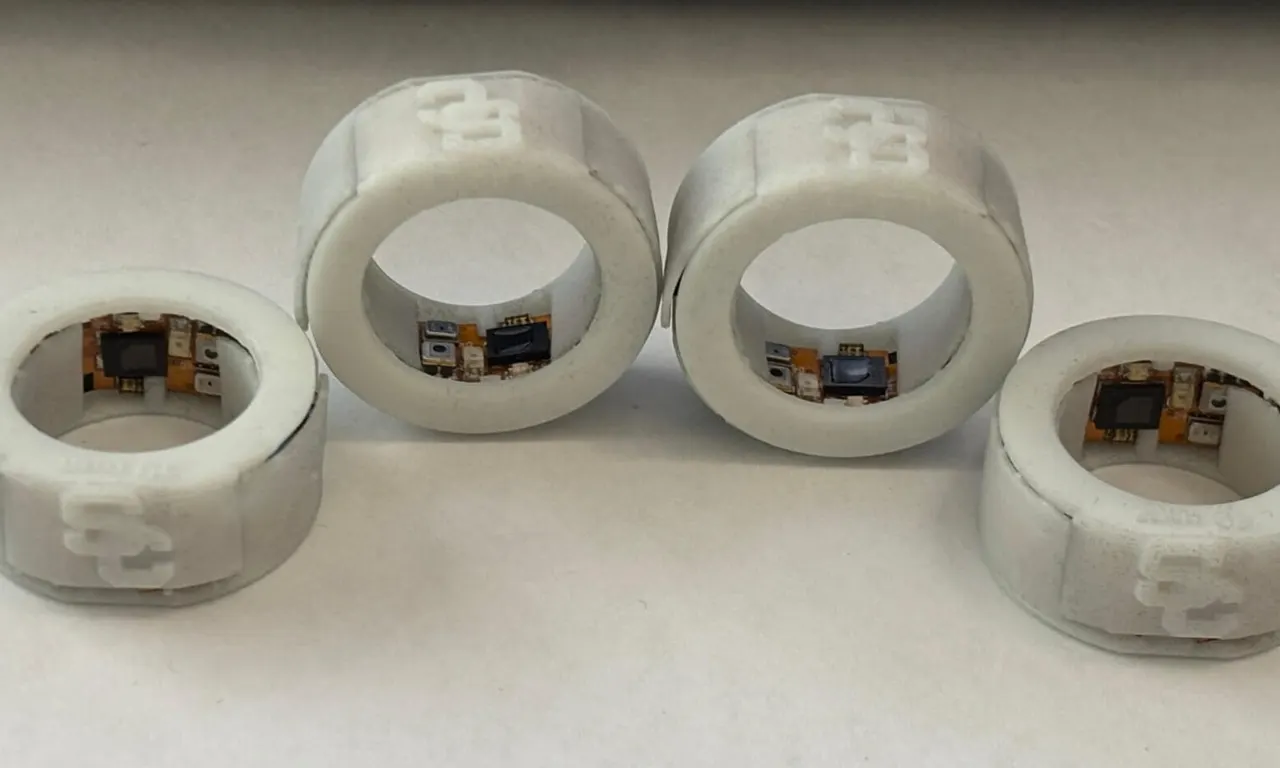
USC stress-detecting smart ring reads sweat with infrared light

GTA 6 sales: $3.79 billion on day one as Rockstar staff vote on a union
More in: Software
See all →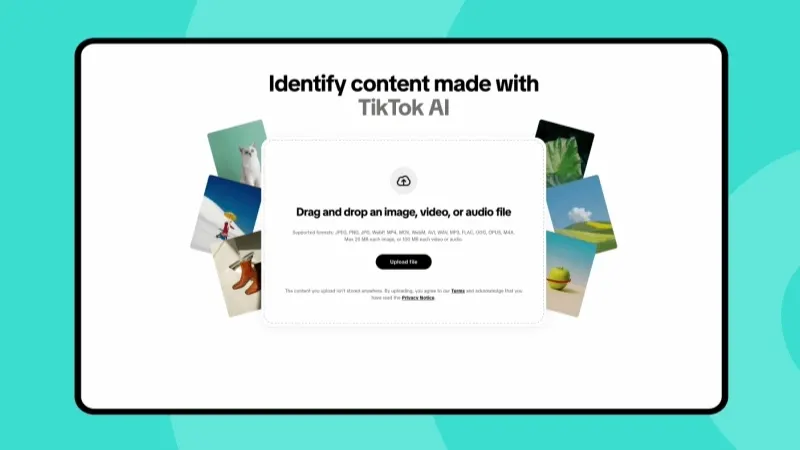
TikTok AI check tool lets anyone test an image or video
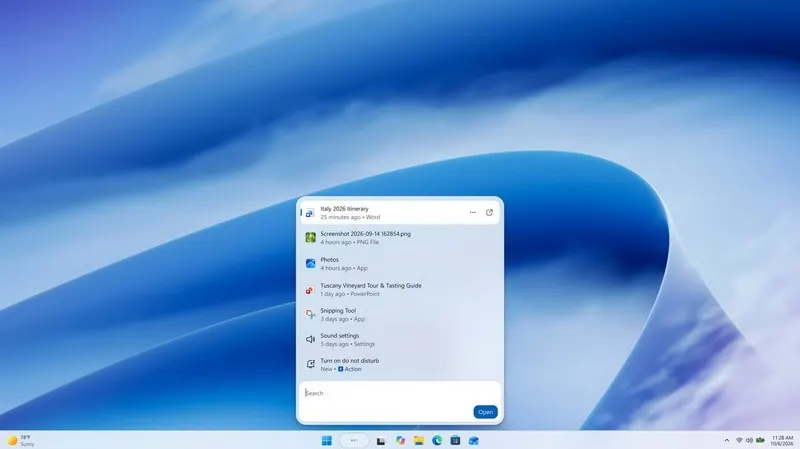
Windows 11 search update KB5132057 lets you type commands
Leaving Google Photos: how to move your memories and skip the fee