Windows 11 search update KB5132057 lets you type commands
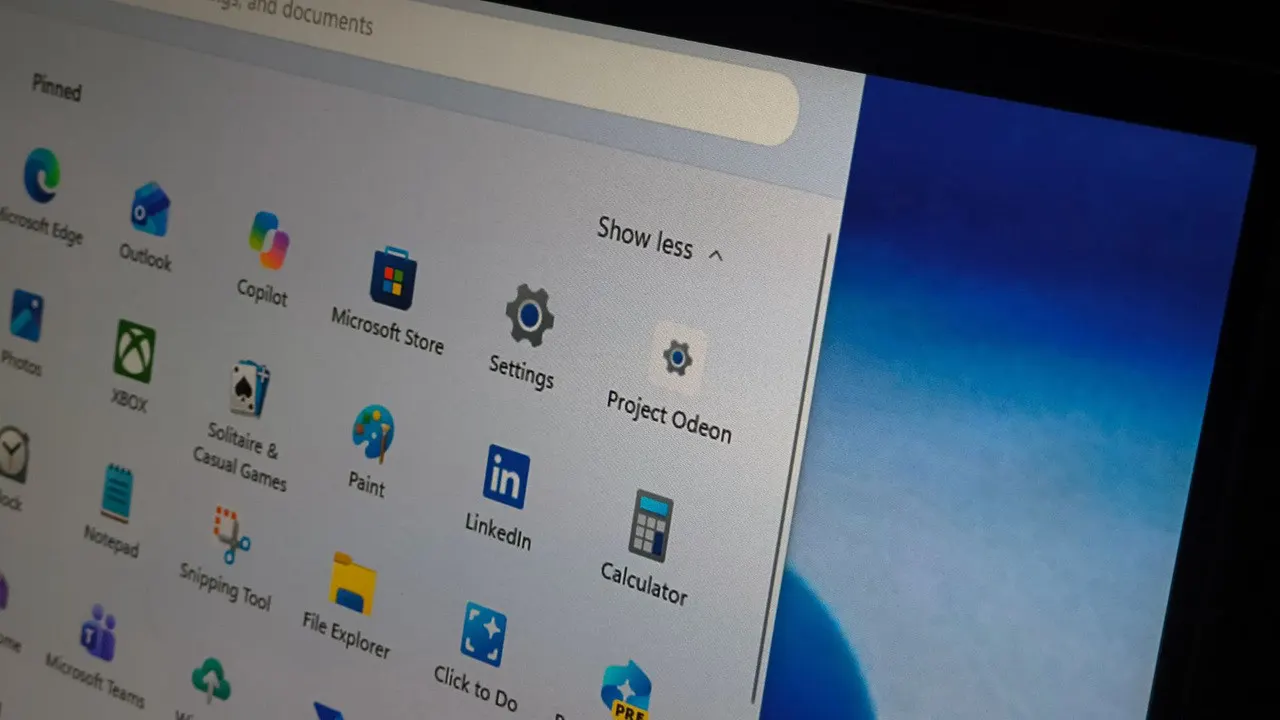
Type "turn on Bluetooth" or "mute" into Windows 11 search and it just does it. Update KB5132057 turns the search box into a text-command remote for your PC.
 SUMO· the number puzzle
 Dialo· learn languages by speaking
 ediviewer· read EDI files like documents
 giftdetect· the right gift in minutes
Windows 11 search can now do things instead of just finding them. Type "turn on Bluetooth", "switch to dark mode" or "mute", and the PC acts on it.
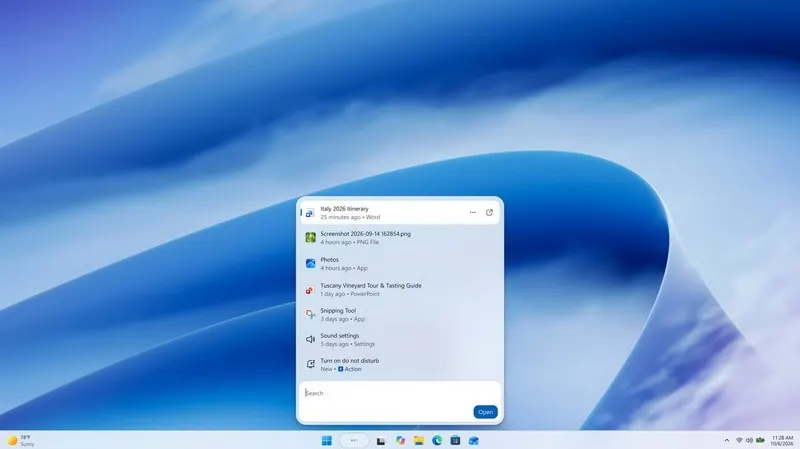
Microsoft has released update KB5132057 for Windows 11 26H2 and 25H2, and the rebuilt search is its headline change. The company says the new search box supports thousands of quick actions typed as plain text. Other examples include lowering screen brightness and minimising all windows. It also works with Phone Link, so you can send text messages from a connected phone, and it can show weather, stock quotes and similar info right in the results.
What is different under the hood?
The new search is built on WinUI 3. Microsoft says that makes it faster and lighter on system resources, and early testing reportedly showed clear gains in both speed and RAM use.
Results now appear as a single list, replacing the old layout with a big preview panel. Search is expected to handle typos and synonyms better, and to show more detail about files and web page previews. Copilot is built in too: its answers appear inside the results, and a shortcut opens the full app.
This follows changes in July, when Microsoft removed ads and promotional content from search and added an option to hide web and Microsoft Store suggestions.
Is the new Windows 11 search available in every language?
No. For now it works in English only. The rollout is also gradual, so not everyone will get KB5132057 at the same moment.
The update brings a few other things. The Run dialog is improved. Windows Hello gets a feature that briefly raises screen brightness so your face is recognised more reliably in low light. And search under This PC in File Explorer now uses the indexer, which makes it much faster and matches how search on the File Explorer home page already works.
Apps worth a look
SUMO: the number puzzleTap the right tiles, add them up, hit the target. Easy to learn, hard to master. Free, for all ages.
Dialo: learn languages by speakingTalk to an AI conversation partner; every sentence comes back corrected and explained in your language. 9 languages, A1 to C2.
ediviewer: read EDI files like documentsOpen EDIFACT and X12 messages, see every segment explained, convert to JSON/XML, export PDF and Excel. Runs locally, no upload.
giftdetect: the right gift in minutesPick who it is for, the occasion and their personality. The search engine reads product descriptions from local shops and ranks what fits. Free, no sign-up.
More from this day
See all →



More in: Software
See all →
Leaving Google Photos: how to move your memories and skip the fee

VK Workspace subscription: user can't find how to cancel it

Google search homepage drops the Search button for AI tools