Windows 11 on iPhone Duo: Google's Ammaar Reshi did it without jailbreak
A Google AI Studio lead got a working Windows 11 running on Apple's foldable iPhone Duo, no jailbreak needed, and says Gemini 4 Carbon wrote much of the engineering.
 SUMO· the number puzzle
 Dialo· learn languages by speaking
 ediviewer· read EDI files like documents
 giftdetect· the right gift in minutes
Windows 11 now runs on the iPhone Duo, Apple's foldable, and nobody had to jailbreak anything. The person behind it is Ammaar Reshi, who leads product and design at Google AI Studio.
The project is called WindowsiOS. It runs a working copy of Windows 11 ARM64 on the phone. Normally that would mean a virtual machine, but Apple blocks hardware virtualization on iOS. Emulating a different chip architecture is not a good route either. So Reshi used dynamic translation from ARM64 to ARM64: the software takes Windows instructions for ARM processors and adapts them on the fly to run on the iPhone's own hardware. The result, according to the project, runs at close to native speed.
How does Windows 11 run on the iPhone Duo?
WindowsiOS builds on Henge, an open-source project that had already shown other operating systems could run on iOS without modifying it. Windows needs parts the iPhone lacks, so Reshi built a full virtual hardware platform: UEFI firmware, NVMe storage, Ethernet, USB 3.0 and Windows-compatible audio. A virtual memory layer mimics what the Windows 11 kernel expects.
You can browse with Edge, play music and use the microphone. Windows apps also connect to Safari on iOS, so sign-in works with Face ID and the passkeys stored on the device. Prism, the technology that lets ARM processors run x86 and x64 apps, is supported too.
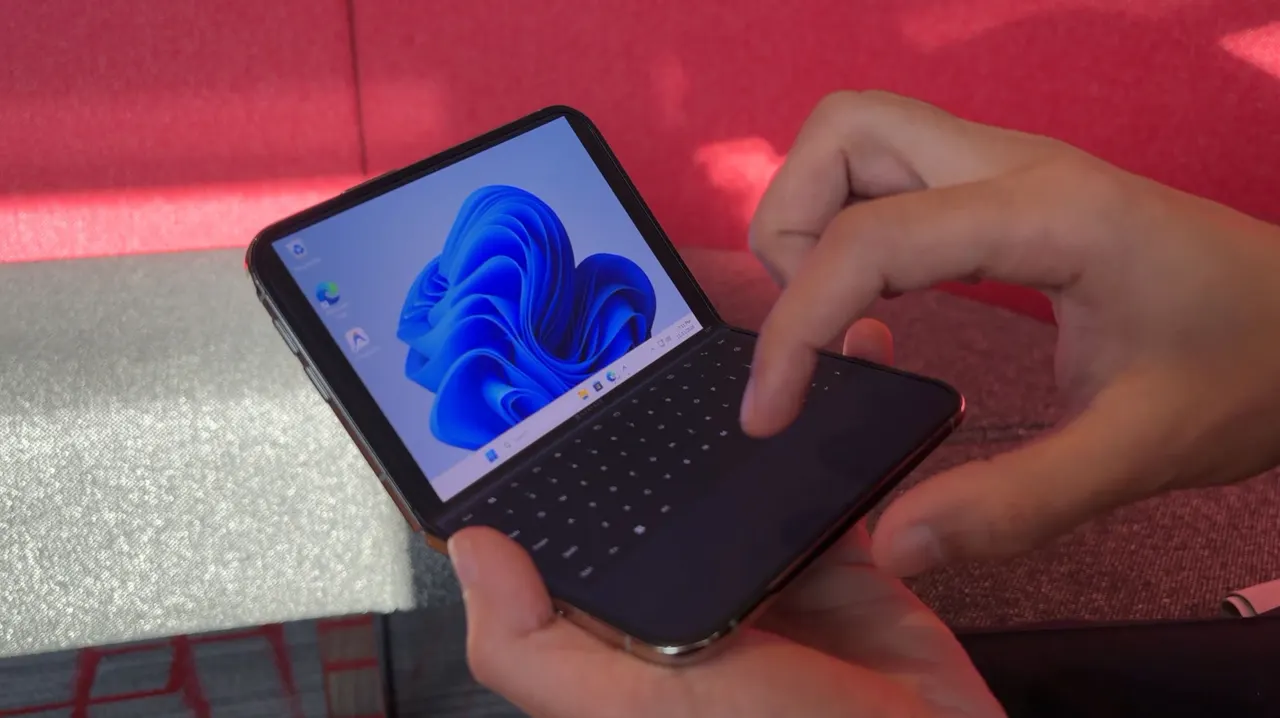
The interface uses the foldable shape. Set the Duo like a laptop and the top half is the screen, while the bottom half becomes a virtual keyboard and multitouch trackpad. Think of a tiny Surface Laptop.
What did Gemini 4 Carbon do?
Reshi says much of the engineering was done with Gemini 4 Carbon: the memory management, the translation engine, the virtual hardware and the foldable interface, including the authentication link to Face ID and Safari. He also said it took a huge amount of engineering work alongside the AI. Neither he nor the repository says what share of the code Gemini generated.
Can you try it yourself?
You need a Mac with Apple Silicon, Xcode, an official Windows 11 24H2 ARM64 image in ESD format and an iPhone Duo. The GitHub repository gives step-by-step instructions to build the project, create the optimized image and test Windows on your Mac before installing it on the foldable.
Apps worth a look
SUMO: the number puzzleTap the right tiles, add them up, hit the target. Easy to learn, hard to master. Free, for all ages.
Dialo: learn languages by speakingTalk to an AI conversation partner; every sentence comes back corrected and explained in your language. 9 languages, A1 to C2.
ediviewer: read EDI files like documentsOpen EDIFACT and X12 messages, see every segment explained, convert to JSON/XML, export PDF and Excel. Runs locally, no upload.
giftdetect: the right gift in minutesPick who it is for, the occasion and their personality. The search engine reads product descriptions from local shops and ranks what fits. Free, no sign-up.
More from this day
See all →Hugendubel, Tolino Cloud and eBook.de offline after cyberattack
YouTube app icons: 7 new designs, some retro, are in the works

PC repair job interview: the voltage switch trap he suggested
Google's new 3D emoji need 6GB RAM and 10GB storage, now explained
More in: Software
See all →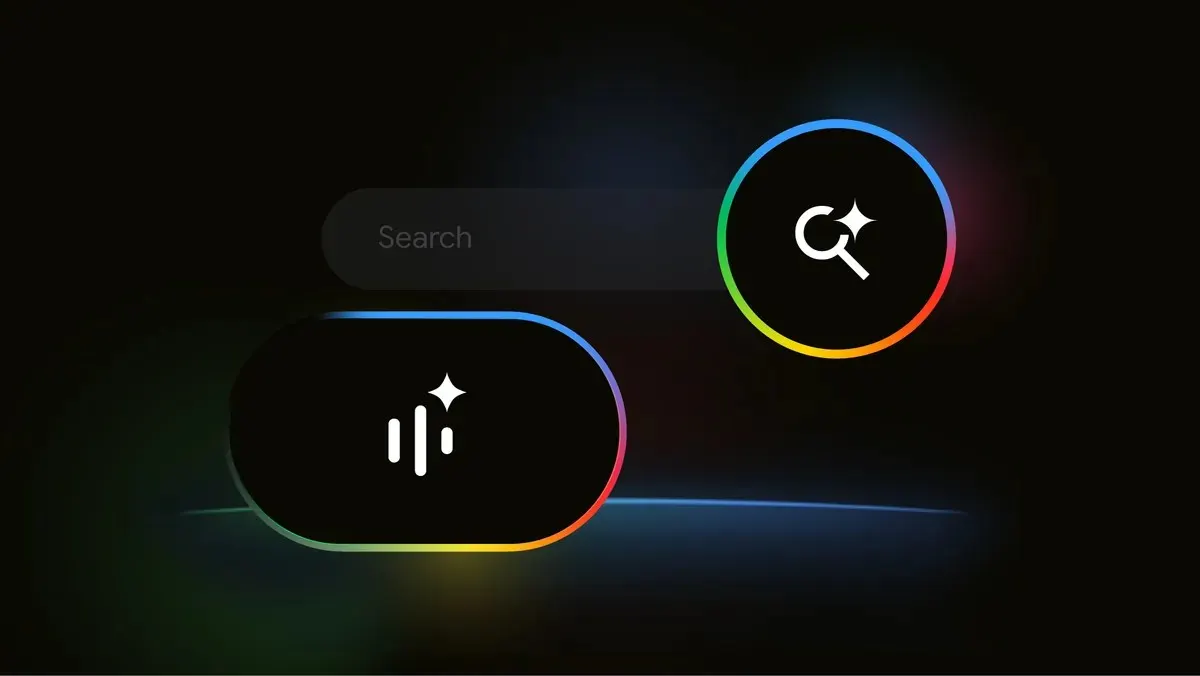
Google homepage drops the Search button for AI tools
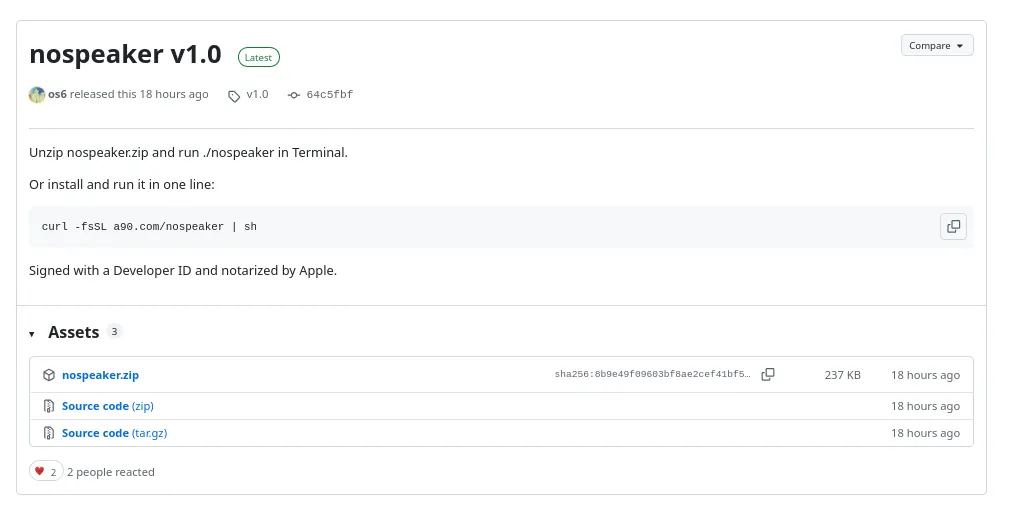
nospeaker makes a MacBook trackpad talk using its haptic motor
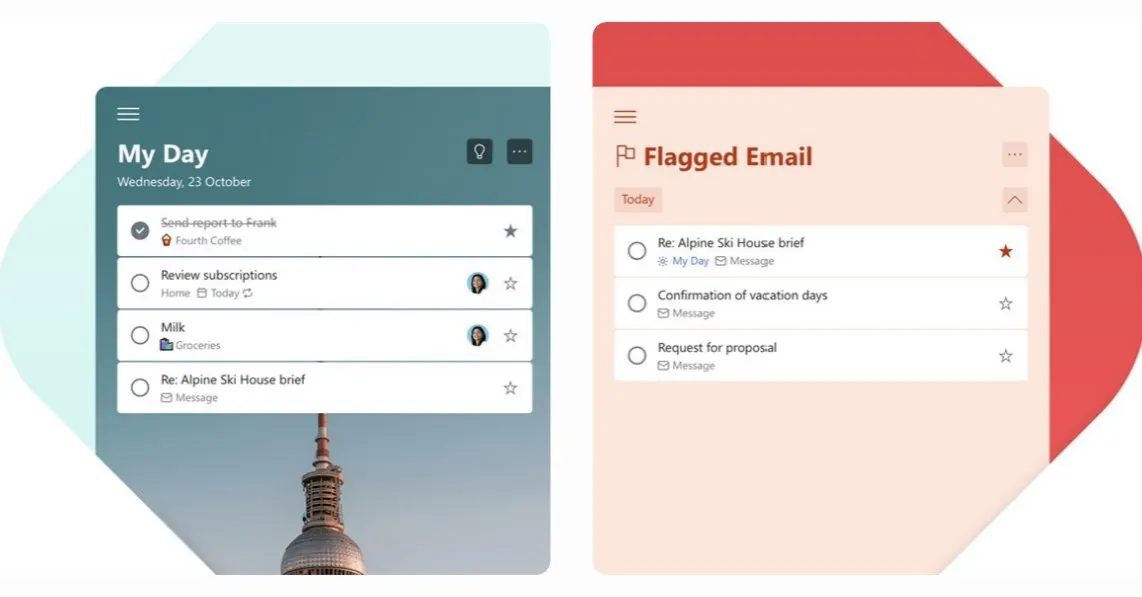
Microsoft To Do shuts down June 2027, with no Planner for home users