Windows 11 Emerging Risks will warn you about risky apps and drivers
Windows 11 is getting a feature called Emerging Risks that flags apps, drivers and firmware with serious security holes. It tells you what to do, but won't fix anything itself.

 SUMO· the number puzzle
 Dialo· learn languages by speaking
 ediviewer· read EDI files like documents
 giftdetect· the right gift in minutes
Most of us never update our drivers. Windows 11 is about to start nagging us about that. Microsoft is adding a feature called Emerging Risks to Windows Security, and it will warn you when an app, driver or piece of firmware has a serious vulnerability.
Microsoft announced it at its Ignite conference, alongside other Windows 11 changes due in the coming months. Emerging Risks is already being tested in Windows 11 Insider preview builds.
Microsoft uses "emerging risks" to mean serious flaws in apps, drivers or firmware that need attention right away. When Windows finds one, it shows an alert with steps to reduce the danger.
How does Emerging Risks work?
The feature works like a dashboard. It scans the software and components on your PC and checks them against vulnerability databases. If it finds a problem, it suggests installing the latest version that fixes it. If no patch exists, Microsoft may recommend uninstalling the app or driver. In more extreme cases, you may be told to disable the vulnerable component so the risk doesn't grow.
It also rates how serious each risk is, so you can tell what is urgent and what can wait. Each entry comes with details drawn from Microsoft's own data and from outside sources.
The limits matter. Emerging Risks does not fix anything automatically. It is not an antivirus, so you have to follow its instructions yourself. And its reach is limited to vulnerabilities in Microsoft's programs, because third-party software has its own update and notification systems.
When will Emerging Risks be available?
Microsoft says it will arrive on all compatible Windows 11 PCs, inside the Windows Security panel. There are no extra requirements, and it works even on machines with Secure Boot or memory integrity turned off. For now, it is only available in Windows 11 Insider previews.
Apps worth a look
SUMO: the number puzzleTap the right tiles, add them up, hit the target. Easy to learn, hard to master. Free, for all ages.
Dialo: learn languages by speakingTalk to an AI conversation partner; every sentence comes back corrected and explained in your language. 9 languages, A1 to C2.
ediviewer: read EDI files like documentsOpen EDIFACT and X12 messages, see every segment explained, convert to JSON/XML, export PDF and Excel. Runs locally, no upload.
giftdetect: the right gift in minutesPick who it is for, the occasion and their personality. The search engine reads product descriptions from local shops and ranks what fits. Free, no sign-up.
More from this day
See all →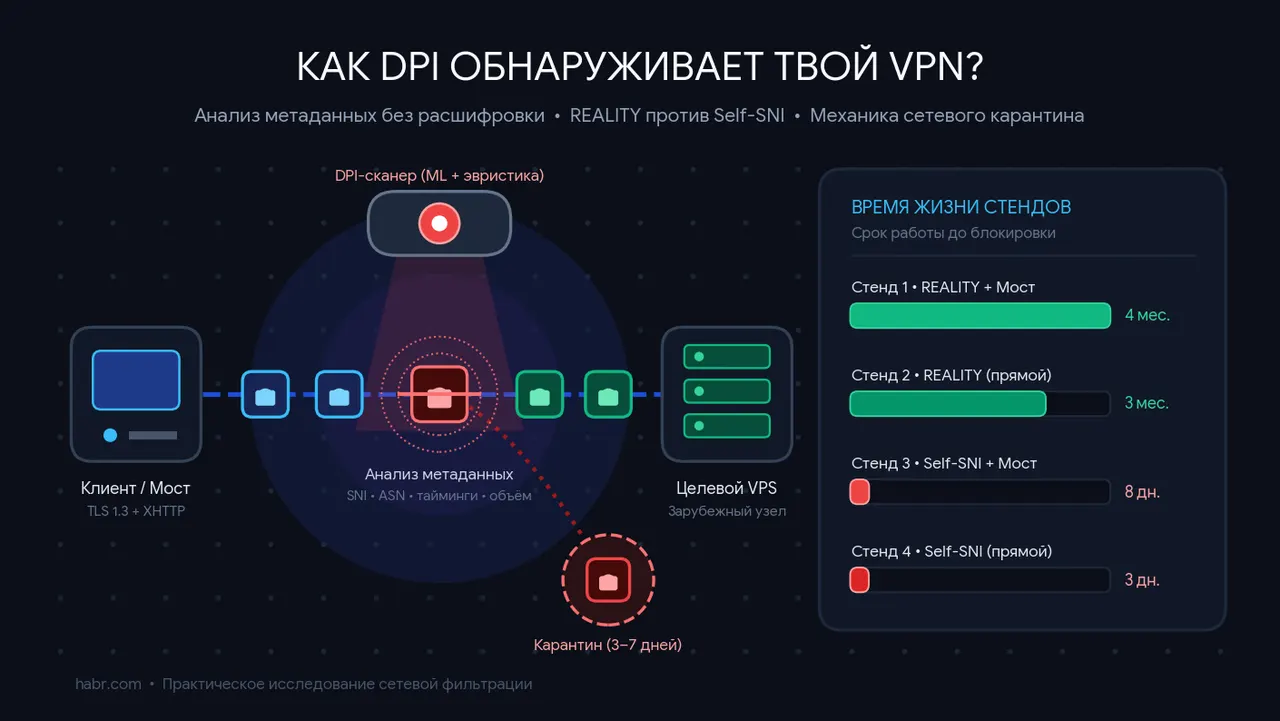
How DPI detects a VPN: four home-built servers, blocked in days

Optimizely hack: malicious script hit BBC, Ikea and Zoom sites

World's tallest wind turbine now feeds power in Schipkau