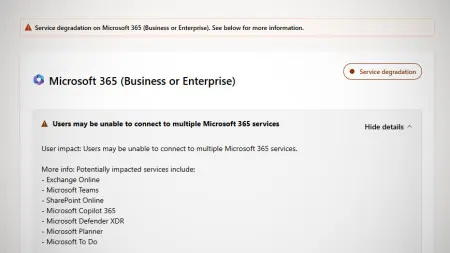
Windows 11 23H2 support has ended: how to update to 26H2
Microsoft shipped the final security patch for Windows 11 23H2 on 10 November. Enterprise and Education PCs now go unprotected unless they move to 26H2.
 SUMO· the number puzzle
 Dialo· learn languages by speaking
 ediviewer· read EDI files like documents
 giftdetect· the right gift in minutes
If your PC still runs Windows 11 23H2, Microsoft has stopped sending it security fixes. The last one, update KB5131087, arrived on 10 November 2026, and there is no grace period.
The cut-off now hits the Enterprise and Education editions. Home and Pro already lost support in November 2025. Microsoft normally promises business customers 36 months of security updates and home users two years, and for 23H2 that clock has run out.
The machines will keep working. But any vulnerability found from here on stays open, which is a real risk for companies, schools and public authorities.
How do I check which Windows 11 version I have?
Open the system information on your device. The version number is listed there. If it says 23H2, you are on the version that just lost support.
How do I update from 23H2 to 26H2?
Microsoft recommends moving to version 26H2 as soon as possible, so you keep getting monthly security and quality updates. According to Winfuture, there is no quick route this time. A direct jump from 23H2 to 26H2 with a so-called enablement package (a small switch that unlocks features already on your PC) does not work. You need a full feature update instead. Microsoft offers the ISO files for download on its own site.
Why are so many people still on old versions?
Windows 11 arrived in October 2021, yet Statcounter data suggests roughly one in four Windows PCs still runs its predecessor, even though regular Windows 10 support ended in October 2025. Part of the reluctance is tied to the flood of AI features. Many users find the technology useful, but trust and data security worries remain. Microsoft even added AI to Notepad, an app people like precisely because it is minimal.
Microsoft has since dialled back AI in Windows 11 and says it wants to focus on features that are genuinely useful. In early March, Windows Central reported that the company had quietly shelved plans for more features under the Copilot label.
Apps worth a look
SUMO: the number puzzleTap the right tiles, add them up, hit the target. Easy to learn, hard to master. Free, for all ages.
Dialo: learn languages by speakingTalk to an AI conversation partner; every sentence comes back corrected and explained in your language. 9 languages, A1 to C2.
ediviewer: read EDI files like documentsOpen EDIFACT and X12 messages, see every segment explained, convert to JSON/XML, export PDF and Excel. Runs locally, no upload.
giftdetect: the right gift in minutesPick who it is for, the occasion and their personality. The search engine reads product descriptions from local shops and ranks what fits. Free, no sign-up.
More from this day
See all →
iPhone Duo delivery dates move up from January to December

12,000 mAh phones are coming, and Xiaomi is already building them

Poland's smartphone tax is now in force: 1% on phones from 32 GB

Pekao Savings Account Offers Up to 6% a Year Until 23 November
More in: Software
See all →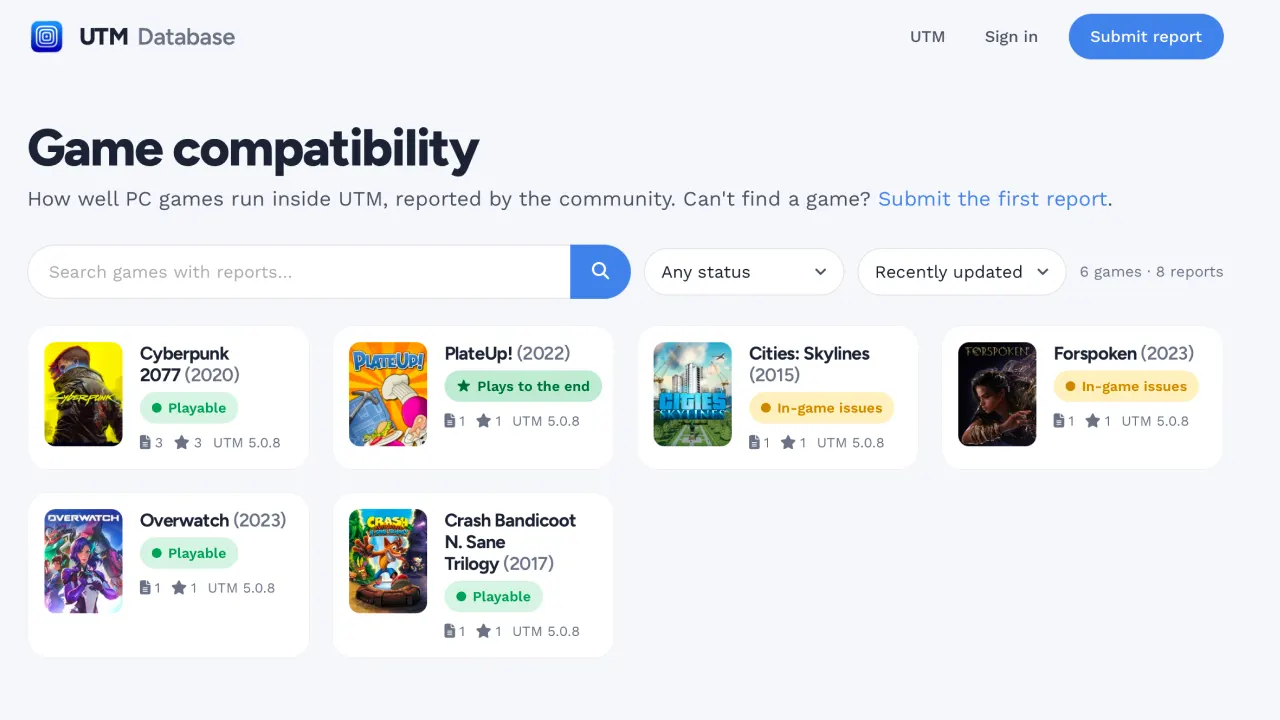
UTM game compatibility database uses a Claude Code agent to patch bugs

SQL Server linked server bug after October update leaks connections
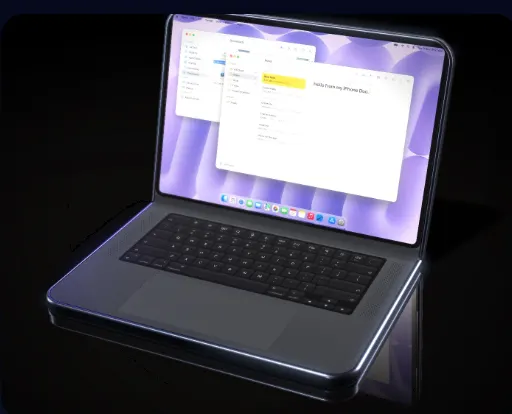
DuoBook: Pocket Mac turns a folded iPhone Duo into a MacBook