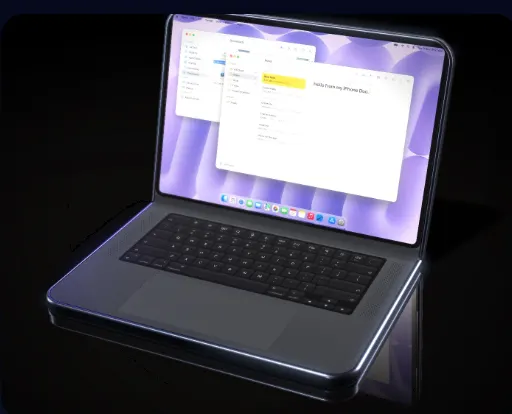
DuoBook: Pocket Mac turns a folded iPhone Duo into a MacBook
A free app called DuoBook: Pocket Mac shows your home Mac on the top half of a half-folded iPhone Duo, with a keyboard and trackpad below. It's remote access, not macOS.
 SUMO· the number puzzle
 Dialo· learn languages by speaking
 ediviewer· read EDI files like documents
 giftdetect· the right gift in minutes
Ever packed a laptop, charger and spare cables for a day that ended up being two emails and a PDF? A free app called DuoBook: Pocket Mac, now on the App Store, is aimed at exactly that day. Fold an iPhone Duo about halfway, stand it up like a book, and it behaves like a small MacBook.
The top half shows the screen of your Mac at home. The bottom half shows a keyboard and trackpad. The app follows the hinge angle, so when you open the phone flat, the screen gets bigger and the trackpad gets wider.
The keyboard layout matches a Mac laptop, including a top row with brightness, Mission Control, Spotlight and dictation. Modifier keys such as ⌘ can be tapped once to apply to the next key only, or twice to lock. The Touch ID key locks the Mac, and the app even reproduces key click sounds and vibration. Version 1.1 added a Touch Bar, which changes with the app you're using: back and forward in Safari, play and skip in Music, slide controls in Keynote.
How does DuoBook: Pocket Mac work?
macOS is not running inside the iPhone. The app mirrors the screen of a Mac running at home or in the office and sends your key presses and pointer movements back to it. That means the Mac has to stay powered on. Version 1.1 can wake a sleeping Mac.
To connect from outside, turn on "Access from anywhere" in the Mac's DuoBook Host app, and connect once over your home Wi-Fi. With a compatible router, setup is often automatic. The Mac's address is stored in your own iCloud. Pairing means matching a six-digit code shown on both screens.
You can also hear the Mac's audio on the iPhone, paste text copied on the Mac, and send photos or files to the Mac's Downloads folder.
What do you need to use it?
A Mac running macOS 14 Sonoma or later, with the free DuoBook Host installed and screen recording and accessibility permissions granted. Add a power bank and you can leave the laptop or tablet at home. The iPhone Duo itself starts at 364,800 yen in Japan.
Apps worth a look
SUMO: the number puzzleTap the right tiles, add them up, hit the target. Easy to learn, hard to master. Free, for all ages.
Dialo: learn languages by speakingTalk to an AI conversation partner; every sentence comes back corrected and explained in your language. 9 languages, A1 to C2.
ediviewer: read EDI files like documentsOpen EDIFACT and X12 messages, see every segment explained, convert to JSON/XML, export PDF and Excel. Runs locally, no upload.
giftdetect: the right gift in minutesPick who it is for, the occasion and their personality. The search engine reads product descriptions from local shops and ranks what fits. Free, no sign-up.
More from this day
See all →
Japan's PM names a tiger-striped LOVOT robot "Hanshin-kun"
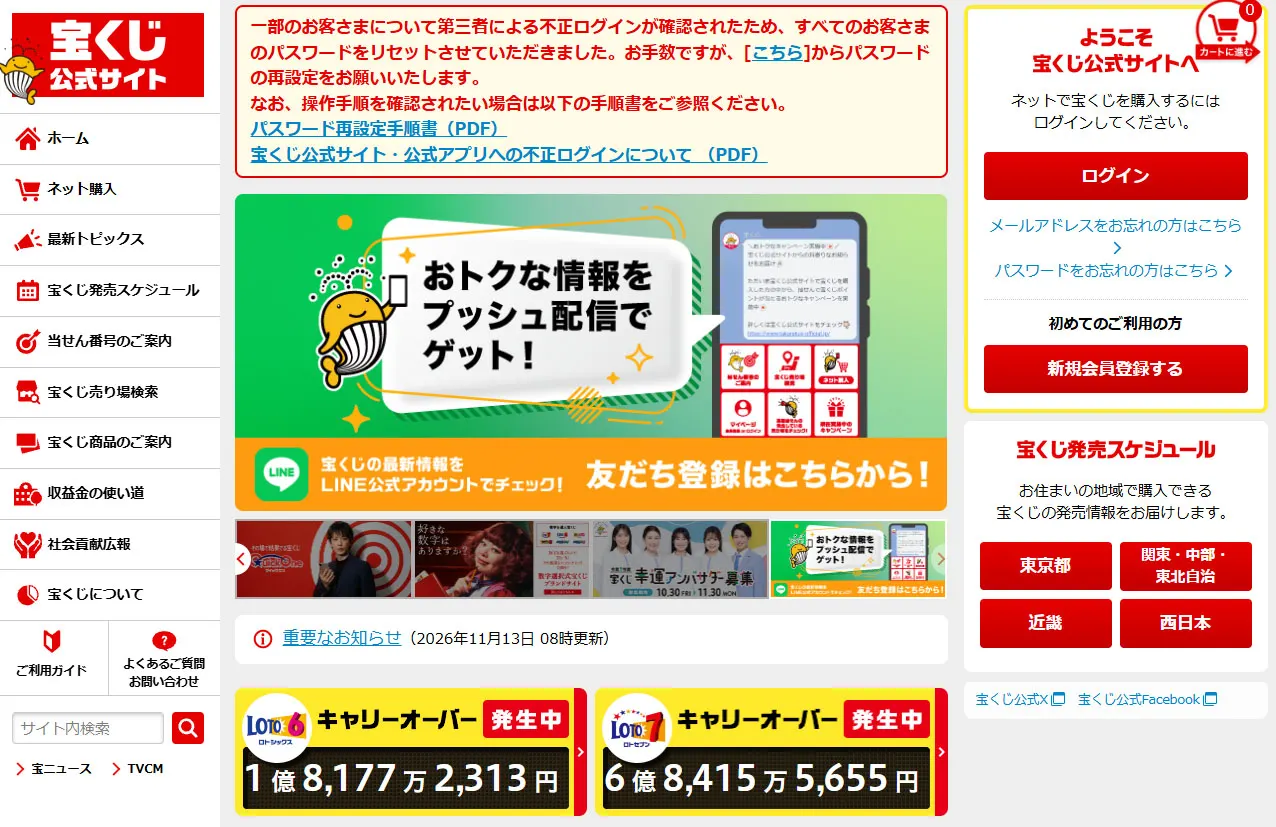
Japan lottery site hack: 4,436 accounts hit after password reuse

Toyota Scion returns with KEI-01, a right-hand-drive mini truck
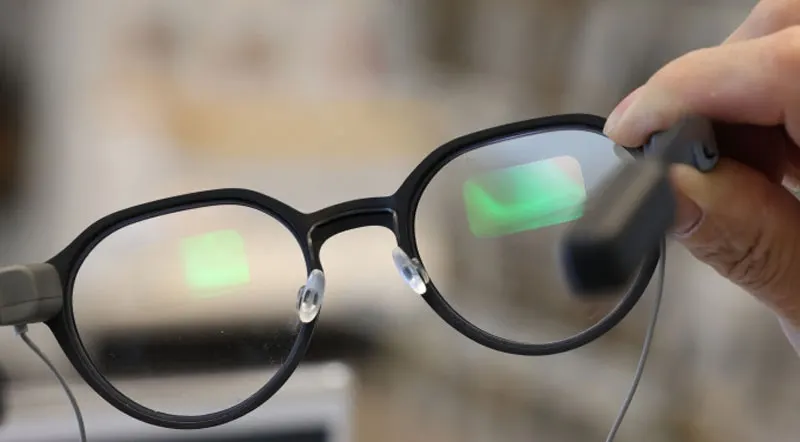
Samsung AR glasses lens is just 1.5 mm thick, a third of today's
More in: Software
See all →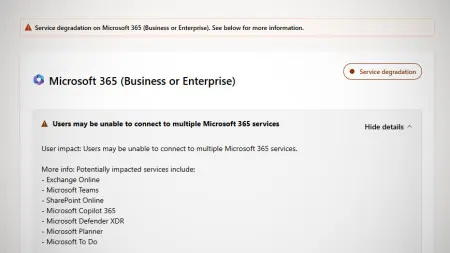
Microsoft 365 outage hits Teams, Exchange Online and Copilot
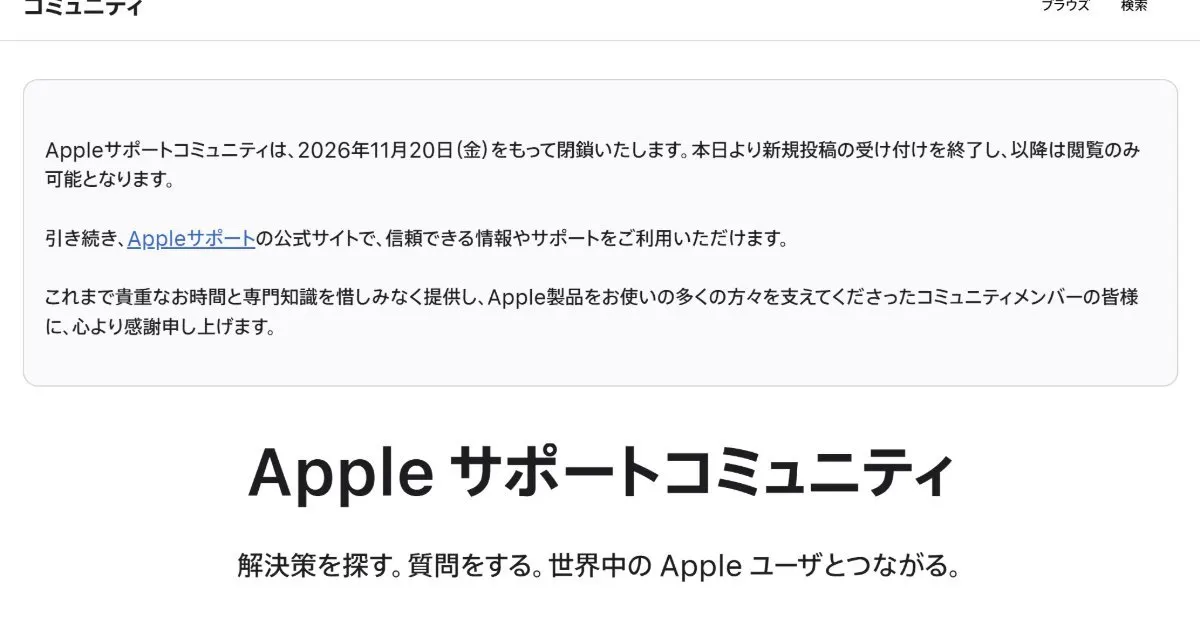
Apple Support Community closes on November 20 after 28 years
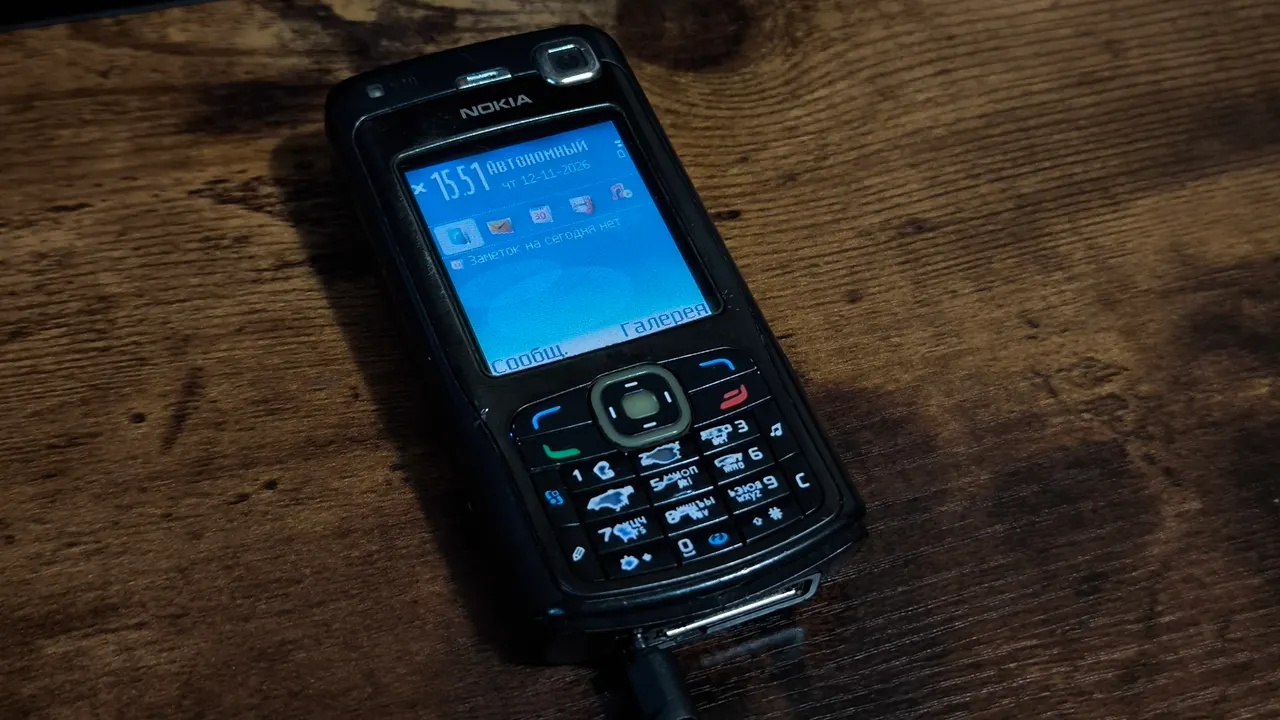
Nokia N70 in 2026: a developer builds a Telegram pager for it