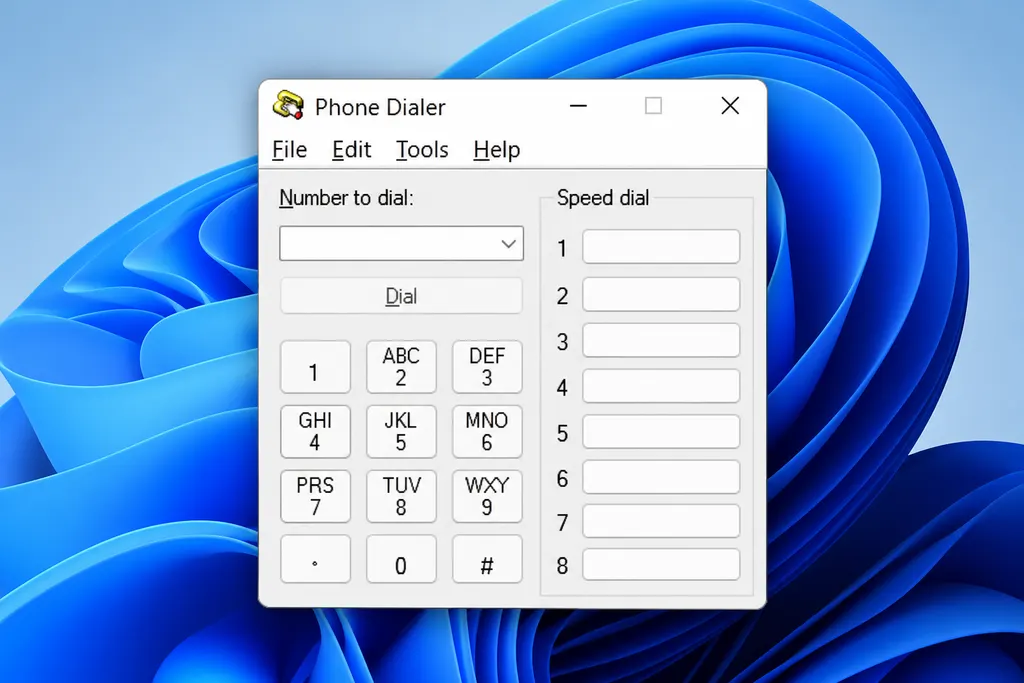
win4wine runs the real Windows XP desktop on top of Linux
A developer has put the original Windows XP taskbar and Start menu on Linux. It is not a theme: win4wine runs XP's own explorer.exe through a patched Wine.

 SUMO· the number puzzle
 Dialo· learn languages by speaking
 ediviewer· read EDI files like documents
 giftdetect· the right gift in minutes
Windows XP is back on the desktop, sort of. A developer has built win4wine, an open source project that runs the actual Windows XP shell as the graphical environment of a Linux system.
The key word is actual. Plenty of themes copy the look of XP. win4wine instead takes explorer.exe from a genuine XP install and uses it to draw the taskbar, the Start menu and the file explorer windows. The Luna interface, the blue-and-green look everyone remembers, runs as it did in 2001.
To pull this off, the creator used Wine 11.0, the compatibility layer that runs Windows programs on Linux, and patched it with more than 150 changes. The project also includes a window manager that ties native Linux apps into the XP shell, plus tools for the system tray and keyboard.
What can win4wine do?
According to the GitHub repository, Linux apps get XP-style window frames, show up in the taskbar and respond to Alt+Tab. Programs you install on Linux can be added to the Start menu. The network, battery and volume icons work, Win32 apps (32 and 64 bit) run through Wine, and there is a login screen inspired by XP's.
How do you install win4wine?
The best route needs a 32-bit Windows XP Professional SP3 ISO. The repository does not supply Microsoft's files, so you have to find the ISO yourself, for example on Internet Archive. Then install Debian 13, clone the repository and run the setup script. After a reboot, you can start the environment from the XP-style welcome screen.
This is an experiment, and the developer does not recommend it as a replacement for a modern desktop. All testing was done on fresh Debian 13 installs, so a virtual machine or an old spare computer is the safer place to try it. Only the English and Japanese SP3 versions of XP are confirmed to work, though the Spanish ISO will probably work with the same setup.
No XP disc? You can try the project with the ReactOS shell, which downloads automatically from official releases of that open source system. A version based on the Windows 7 shell is also in the works, but it is at an early stage and does not do everything the XP one does.
Apps worth a look
SUMO: the number puzzleTap the right tiles, add them up, hit the target. Easy to learn, hard to master. Free, for all ages.
Dialo: learn languages by speakingTalk to an AI conversation partner; every sentence comes back corrected and explained in your language. 9 languages, A1 to C2.
ediviewer: read EDI files like documentsOpen EDIFACT and X12 messages, see every segment explained, convert to JSON/XML, export PDF and Excel. Runs locally, no upload.
giftdetect: the right gift in minutesPick who it is for, the occasion and their personality. The search engine reads product descriptions from local shops and ranks what fits. Free, no sign-up.
More from this day
See all →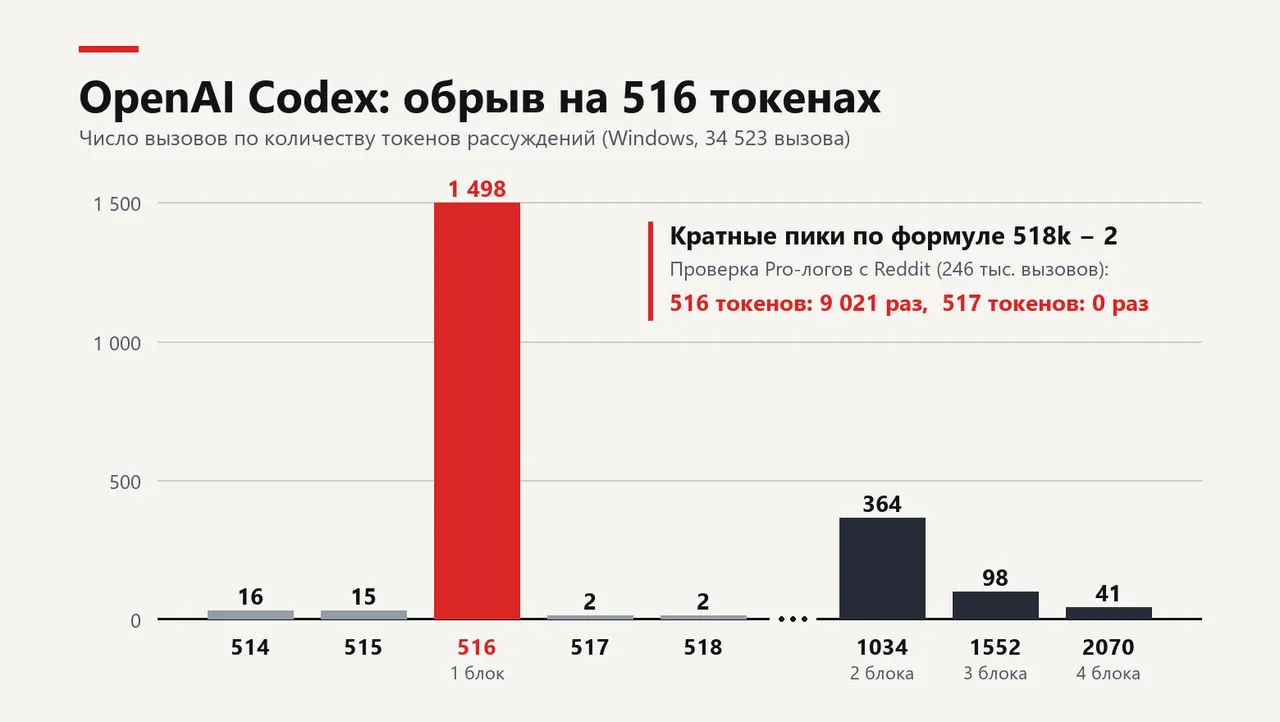
OpenAI Codex reasoning cut off at exactly 516 tokens, logs show
Red Atlas: a free map of which hosts are reachable from Russia

Madrid café Con·tempo charges €3 an hour to work on a laptop

Leonida GTA VI PC port hit by Take-Two DMCA takedown
More in: Software
See all →
Facebook photo suggestions cost Meta an €805 million fine in Italy
xnulinux loads the macOS kernel as a module inside Linux
Farcall: an IBM PC emulator in Rust you can reach over SSH