Farcall: an IBM PC emulator in Rust you can reach over SSH
After a vintage computer festival, one developer wrote an 8088 emulator from scratch. Now anyone can SSH in and play Zork or Sopwith in DOS.
 SUMO· the number puzzle
 Dialo· learn languages by speaking
 ediviewer· read EDI files like documents
 giftdetect· the right gift in minutes
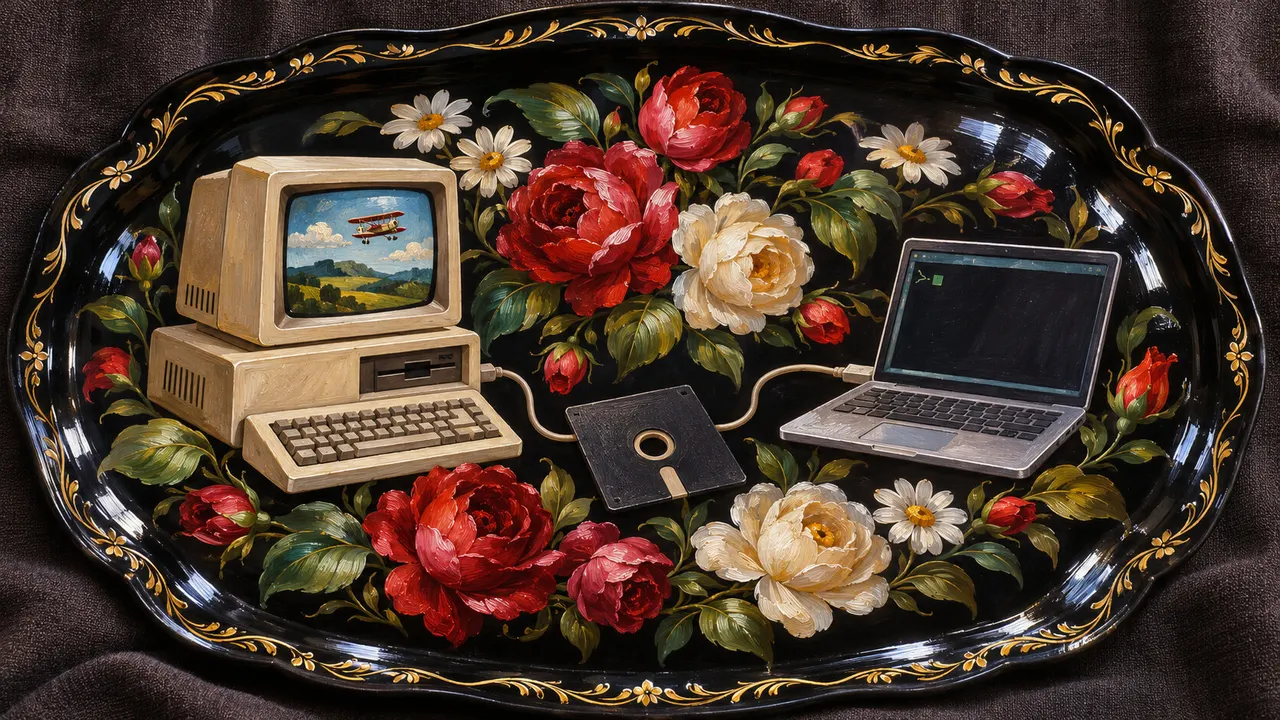
Type ssh me@intodos.com and you land in DOS, running on an IBM PC that exists only in software. That is Farcall, an emulator of the original IBM PC and its 8088 processor, written by hand in Rust. Inside you can play Zork, NetHack, Sopwith and Digger Remastered, or sit down with GW-BASIC.
The author started it on the way home from the Vintage Computer Festival Midwest in September, with a vague question: how hard is it to write an x86 emulator? He had always assumed it was a mountain of work. He also owns an early IBM PC that boots PC-DOS from 5¼-inch floppies, so the 8088 was the obvious target. Better emulators exist, including MartyPC, DOSBox and 86Box. This one was mainly a way to learn.
How was the Farcall emulator built?
It began as a small Rust console program on a Mac that loaded a COM file (a simple DOS executable) and printed "Hello World". Each unknown opcode made it crash and print the number, so the routine was: implement one instruction, run, see where it stops. There were roughly 300 instruction forms, and the author ticked them off in blue on a printout from Intel's manual.
"Hello World" also needed a DOS service, because the program calls INT 21h to print text. Next came MORE.COM from the MS-DOS 2.0 source, then a boot mode that runs the boot sector of a PC-DOS 2.0 floppy image the author made himself. That took about 200 more instructions and a few BIOS services. Once DOS booted, the real DOS handled its own calls, and Multiplan, Microsoft's 1982 spreadsheet, ran in 16-color text mode.
Intercepting BIOS calls had limits, though. DOS 2.0 and 3.3 booted, but FreeDOS did not. So the author switched to GLaBIOS, an open-source BIOS that runs on real IBM PCs. That meant emulating the timer, DMA and PPI chips, and later CGA graphics. Sopwith first appeared squashed, and a test program showed that calling Instant::now() ate about 43% of the CPU time.
How do you use it?
Connect over SSH, pick a disk in the launcher, press Enter and type PLAY at the DOS prompt. Ctrl-] takes you back to the launcher. The author's real goal is still to run Windows 3.1 on Farcall.
Apps worth a look
SUMO: the number puzzleTap the right tiles, add them up, hit the target. Easy to learn, hard to master. Free, for all ages.
Dialo: learn languages by speakingTalk to an AI conversation partner; every sentence comes back corrected and explained in your language. 9 languages, A1 to C2.
ediviewer: read EDI files like documentsOpen EDIFACT and X12 messages, see every segment explained, convert to JSON/XML, export PDF and Excel. Runs locally, no upload.
giftdetect: the right gift in minutesPick who it is for, the occasion and their personality. The search engine reads product descriptions from local shops and ranks what fits. Free, no sign-up.
More from this day
See all →
Superwood: the treated timber InventWood says beats steel
Claude blocked in Russia: what to use instead and what to export

Umbera Tor calls: a developer checked what his phone leaks