WhatsApp sound stickers are rolling out: how to make one
WhatsApp stickers can now play audio. Turn a video into a sticker, add a sound, and the recipient taps a small icon to hear it loop three times.

 SUMO· the number puzzle
 Dialo· learn languages by speaking
 ediviewer· read EDI files like documents
 giftdetect· the right gift in minutes
WhatsApp stickers are getting a voice. Sound stickers have started rolling out in version 2.26.47.1 of the Android beta, and some iOS users are seeing them too.
The feature first showed up in an Android beta in October, when it was still unfinished. Now it is reaching at least some beta testers on the Google Play Store. The rollout is gradual even among testers, so expect it to spread over the coming weeks. On iOS, it is appearing for some TestFlight testers and even a few App Store users. There is no date yet for a release to everyone.
How do WhatsApp sound stickers work?
You make them from the sticker keyboard. Tap Create sticker, pick a video from your gallery, and WhatsApp converts it into an animated sticker on its own. A new audio button at the top of the editor lets you add sound.
You have four options: keep the original audio from the video, choose a preset effect from a built-in collection, import a track from your file manager, or record a voice note.
How do you hear a sound sticker?
Once a sound sticker is sent, a small audio icon sits on it in the chat, so people know there is something to listen to. Nothing plays by default. Stickers arrive muted so they don't barge into a conversation.
The recipient taps the icon to play the audio. It loops three times and then stops. Both the sticker and its audio track are end-to-end encrypted, like other WhatsApp messages.
If you don't see the button yet, you are not doing anything wrong. The update is still being handed out in small batches, and a wider release has not been announced.
Apps worth a look
SUMO: the number puzzleTap the right tiles, add them up, hit the target. Easy to learn, hard to master. Free, for all ages.
Dialo: learn languages by speakingTalk to an AI conversation partner; every sentence comes back corrected and explained in your language. 9 languages, A1 to C2.
ediviewer: read EDI files like documentsOpen EDIFACT and X12 messages, see every segment explained, convert to JSON/XML, export PDF and Excel. Runs locally, no upload.
giftdetect: the right gift in minutesPick who it is for, the occasion and their personality. The search engine reads product descriptions from local shops and ranks what fits. Free, no sign-up.
More from this day
See all →
Iowa lead azide detonation: EPA finds zero airborne lead
Kagi Mail: the Google search rival now offers email, at $25

Czech central bank's bitcoin: down 40% in a year, value unstated

Tether reportedly asked for a 20% fee to return stolen USDT
More in: Mobile
See all →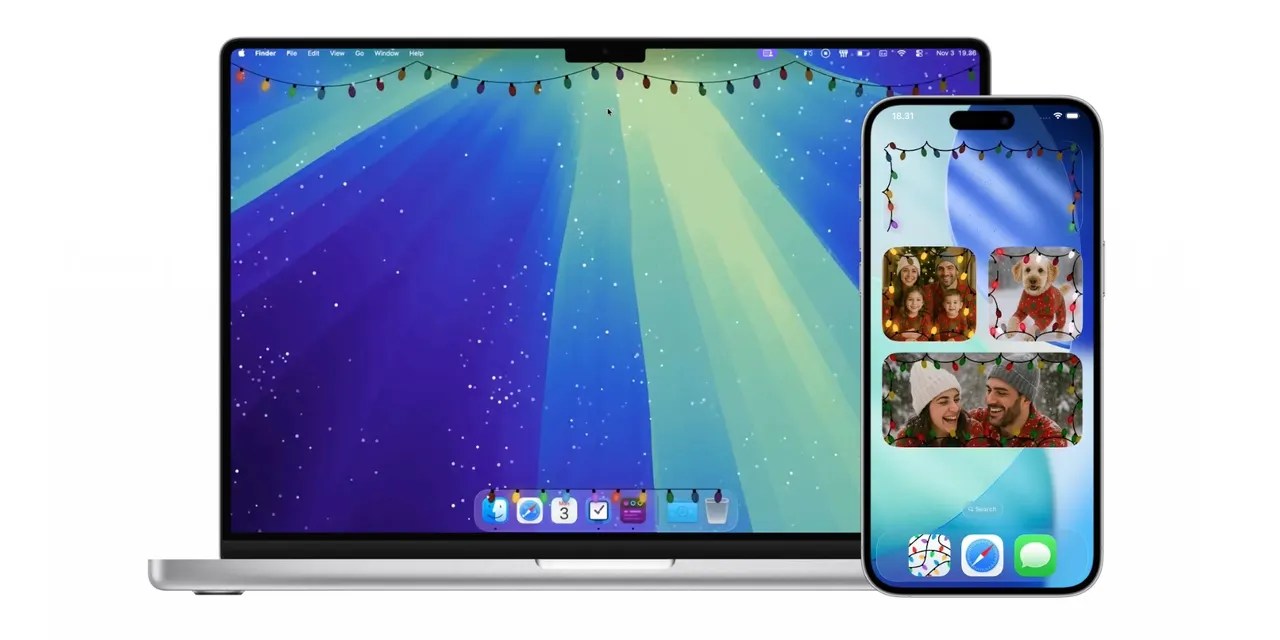
Festivitas for Mac now lets you shovel snow off your desktop

Apple Watch Taptic Time tells you the time by vibration
One UI 9.5 may pitch Samsung Care Plus after you drop your Galaxy