WhatsApp scheduled messages: send up to 14 days later
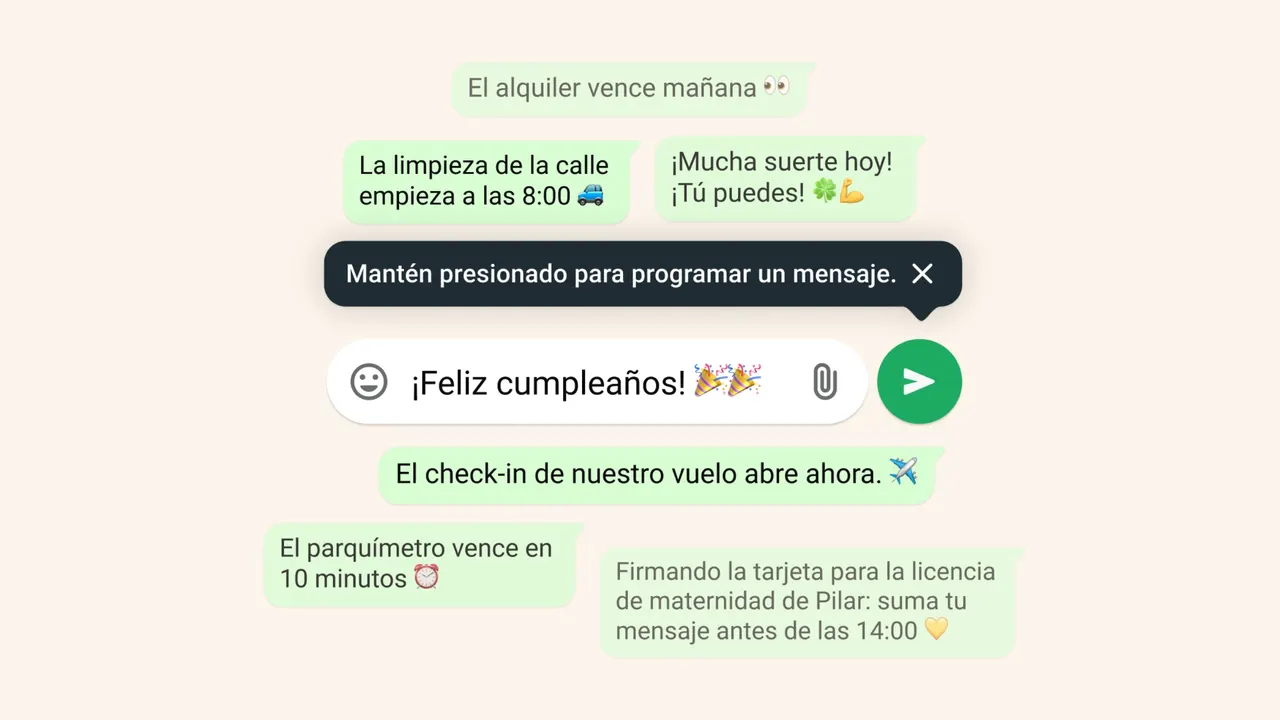
WhatsApp now lets you schedule messages by long-pressing the send button. Pick a time from 10 minutes to 14 days ahead, even if your phone is off by then.
 SUMO· the number puzzle
 Dialo· learn languages by speaking
 ediviewer· read EDI files like documents
 giftdetect· the right gift in minutes
You can finally write a WhatsApp message at midnight and have it land in your friend's chat at breakfast. WhatsApp scheduled messages are rolling out now, and the trick is a long press on the send button.
Meta's messaging app has announced the feature after years of requests. Email and workplace chat tools have offered it for ages, so people have been asking why WhatsApp didn't.
How do you schedule a message on WhatsApp?
Write your message as usual, then press and hold the send button. A pop-up asks for the date and time you want it delivered. That's it.
The window is fairly wide: anything from 10 minutes to 14 days after you create the message. The recipient sees it like any ordinary message, with no label saying it was scheduled.
What works and what doesn't
Scheduling works in both individual chats and groups. It isn't limited to text either, since WhatsApp has confirmed it also covers photos and videos. Voice notes are a different story: there is no news yet on audio, so people who talk rather than type will have to wait.
WhatsApp also adds a new section where you can see everything that is waiting to go out. From there you can edit a message or cancel it before it's sent.
What if your phone dies in the meantime? The scheduled messages are sent anyway, even with the originating phone switched off. Meta says they are protected by end-to-end encryption.
When will you get it?
The global rollout has started, but it may take a few weeks to reach your phone. As usual, WhatsApp is enabling it gradually worldwide, so keep checking the send button now and then.
Apps worth a look
SUMO: the number puzzleTap the right tiles, add them up, hit the target. Easy to learn, hard to master. Free, for all ages.
Dialo: learn languages by speakingTalk to an AI conversation partner; every sentence comes back corrected and explained in your language. 9 languages, A1 to C2.
ediviewer: read EDI files like documentsOpen EDIFACT and X12 messages, see every segment explained, convert to JSON/XML, export PDF and Excel. Runs locally, no upload.
giftdetect: the right gift in minutesPick who it is for, the occasion and their personality. The search engine reads product descriptions from local shops and ranks what fits. Free, no sign-up.
More from this day
See all →
University of Tokyo robot face has 65 artificial muscles

Neiry pigeon drones: Russian firm takes orders for bird photography

SWAIS2C Antarctica core: 228 m of mud and rock under the ice

NVIDIA GPU supply: rumored 20-30% chip cut for gaming cards
More in: Mobile
See all →
Kodak SlideTag: A Find My Tracker With a Photo Screen

WhatsApp sound stickers: Android beta adds audio to clips

MiDNI app at the polls: Spain lets you vote with your phone