Twoyi Web runs a full Android 13 in a Chrome or Edge tab
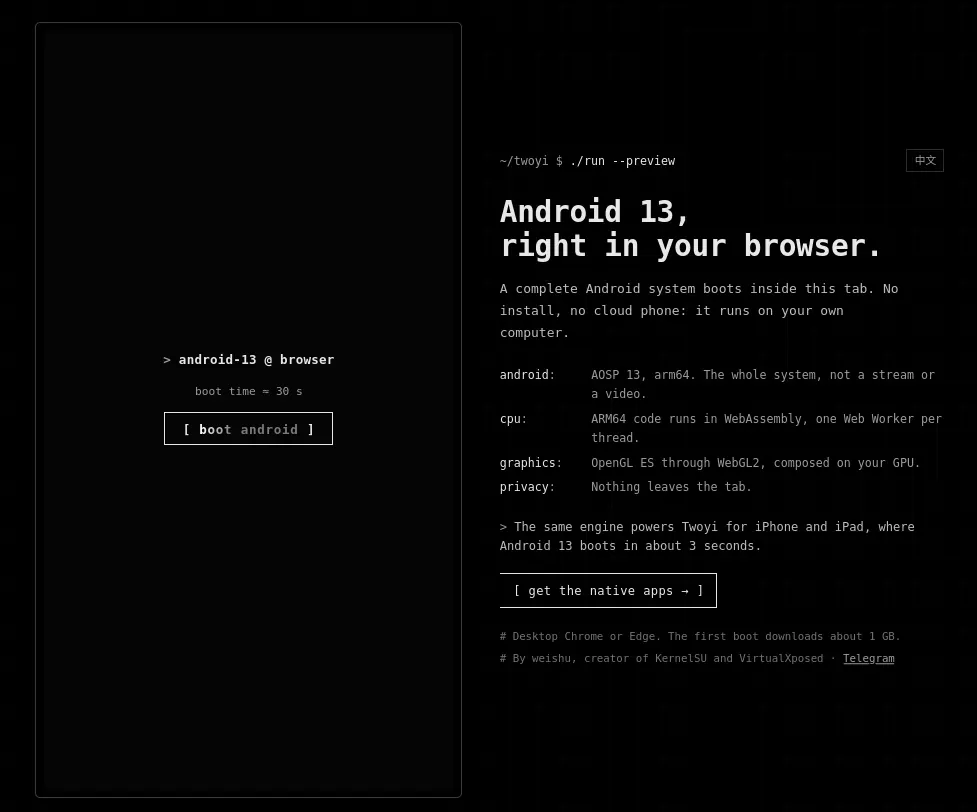
Twoyi Web boots a complete Android 13 inside a browser tab, with no install and no cloud phone. The catch: a first load of about 1 GB.
 SUMO· the number puzzle
 Dialo· learn languages by speaking
 ediviewer· read EDI files like documents
 giftdetect· the right gift in minutes
Twoyi Web is a website that boots a full copy of Android 13 inside a single browser tab. No emulator to install, no streamed "cloud phone". It runs on your own computer, in Chrome or Edge.
The team behind it is Twoyi, led by the developer weishu, who is also known for KernelSU and VirtualXposed. "Android 13 right in your browser," the team says. On first launch the page downloads about 1 GB of data, so don't open it on a metered connection.
How does Twoyi Web work?
According to the developers, this is real Android AOSP 13 built for arm64, not a translation layer and not a video feed. ARM64 code is executed through WebAssembly, with a separate Web Worker (a background browser thread) for each thread of the system. Graphics use OpenGL ES through WebGL2 and are drawn on your local GPU. The team says no data leaves the tab.
The same engine powers Twoyi for iPhone and iPad, where Android 13 reportedly loads in a few seconds.
Android on iPhone and a time machine
Apple is less relaxed about this idea. On 20 November 2026 a free app called Andarium appeared in the App Store. It ran a virtual Android 17 based on LineageOS on iPhones and iPads with iOS 27, built on the open-source Kernarium tool from GitHub. Its developer says Apple pulled it in under two days. Apple's reason: Android emulators are not allowed in the App Store.
For something more nostalgic, a developer called szabolevi98 released Android Time Machine, an open-source browser simulator with five Nexus phones running classic Android versions from 2.1 to 7.1. It is built with static HTML, CSS and JavaScript, from AOSP source code, factory images and period screenshots.
Apps worth a look
SUMO: the number puzzleTap the right tiles, add them up, hit the target. Easy to learn, hard to master. Free, for all ages.
Dialo: learn languages by speakingTalk to an AI conversation partner; every sentence comes back corrected and explained in your language. 9 languages, A1 to C2.
ediviewer: read EDI files like documentsOpen EDIFACT and X12 messages, see every segment explained, convert to JSON/XML, export PDF and Excel. Runs locally, no upload.
giftdetect: the right gift in minutesPick who it is for, the occasion and their personality. The search engine reads product descriptions from local shops and ranks what fits. Free, no sign-up.
More from this day
See all →Hugendubel, Tolino Cloud and eBook.de offline after cyberattack

YouTube app icons: 7 new designs, some retro, are in the works

PC repair job interview: the voltage switch trap he suggested
Google's new 3D emoji need 6GB RAM and 10GB storage, now explained
More in: Software
See all →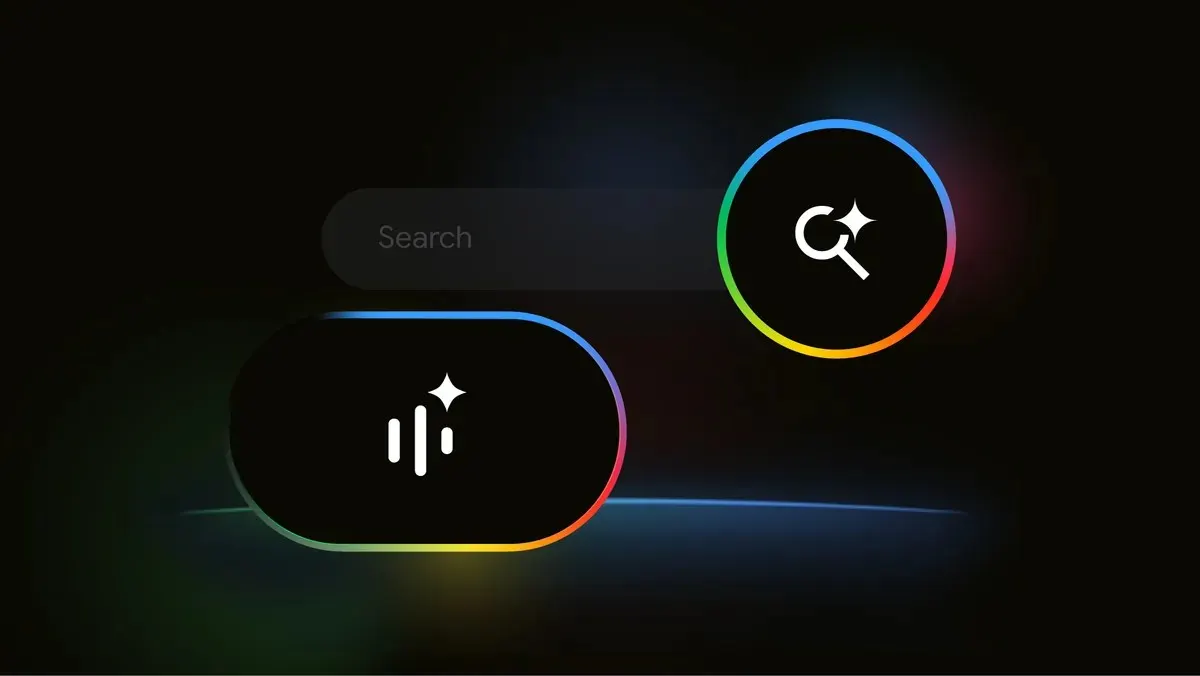
Google homepage drops the Search button for AI tools
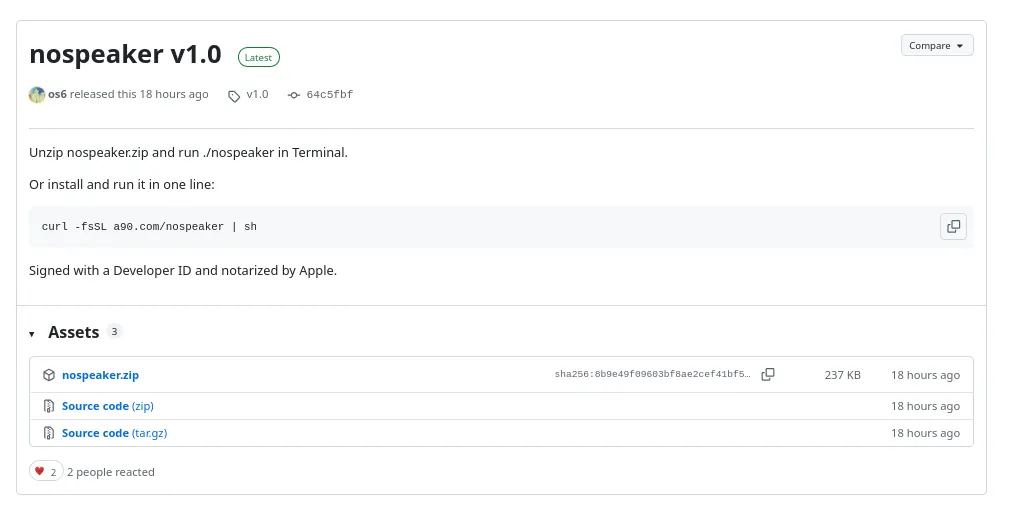
nospeaker makes a MacBook trackpad talk using its haptic motor
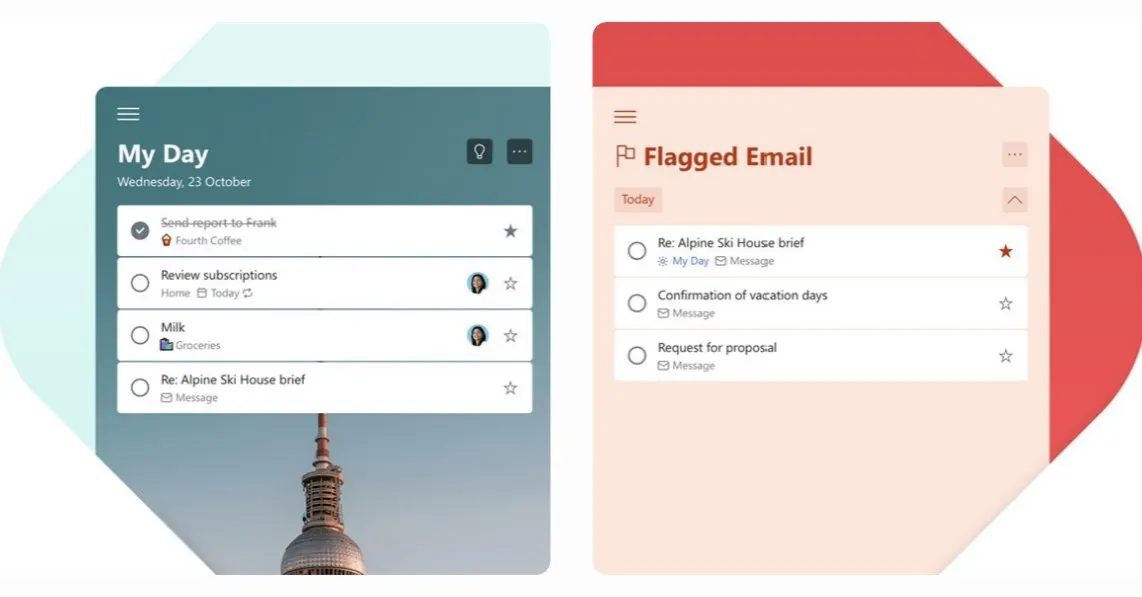
Microsoft To Do shuts down June 2027, with no Planner for home users