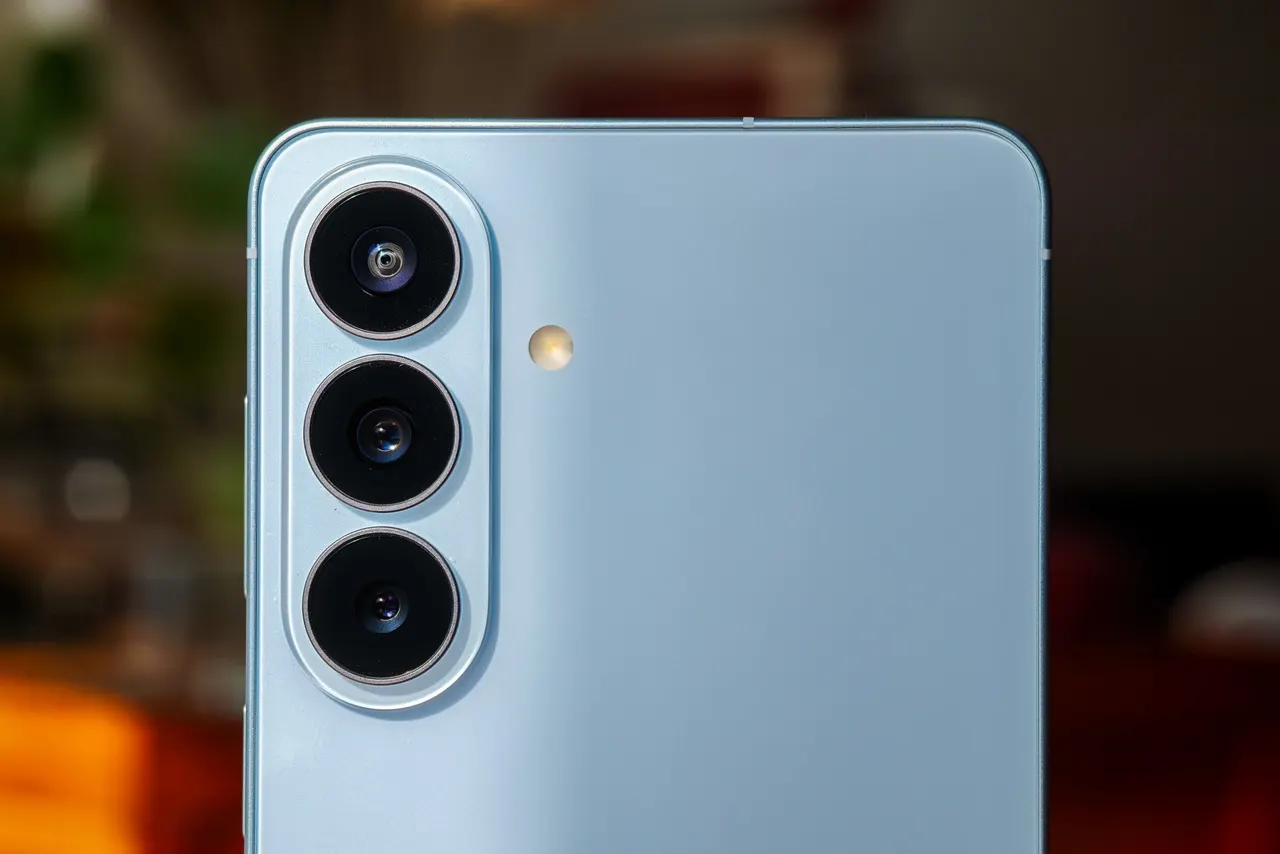
Samsung Recompose could change a photo's angle after you shoot
Code in the One UI 9.5 beta points to Recompose, a Samsung tool that could turn a finished photo into a 3D scene and let you shift the angle.
 SUMO· the number puzzle
 Dialo· learn languages by speaking
 ediviewer· read EDI files like documents
 giftdetect· the right gift in minutes
Samsung may soon let you fix a bad camera angle after the fact. Code in the One UI 9.5 beta points to a feature called Recompose, which could change the perspective of a photo you've already taken.
Android Authority found the references inside Samsung's Photo Editor app. Recompose appears to build on the existing Move tool, and users would be able to toggle between the two. The text strings tied to it give a good idea of the controls: drag with one finger to change the perspective, use two fingers to pan, zoom and rotate, and move a slider to make background objects look closer or farther away. The Photo Assistant's move and erase settings also say you can "change the angle and perspective of your photos."
How does Samsung Recompose work?
According to Android Authority, a separate app called Spatial Core turns the photo into a 3D rendering using a depth map. That's a map of how far each part of the scene is from the camera. You then adjust the perspective in 3D.
The next step happens off your phone. Photo Editor sends the image to the cloud, where generative AI fills in the parts of the picture that the new angle reveals but the original photo never captured.
What we don't know yet
This is code in a beta, not an announcement. Samsung hasn't confirmed Recompose, and nothing in the material says when it might ship or which phones would get it. The cloud step suggests it would need an internet connection, though that is an inference from how the process is described.
Still, the idea is easy to picture. Tilt a shot slightly, nudge the background, and let AI invent whatever the camera missed.
Apps worth a look
SUMO: the number puzzleTap the right tiles, add them up, hit the target. Easy to learn, hard to master. Free, for all ages.
Dialo: learn languages by speakingTalk to an AI conversation partner; every sentence comes back corrected and explained in your language. 9 languages, A1 to C2.
ediviewer: read EDI files like documentsOpen EDIFACT and X12 messages, see every segment explained, convert to JSON/XML, export PDF and Excel. Runs locally, no upload.
giftdetect: the right gift in minutesPick who it is for, the occasion and their personality. The search engine reads product descriptions from local shops and ranks what fits. Free, no sign-up.
More from this day
See all →
Android Extend Unlock, the feature once called Smart Lock
Meta India protest: police use water cannons on Congress youth

Binance hack: CZ says management ignored cybersecurity