Samsung Quick Measure and AR Doodle leave Galaxy Store Dec 31
Samsung is pulling its virtual ruler Quick Measure and the AR Doodle drawing app from the Galaxy Store on December 31. Download them now if you want them.
 SUMO· the number puzzle
 Dialo· learn languages by speaking
 ediviewer· read EDI files like documents
 giftdetect· the right gift in minutes
If you have ever used your Galaxy phone as a tape measure, grab the app now. Samsung is removing Quick Measure and AR Doodle from the Galaxy Store on December 31.
Quick Measure is a virtual ruler. Point the camera at something and it measures distances and areas in the real world. AR Doodle lets you draw on photos and videos and add 3D effects to them.
Samsung has put the same notice on both store listings. After December 31, "new downloads and update support for the existing app will be discontinued." The company adds that you can keep using an app you have already downloaded, but "some features may not function properly."
What happens to Quick Measure and AR Doodle after December 31?
The apps won't vanish from phones that already have them. But they will no longer get compatibility updates for future versions of Samsung's operating system. In practice, that means updating your phone's software once 2027 arrives could break either app.
So if you rely on Quick Measure for a quick check of a shelf or a doorway, think twice before you update.
Will they come back?
Maybe. Samsung says: "We apologize for any inconvenience this may cause. We are committed to returning with improved services in the future." It has not said when that might be, or whether the features will move into other Samsung apps.
Until then, the plan is simple. Open the Galaxy Store on a compatible Galaxy device and download both apps before the end of the year.
Apps worth a look
SUMO: the number puzzleTap the right tiles, add them up, hit the target. Easy to learn, hard to master. Free, for all ages.
Dialo: learn languages by speakingTalk to an AI conversation partner; every sentence comes back corrected and explained in your language. 9 languages, A1 to C2.
ediviewer: read EDI files like documentsOpen EDIFACT and X12 messages, see every segment explained, convert to JSON/XML, export PDF and Excel. Runs locally, no upload.
giftdetect: the right gift in minutesPick who it is for, the occasion and their personality. The search engine reads product descriptions from local shops and ranks what fits. Free, no sign-up.
More from this day
See all →
Comet 220P/McNaught suddenly got 1,000 times brighter. Here's why

Coral Hart used AI to write 370 books in 20 months

WhatsApp Zaps: self-deleting photos and videos for any chat

Green SM taxis: Karnataka halts new registrations, eyes mandatory meters
More in: Mobile
See all →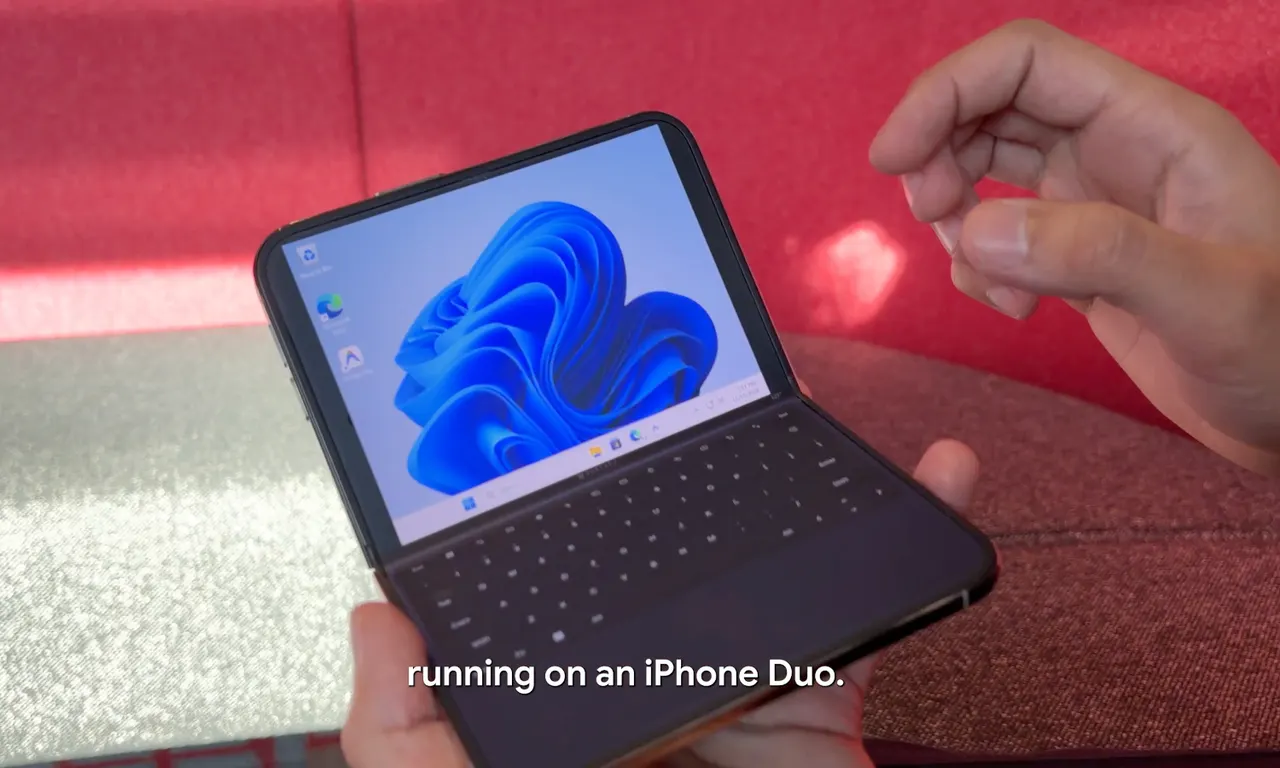
Google's Ammaar Reshi put Windows 11 on an iPhone Duo to work
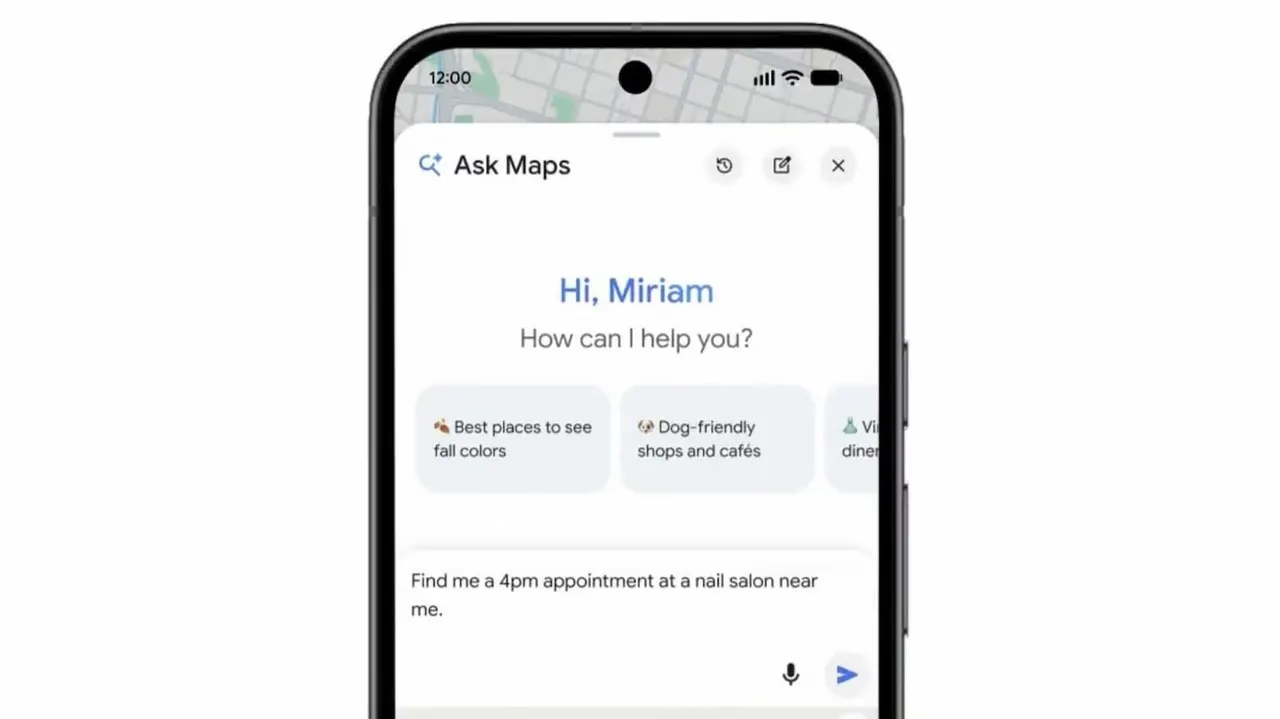
Ask Maps can now call local businesses to book appointments