Samsung Photo Stitching in One UI 9.5 joins photos uncropped
Samsung's Gallery app is getting Photo Stitching in One UI 9.5, a tool that glues screenshots and photos together without chopping bits off.
 SUMO· the number puzzle
 Dialo· learn languages by speaking
 ediviewer· read EDI files like documents
 giftdetect· the right gift in minutes
If you have ever tried to merge a few screenshots into one image on a Galaxy phone and watched the collage tool crop the important part, Samsung has noticed. Photo Stitching is coming to the Gallery app with One UI 9.5.
The feature already showed up in the first One UI 9.5 beta on the Galaxy S26 Ultra. It sits inside Samsung Gallery, the app preinstalled on Galaxy phones, and it works differently from the usual collage mode. A collage drops your pictures into fixed layouts, so parts of them get trimmed in spots you didn't choose. Photo Stitching keeps each image at its original size and lines them up vertically or horizontally.
That is handy for the boring but common jobs: stacking several receipts into one picture, or saving a whole chat conversation as a single long image from multiple screenshots.
How to use Photo Stitching in One UI 9.5
Beta users on the Galaxy S26 Ultra can try it now. Select several images in Gallery, tap Create, choose Collage, then pick Photo Stitching. The phone offers layouts that join the images automatically, and you can enlarge the preview to check the alignment before saving.
What else is in One UI 9.5?
The update runs on Android 17 and keeps the design language of One UI 9, with a more modern look that resembles Apple's Liquid Glass. There is a new Pro mode for photos and video, with control over aperture, shutter speed, ISO, autofocus, white balance and exposure compensation. A built-in app lock works with a PIN or biometrics. Accessibility gets headphone controls in the notification panel and floating shortcuts for essential settings.
One UI 9.5 is currently available to Galaxy S26 Ultra owners in the United States, United Kingdom, Poland, Germany, India and South Korea. Other Galaxy models will get it too, but there is no official date yet.
Apps worth a look
SUMO: the number puzzleTap the right tiles, add them up, hit the target. Easy to learn, hard to master. Free, for all ages.
Dialo: learn languages by speakingTalk to an AI conversation partner; every sentence comes back corrected and explained in your language. 9 languages, A1 to C2.
ediviewer: read EDI files like documentsOpen EDIFACT and X12 messages, see every segment explained, convert to JSON/XML, export PDF and Excel. Runs locally, no upload.
giftdetect: the right gift in minutesPick who it is for, the occasion and their personality. The search engine reads product descriptions from local shops and ranks what fits. Free, no sign-up.
More from this day
See all →
Kraken's CAD market sold bitcoin for $17,000, and the trades stand

Russian nuclear satellite Sputnik-S could launch in December

Lean, the proof checker behind the Riemann hypothesis claim
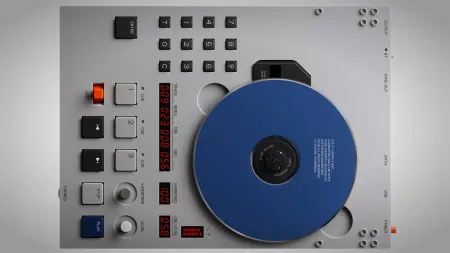
Teenage Engineering CD player: open drive, DJ mixing, Auracast
More in: Mobile
See all →
Denmark smartphone ban in schools: no phones up to 10th grade
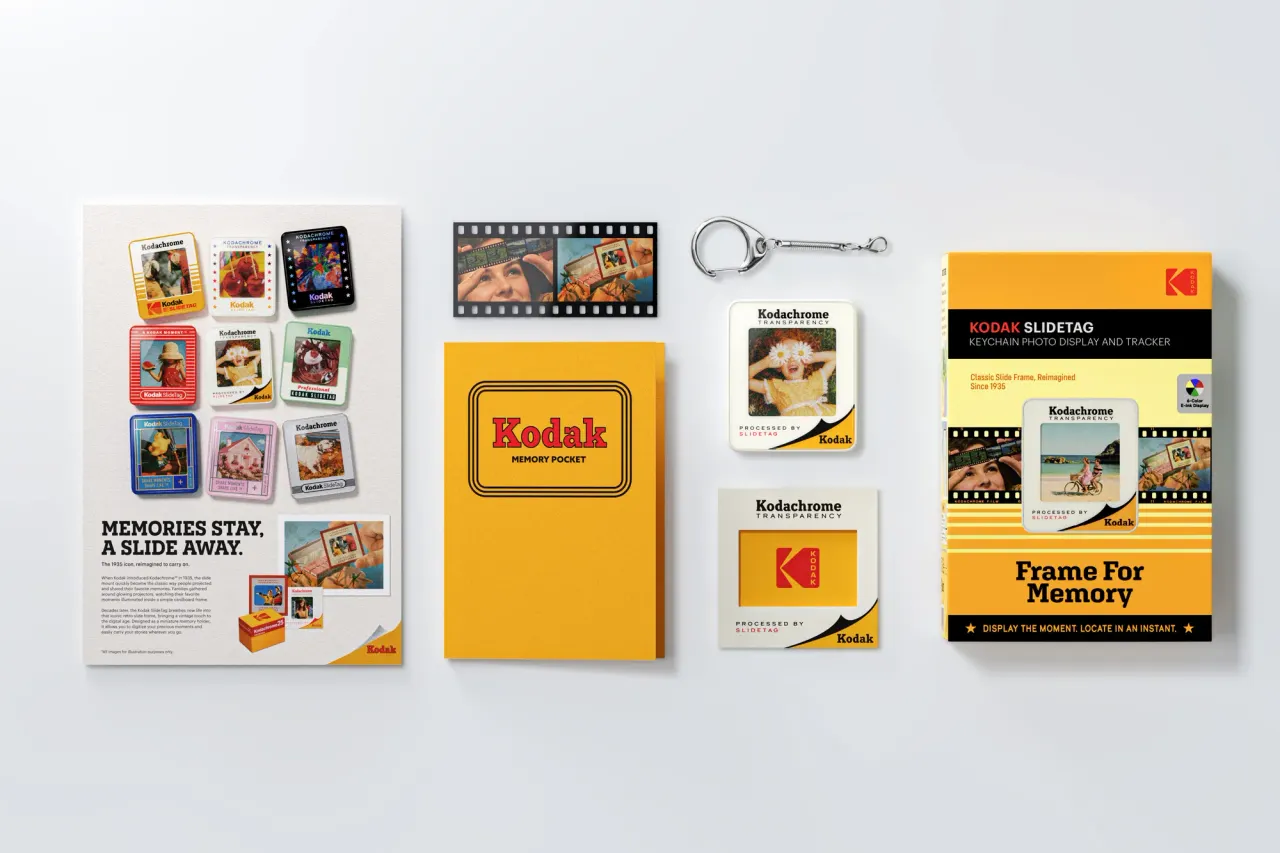
Kodak Slide Tag: a tiny e-ink photo frame that also tracks your keys

Weak 4G indoors: Ookla finds Naples has the worst signal