Samsung phone privacy settings: what One UI may share about you
Your Samsung phone may use your data to personalise ads and improve services. Some One UI settings can be switched off to limit that tracking.
 SUMO· the number puzzle
 Dialo· learn languages by speaking
 ediviewer· read EDI files like documents
 giftdetect· the right gift in minutes
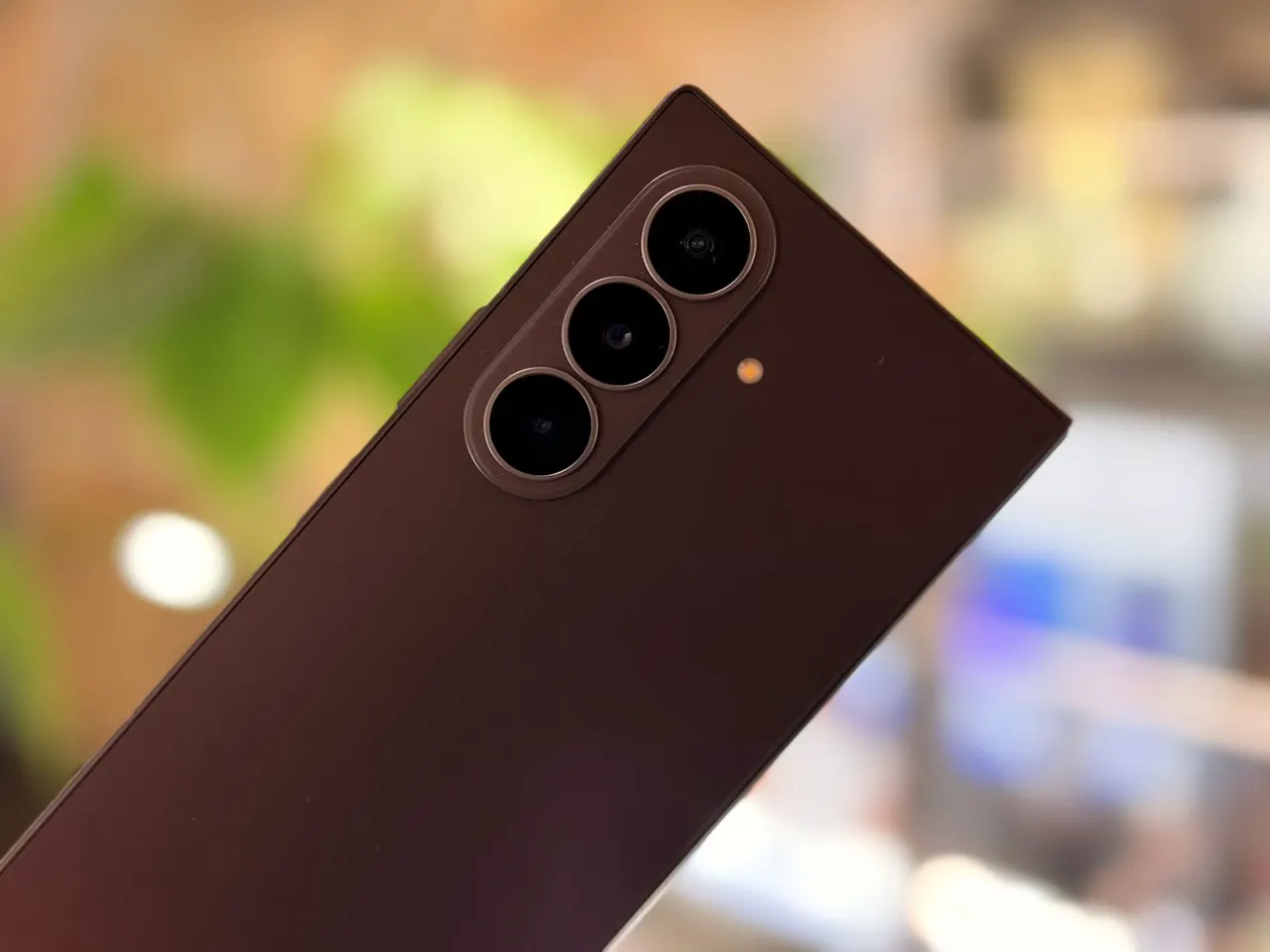
If you own a Samsung phone, it is worth a few minutes in the settings. Samsung may use data from your device to personalise ads and to improve its services, and several options in One UI, the software that runs on Galaxy phones, let you cut that back.
The point is simple. A new phone arrives with a set of defaults, and many people tap through the setup screens without reading them. Some of those defaults involve how your data is used. Nothing here means you have to give up your phone, only that you have a say in what it does with information about you.
How to limit tracking on a Samsung phone
The practical advice is to go through the privacy-related options in One UI and switch off the ones you do not want. That mainly means the ones tied to ad personalisation and to service improvement, the two uses of data Samsung is described as having for them. Turning them off is meant to reduce how much about your habits the company can use.
We do not have a full list of every toggle or the exact menu paths, so check the privacy and account sections of your own phone. Menu names can differ between One UI versions and regions, and a quick look through them is the surest way to see what is currently enabled.
Is it worth changing these settings?
That depends on how comfortable you are with personalised ads. If you would rather see fewer of them, or simply prefer that less of your data is used, switching these options off costs very little. If you do not mind, you can leave them as they are. Either way, it is better to choose on purpose than to accept whatever came out of the box.
It is also a sensible habit after a big system update, since a new software version is a good moment to look again at what is switched on.
Apps worth a look
SUMO: the number puzzleTap the right tiles, add them up, hit the target. Easy to learn, hard to master. Free, for all ages.
Dialo: learn languages by speakingTalk to an AI conversation partner; every sentence comes back corrected and explained in your language. 9 languages, A1 to C2.
ediviewer: read EDI files like documentsOpen EDIFACT and X12 messages, see every segment explained, convert to JSON/XML, export PDF and Excel. Runs locally, no upload.
giftdetect: the right gift in minutesPick who it is for, the occasion and their personality. The search engine reads product descriptions from local shops and ranks what fits. Free, no sign-up.
More from this day
See all →
Comet 220P/McNaught suddenly got 1,000 times brighter. Here's why

Coral Hart used AI to write 370 books in 20 months

WhatsApp Zaps: self-deleting photos and videos for any chat

Green SM taxis: Karnataka halts new registrations, eyes mandatory meters
More in: Mobile
See all →
Google's Ammaar Reshi put Windows 11 on an iPhone Duo to work
Ask Maps can now call local businesses to book appointments