Quick Share Adds Automatic Android Photo Backup to Windows PCs
Google's November release notes list automatic photo and video backup from Android to Windows via Quick Share, arriving with Google Play services v26.43.
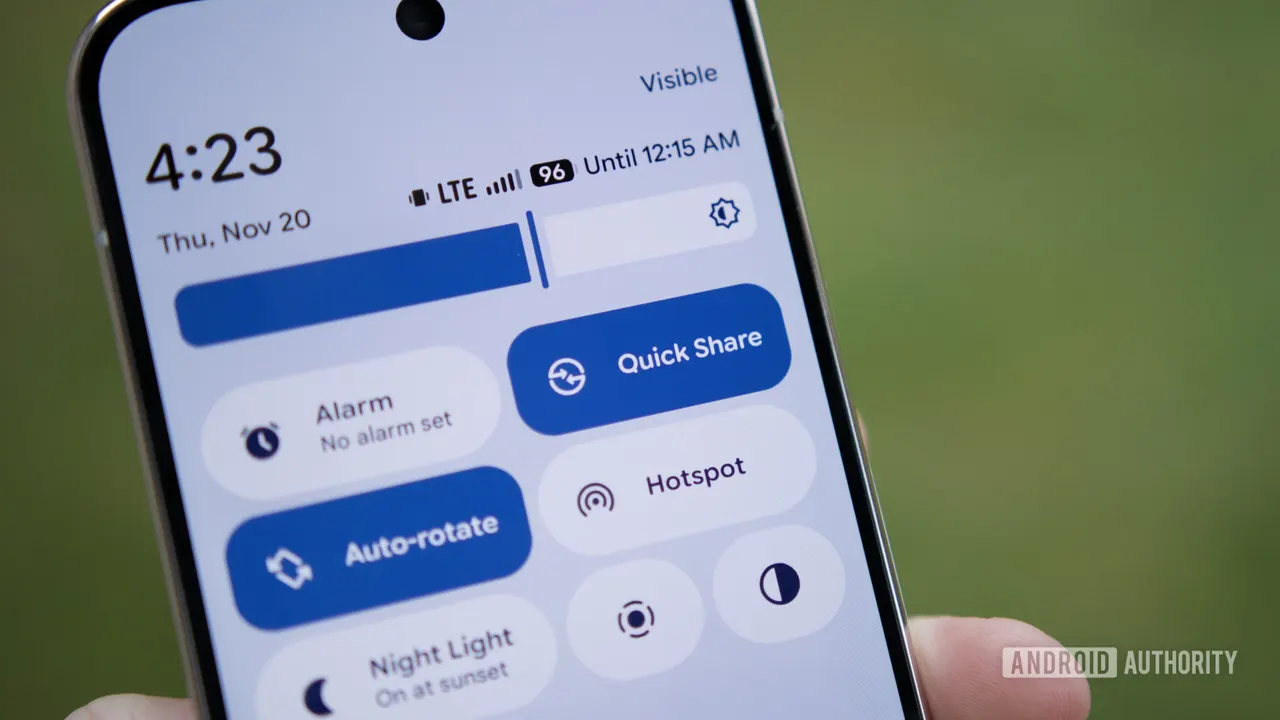
Google has officially listed automatic photo and video backup from Android phones to Windows PCs through Quick Share. The entry appears in the System Services release notes for November 2026 and is part of Google Play services v26.43.
The line sits under the Device Connectivity section and is tagged for both phones and PCs. It is short and offers no further detail, but it is the first time Google has formally acknowledged a feature that had been spotted in code for months.
How it is expected to work
An "Automatic backup" option first turned up in Quick Share settings in April, promising to copy photos, videos and audio from a phone to a PC on the home network. Strings found in Google Play services in October suggest setup begins in the Quick Share for Windows app. The phone should be nearby, and both devices need to be signed in to the same Google Account. After that, Quick Share should save photos and videos to the PC automatically, with no cables and no cloud subscription.
Samsung question remains open
Earlier teardowns indicated that Samsung phones would be excluded, at least initially. A later one suggested the restriction would extend to Samsung PCs. Google's release notes mention no such limits, so it is unclear whether the exclusions will carry over to the final release.
Rollout
Google Play services updates roll out gradually, so the feature may not appear on your phone right away, even after the update lands. Users who want to try it should also make sure the Quick Share app on their Windows PC is up to date.
For people who want a local copy of their camera roll without paying for cloud storage or plugging in a cable, the feature could remove a routine chore. Whether it works the same on every device will become clear as the rollout reaches more phones.
Apps worth a look
 SUMO: the number puzzle
Tap the right tiles, add them up, hit the target. Easy to learn, hard to master. Free, for all ages.
 Dialo: learn languages by speaking
Talk to an AI conversation partner; every sentence comes back corrected and explained in your language. 9 languages, A1 to C2.
 ediviewer: read EDI files like documents
Open EDIFACT and X12 messages, see every segment explained, convert to JSON/XML, export PDF and Excel. Runs locally, no upload.
More from this day
See all →
Ikea Mittzon laptop table: rolling, adjustable, €149
SUSE Announces Major Job Cuts as US Newspapers Sue Brave Software

For Physician Raises $267,200 at $4M Valuation for Doctor AI
Musk Says Grok Bot Costs Far Exceed Revenue as Limits Tighten
More in: Mobile
See all →
Google Confirms Android Family Hub in Settings via Play Services
iPhone Duo Scalpers Use AI Bots to Snap Up Restocked Units
Apple Makes Developers Disclose Location Sharing and Dating Features