PlainApp: browse your Android phone from a Windows PC, no install
PlainApp is a free, open-source Android app that lets you manage your phone's files from any PC browser. No PC software, no account, no subscription.
 SUMO· the number puzzle
 Dialo· learn languages by speaking
 ediviewer· read EDI files like documents
 giftdetect· the right gift in minutes
Most apps that link an Android phone to a Windows PC want you to install something on both ends, and many want a monthly fee. PlainApp wants neither. It's free and open source, and the PC side is just a web browser.
What is PlainApp and how does it work?
PlainApp is an Android app available on the Play Store. It runs on phones with Android 9 or newer. You install it, grant notification and file access permissions, and it shows you a URL. Open that URL in a browser on your computer, as long as both devices are on the same Wi-Fi network, and your phone's contents are there. There's no account to create and no login to set up.
One quirk: PlainApp uses a self-signed TLS certificate, so your browser will complain the first time. Click Advanced, then Proceed. After that, click Log in and tap Allow on your phone when it asks.
What can you do with it?
Once connected, you can view and manage images, videos, music and contacts straight from the browser. The interface looks like a polished app rather than a bare file transfer tool. The Files tab lets you browse folders and move files in both directions. You can also send text to your phone's clipboard, call a number from the web interface, and mirror your phone's screen in the browser.
The media viewer shows images and videos in original quality. If your browser can't play HEVC video, PlainApp converts it to H.264 automatically. There's a basic image editor for cropping, adding text or drawing on photos, plus a music player.
Does it replace Quick Share?
Not really. Quick Share is still faster for sending photos or videos. PlainApp is the better pick when you want to browse and organize more of what's on your phone.
A caveat: PlainApp says remote control of the phone from the browser is possible, similar to iPhone Mirroring on macOS. The reviewer couldn't get it to work on their phone.
Apps worth a look
SUMO: the number puzzleTap the right tiles, add them up, hit the target. Easy to learn, hard to master. Free, for all ages.
Dialo: learn languages by speakingTalk to an AI conversation partner; every sentence comes back corrected and explained in your language. 9 languages, A1 to C2.
ediviewer: read EDI files like documentsOpen EDIFACT and X12 messages, see every segment explained, convert to JSON/XML, export PDF and Excel. Runs locally, no upload.
giftdetect: the right gift in minutesPick who it is for, the occasion and their personality. The search engine reads product descriptions from local shops and ranks what fits. Free, no sign-up.
More from this day
See all →
MoldyRoost ad campaign can hack iPhones with one tap, Confiant says

VMware vCenter bug CVE-2026-123890 was exploited in September

South Korea's Suneung exam alert caught 49 students with phones

Kh-101 missiles found at three crash sites in Poland, prosecutors say
More in: Software
See all →
Google homepage drops the Search button for AI tools
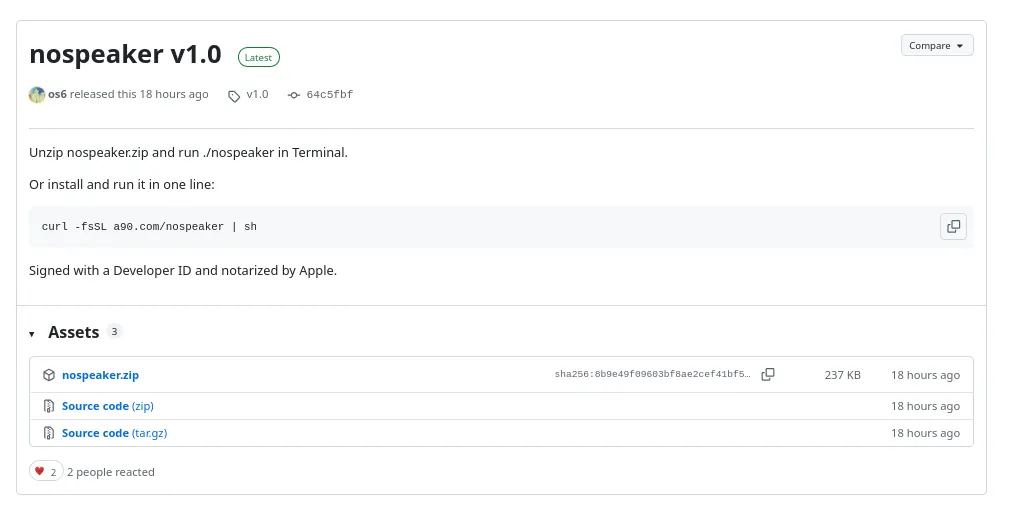
nospeaker makes a MacBook trackpad talk using its haptic motor
Microsoft To Do shuts down June 2027, with no Planner for home users