Pixel Quick Tap: Double-Tap the Back of Your Phone for Shortcuts
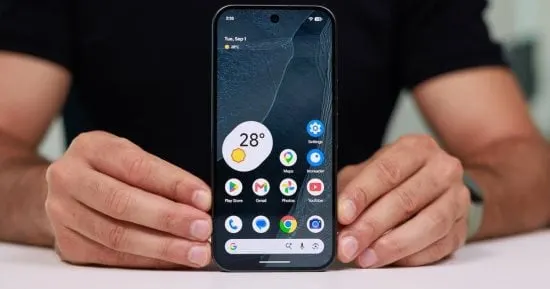
Google Pixel phones can turn the back of the phone into a button. Quick Tap runs a flashlight, screenshot or Gemini with two taps, even on a locked screen.
 SUMO· the number puzzle
 Dialo· learn languages by speaking
 ediviewer· read EDI files like documents
 giftdetect· the right gift in minutes
Your Google Pixel has a button you probably never noticed: the back of the phone. A feature called Quick Tap lets you double-tap it to run a shortcut, no unlocking and no menu digging.
It is handy for one-handed use. You pick the action once, then two taps on the back do the job.
How to turn on Quick Tap on a Pixel
Quick Tap works on the Pixel 4a 5G and newer models. Open Settings, choose System, then Gestures, and tap "Quick Tap to start actions". From there you choose what the double tap does.
The options include:
- Turning the flashlight on and off
- Taking a screenshot without the power and volume buttons
- Playing or pausing music and video
- Calling up the Gemini assistant without speaking to the phone
- Showing notifications without pulling down the shade
- Opening the recent apps list and switching between them
- Launching any app installed on the phone
The flashlight shortcut even works while the phone is locked, which is useful when you need light fast.
Quick Tap not working? What to try
Thick cases can dull the sensing of taps on the back. Try removing the case for a moment or switching to a thinner one. Also check that the "Require stronger taps" option is off if it is blocking lighter taps.
Tapping at different spots on the back can help too, especially if you use magnetic accessories that interfere with the feature.
Other Pixel gestures worth knowing
Double-pressing the power button opens the camera or Google Wallet, and a long press calls up Gemini. Flip to Shhh turns on Do Not Disturb when you place the phone face down. Other gestures let you check the time and notifications by lifting or tapping the phone.
Apps worth a look
SUMO: the number puzzleTap the right tiles, add them up, hit the target. Easy to learn, hard to master. Free, for all ages.
Dialo: learn languages by speakingTalk to an AI conversation partner; every sentence comes back corrected and explained in your language. 9 languages, A1 to C2.
ediviewer: read EDI files like documentsOpen EDIFACT and X12 messages, see every segment explained, convert to JSON/XML, export PDF and Excel. Runs locally, no upload.
giftdetect: the right gift in minutesPick who it is for, the occasion and their personality. The search engine reads product descriptions from local shops and ranks what fits. Free, no sign-up.
More from this day
See all →
Anthropic's Siren test: how often Claude models break their limits

Does WhatsApp keep your photos after you delete a chat?
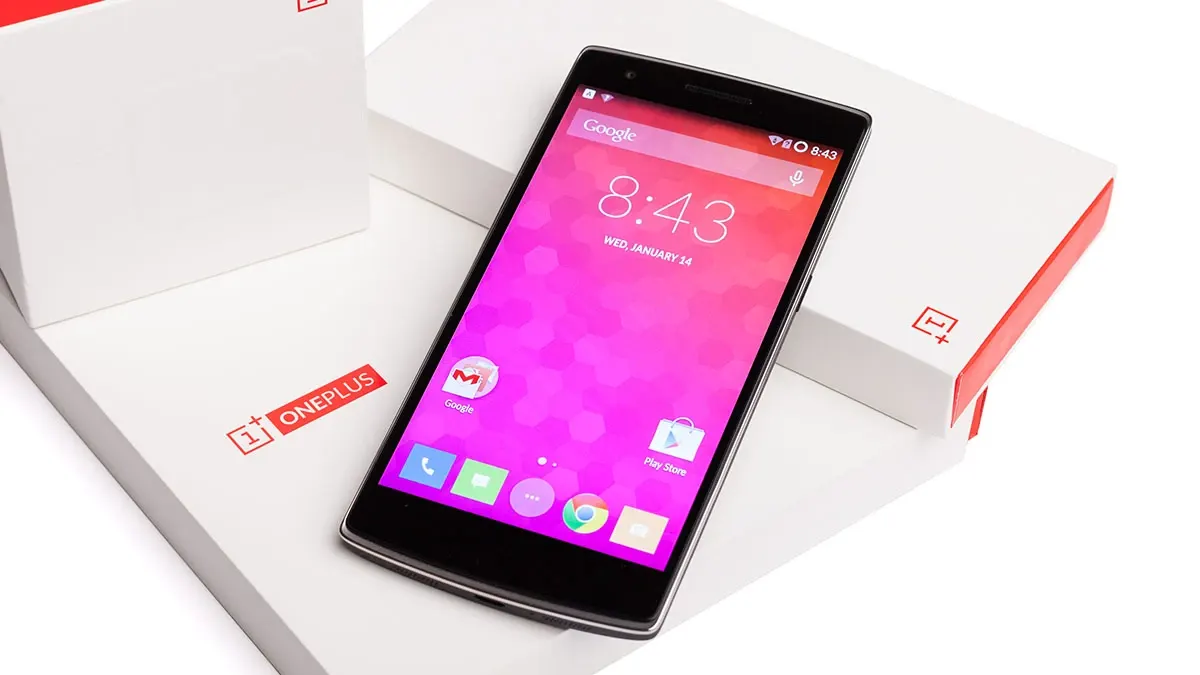
Android 16 on a 2014 OnePlus One: a 12-year-old phone runs it