Google Maps black screen in Android Auto: what drivers report
Drivers say Google Maps in Android Auto sometimes goes fully black, right when they need directions. Some have found stopgaps, but a proper fix is still to come.
 SUMO· the number puzzle
 Dialo· learn languages by speaking
 ediviewer· read EDI files like documents
 giftdetect· the right gift in minutes
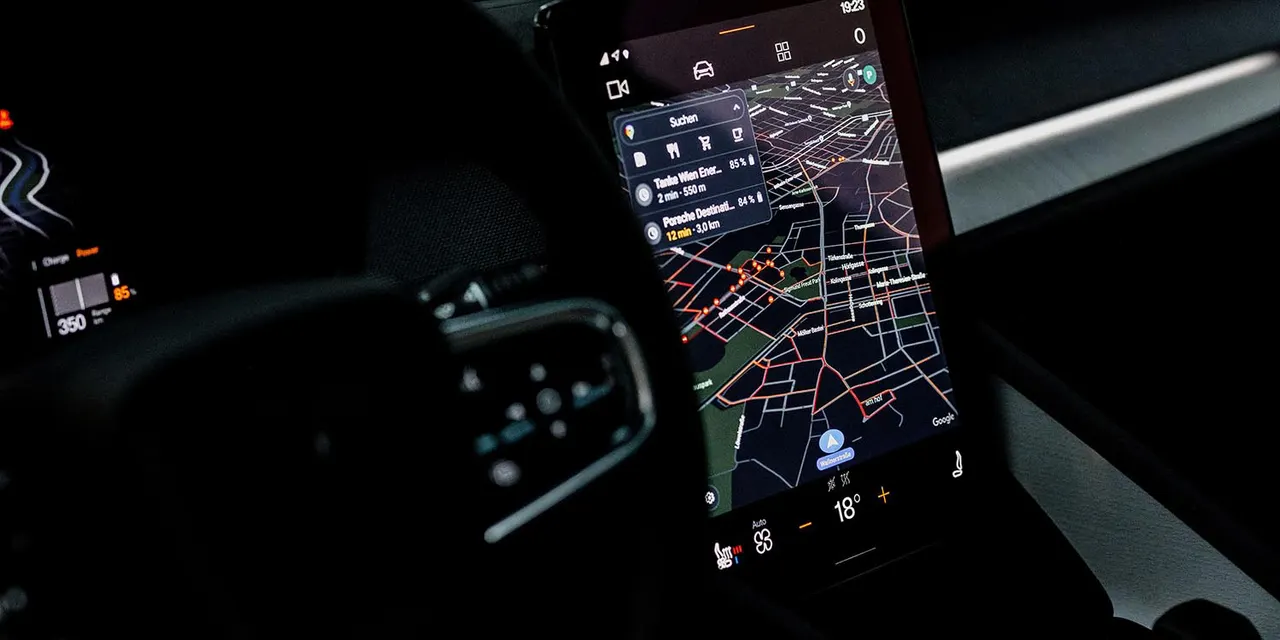
If your car's screen suddenly goes dark while Google Maps is guiding you, you are not imagining it. Drivers are reporting a Google Maps black screen in Android Auto, and the map simply does not show up on the display.
Android Auto is the system that puts phone apps on a car's built-in screen, and for many people Google Maps is the main reason they plug in at all. When the navigation view turns into a black rectangle, the whole point of the setup disappears. Nobody wants to fiddle with a phone while driving just to find the next turn.
What is the Google Maps black screen problem?
The reports describe Google Maps running through Android Auto and showing nothing but black instead of the map. The problem has been noticed by several drivers, and the cause is now known, according to the reports. The details of that cause are not clear from the information available, so it is better not to guess at them.
Is there a fix for the black screen?
Sort of. A few affected drivers have shared temporary workarounds that get the map back for the time being. They are stopgaps, not repairs, and the underlying bug is still there.
A complete fix will take longer. For now, people hit by the problem will have to wait for an official correction rather than expect it to vanish on its own.
If you rely on Google Maps in the car, it is sensible to have a backup plan before a longer trip, such as a second navigation app on your phone or a route checked in advance. It is a small precaution, but a black screen on a motorway is a poor moment to start improvising.
Apps worth a look
SUMO: the number puzzleTap the right tiles, add them up, hit the target. Easy to learn, hard to master. Free, for all ages.
Dialo: learn languages by speakingTalk to an AI conversation partner; every sentence comes back corrected and explained in your language. 9 languages, A1 to C2.
ediviewer: read EDI files like documentsOpen EDIFACT and X12 messages, see every segment explained, convert to JSON/XML, export PDF and Excel. Runs locally, no upload.
giftdetect: the right gift in minutesPick who it is for, the occasion and their personality. The search engine reads product descriptions from local shops and ranks what fits. Free, no sign-up.
More from this day
See all →
Pixel Quick Tap: Double-Tap the Back of Your Phone for Shortcuts
Android 16 on a 2014 OnePlus One: a 12-year-old phone runs it
Deichmann data breach: what hackers got from its online shop