Phone battery percentage suddenly drops? Why it happens
Your phone doesn't actually know how much charge is left. It guesses from voltage and current, and when the guess is wrong, the number can fall off a cliff.
 SUMO· the number puzzle
 Dialo· learn languages by speaking
 ediviewer· read EDI files like documents
 giftdetect· the right gift in minutes
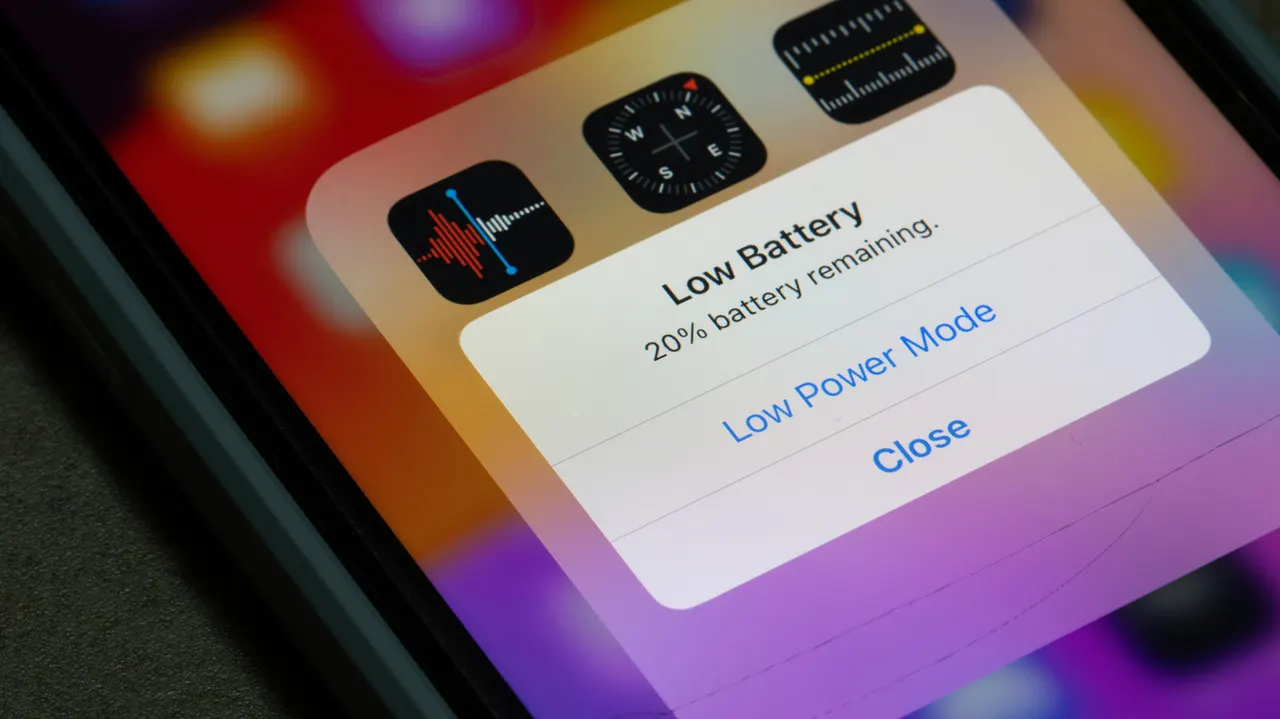
If your phone's battery percentage suddenly drops from comfortable to alarming, the battery may not be as empty as the number says. Your phone doesn't measure the charge directly. It estimates it from the battery's voltage and current, and sometimes that estimate is well off.
When the software finally recalculates, you see a big jump down instead of a slow slide. This happens more with tired batteries. Lithium-ion cells lose capacity as they age chemically, and they can struggle when the phone asks for a burst of power, for example when you open the camera or use GPS. The phone then reads the battery as much lower than it really is. iPhones have a system that detects this kind of failure and reduces performance to avoid power spikes.
Other reasons your battery drains fast
Heat is a big one. Most phones are rated for 0° to 35° C (32° to 95° F), and above that the battery drains much faster. Stop using the phone until it cools down, but don't put it in a fridge: cold air can cause condensation inside a warm phone.
A recent update is another suspect. Both iOS and Android run optimizations and indexing afterwards, which can eat extra battery for a few hours or even days. It's temporary. A buggy app, or one running constantly in the background, especially one using your location, can do the same.
How to fix a battery that drains too fast
Start by closing background apps and see if usage settles. Then open your privacy settings and limit location access to when an app is open, so the GPS isn't constantly triggered. Check the battery menu to see which apps use the most power; both iOS and Android show this.
How to check your phone's battery health
Pixel 6 and later have Battery Diagnostics under Settings. On a Samsung Galaxy, go to Settings, then Battery, and tap View Details. On an iPhone, open Settings and then Battery. Apple says its latest iPhones are designed to keep 80 percent of their original capacity through up to 1,000 charge cycles. If yours is below 80 percent, a replacement battery is probably the way to go, and it costs far less than a new phone.
Apps worth a look
SUMO: the number puzzleTap the right tiles, add them up, hit the target. Easy to learn, hard to master. Free, for all ages.
Dialo: learn languages by speakingTalk to an AI conversation partner; every sentence comes back corrected and explained in your language. 9 languages, A1 to C2.
ediviewer: read EDI files like documentsOpen EDIFACT and X12 messages, see every segment explained, convert to JSON/XML, export PDF and Excel. Runs locally, no upload.
giftdetect: the right gift in minutesPick who it is for, the occasion and their personality. The search engine reads product descriptions from local shops and ranks what fits. Free, no sign-up.
More from this day
See all →
Comet 220P/McNaught suddenly got 1,000 times brighter. Here's why

Coral Hart used AI to write 370 books in 20 months
WhatsApp Zaps: self-deleting photos and videos for any chat

Green SM taxis: Karnataka halts new registrations, eyes mandatory meters
More in: Mobile
See all →
Google's Ammaar Reshi put Windows 11 on an iPhone Duo to work
Ask Maps can now call local businesses to book appointments