NVIDIA GeForce 621.40 driver: black screen after SSD fix
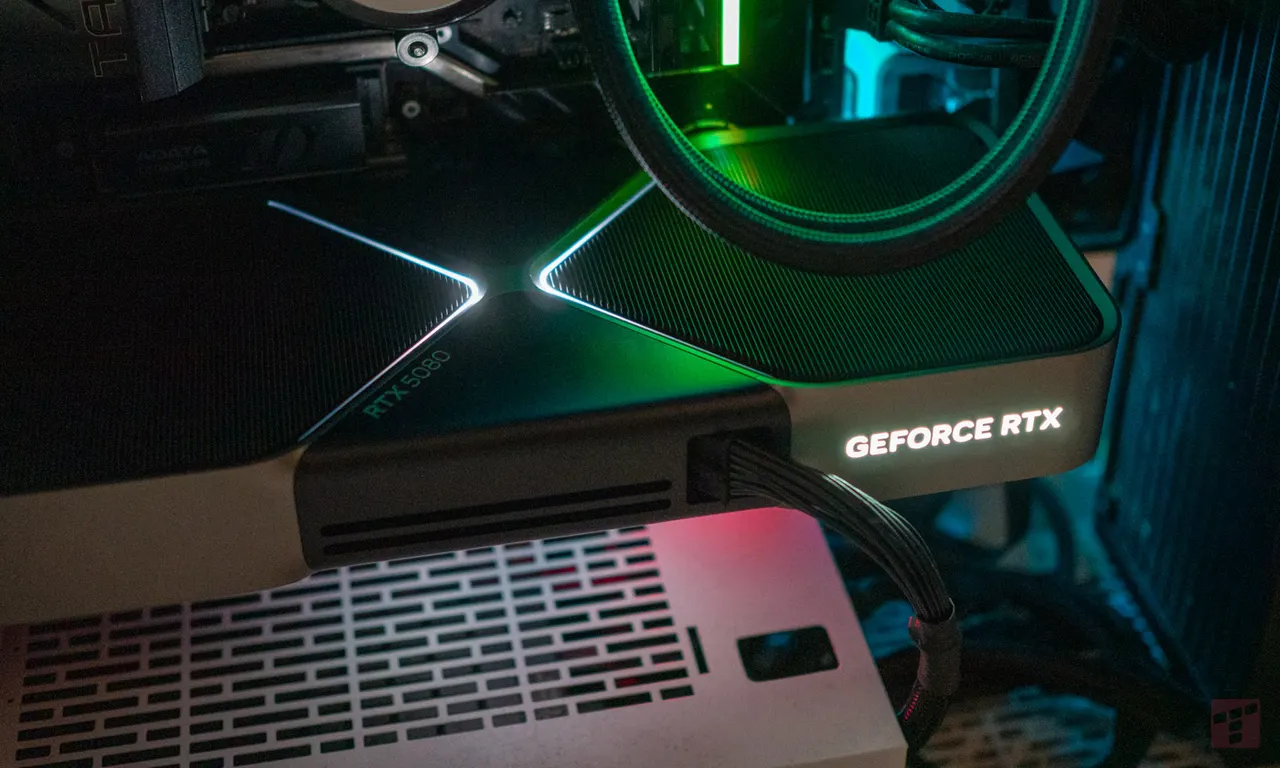
NVIDIA's GeForce Game Ready 621.40 reportedly fixes the SSD wear bug, but players now say their monitors lose signal or stay black at startup.
 SUMO· the number puzzle
 Dialo· learn languages by speaking
 ediviewer· read EDI files like documents
 giftdetect· the right gift in minutes
If you installed the new NVIDIA GeForce Game Ready 621.40 driver and your monitor stays black when the PC starts, you are not alone. Players are reporting exactly that.
The driver came out two days ago. It reportedly fixes, for good this time, the problem of excessive wear on SSDs. But it seems to have brought a new bug, and one that is far more annoying than a drive wearing out slowly.
Gamers say their screens lose the signal or show a black image after the computer is switched on. It happens over HDMI and DisplayPort, and also when the monitor is connected through USB-C, so it does not look like a problem with one particular cable or port.
How to fix the black screen after the GeForce 621.40 update
Users report that rolling back to the previous driver version makes the problem go away. That points fairly clearly at the new driver as the cause.
According to the reports, the most stable version at the moment is 617.42. It does not cause the monitor trouble and it does not cause the SSD problem either. If you want a quiet life until NVIDIA sorts things out, that is the one to install.
What happens next
NVIDIA has not, in the material available, said anything about a fix for the display bug. For now the choice is a bit awkward: the newest driver deals with the SSD issue but may leave you staring at a dark screen, while the older one avoids both. Waiting for the next release is the other option.
Apps worth a look
SUMO: the number puzzleTap the right tiles, add them up, hit the target. Easy to learn, hard to master. Free, for all ages.
Dialo: learn languages by speakingTalk to an AI conversation partner; every sentence comes back corrected and explained in your language. 9 languages, A1 to C2.
ediviewer: read EDI files like documentsOpen EDIFACT and X12 messages, see every segment explained, convert to JSON/XML, export PDF and Excel. Runs locally, no upload.
giftdetect: the right gift in minutesPick who it is for, the occasion and their personality. The search engine reads product descriptions from local shops and ranks what fits. Free, no sign-up.
More from this day
See all →
Google Play developer home addresses will be public from March 2027

GTA 6 launch weekend emptied Polish restaurants, Revolut data shows

GTA 6 on PC: Someone Ran It on a Radeon RX 580 at 1 FPS

Loi Le Meur: France's short-term rental rules now a data problem
More in: Hardware
See all →
Can You Build a Silicon Transistor in a Garage? One Man's Budget
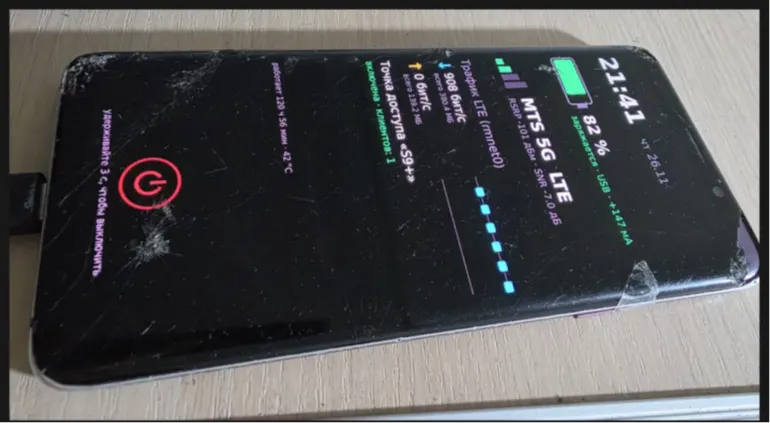
Galaxy S9+ with a cracked screen turned into a Debian LTE router
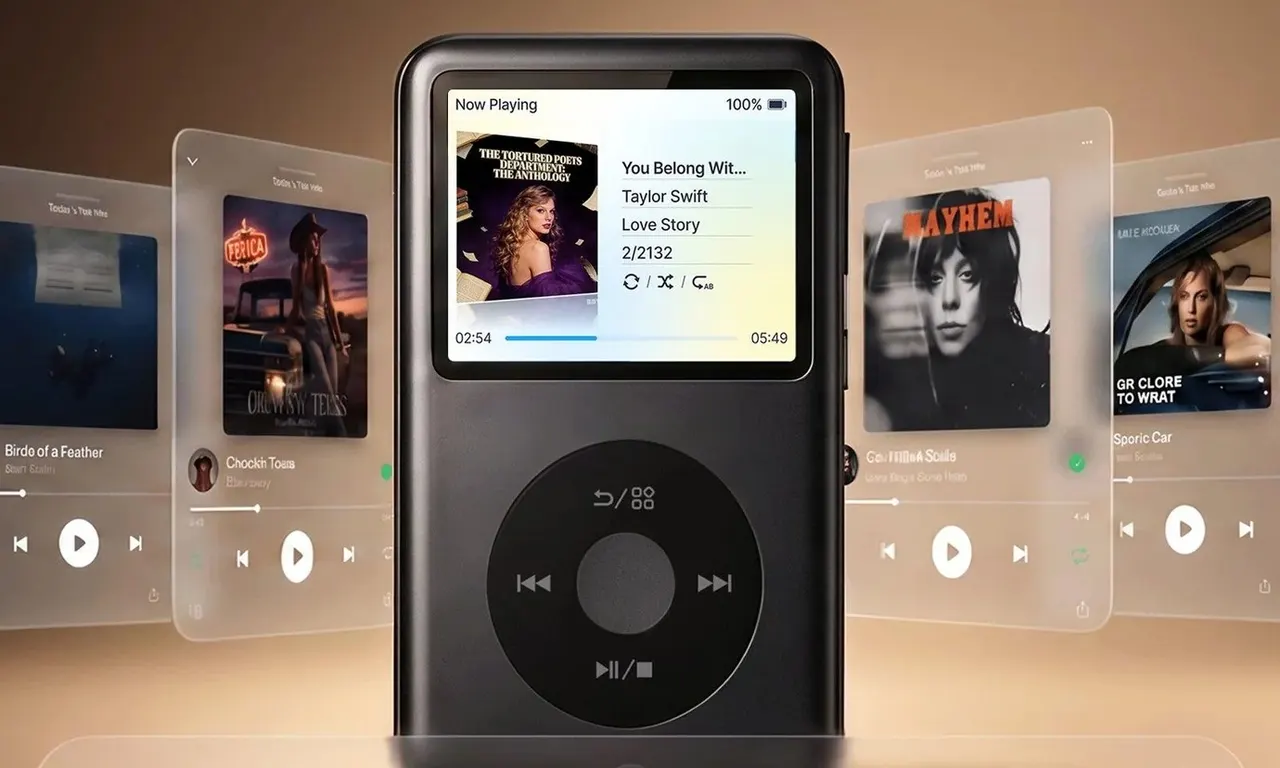
Innioasis Y2: an iPod Classic lookalike with a click wheel for $65.99