November Pixel Drop rollout: why many Pixels still lack it
A week after Google announced the November Pixel Drop, many phones still haven't got it, and some that did can't find Create My Widget.
 SUMO· the number puzzle
 Dialo· learn languages by speaking
 ediviewer· read EDI files like documents
 giftdetect· the right gift in minutes
The November Pixel Drop was meant to be one of Google's biggest Pixel updates of the year. A week after the announcement, plenty of owners are still sitting on an October security patch, and those who did install it are asking where the new features went.
Google announced the update on November 10. It arrived alongside Android 17 QPR2, a full month ahead of the usual December quarterly release. It covers the Pixel 6a and newer, so the Pixel 6 and Pixel 6 Pro are out. The wait started earlier, too: the usual first-Tuesday update on November 3 never showed up, even though the November security bulletin was published on November 2.
Why is the November Pixel Drop missing on my Pixel?
Google says the rollout will continue over the next few weeks, so it is staged. On Reddit's r/pixel_phones, users report getting only a Google Play system update, or a "Your phone was updated" notification from the Pixel app with no OS update behind it. Pixel 6a owners and users in India say nothing has arrived. Some people suspect Google paused the rollout to fix bugs, but Google hasn't said so. Carrier approval can also hold updates back, even on unlocked phones.
The Android Authority team sees the same thing: the writer's Pixel 11 Pro in India has no update yet.
Installed it, but no Create My Widget?
Installing the update doesn't guarantee every feature. Create My Widget is rolling out gradually, only in select regions and languages. It is meant for the Pixel 10, 10 Pro, 10 Pro XL, 10 Pro Fold and the Pixel 11 series. The Pixel 10a doesn't get it at all. Some users report getting only the extended theme colours, selectable accent colours, or nothing else. Others say new icon styles haven't appeared.
This is a familiar Pixel Drop pattern. Many features depend on app updates and server-side switches Google flips separately, sometimes weeks after the system update.
If you're waiting, check manually under Settings > System > Software updates > System update. You can also sideload Google's official OTA image, though that only installs the system update, not features Google hasn't switched on yet. A few users on Reddit did exactly that on their Pixel 11.
Apps worth a look
SUMO: the number puzzleTap the right tiles, add them up, hit the target. Easy to learn, hard to master. Free, for all ages.
Dialo: learn languages by speakingTalk to an AI conversation partner; every sentence comes back corrected and explained in your language. 9 languages, A1 to C2.
ediviewer: read EDI files like documentsOpen EDIFACT and X12 messages, see every segment explained, convert to JSON/XML, export PDF and Excel. Runs locally, no upload.
giftdetect: the right gift in minutesPick who it is for, the occasion and their personality. The search engine reads product descriptions from local shops and ranks what fits. Free, no sign-up.
More from this day
See all →
Comet 220P/McNaught suddenly got 1,000 times brighter. Here's why

Coral Hart used AI to write 370 books in 20 months
WhatsApp Zaps: self-deleting photos and videos for any chat

Green SM taxis: Karnataka halts new registrations, eyes mandatory meters
More in: Mobile
See all →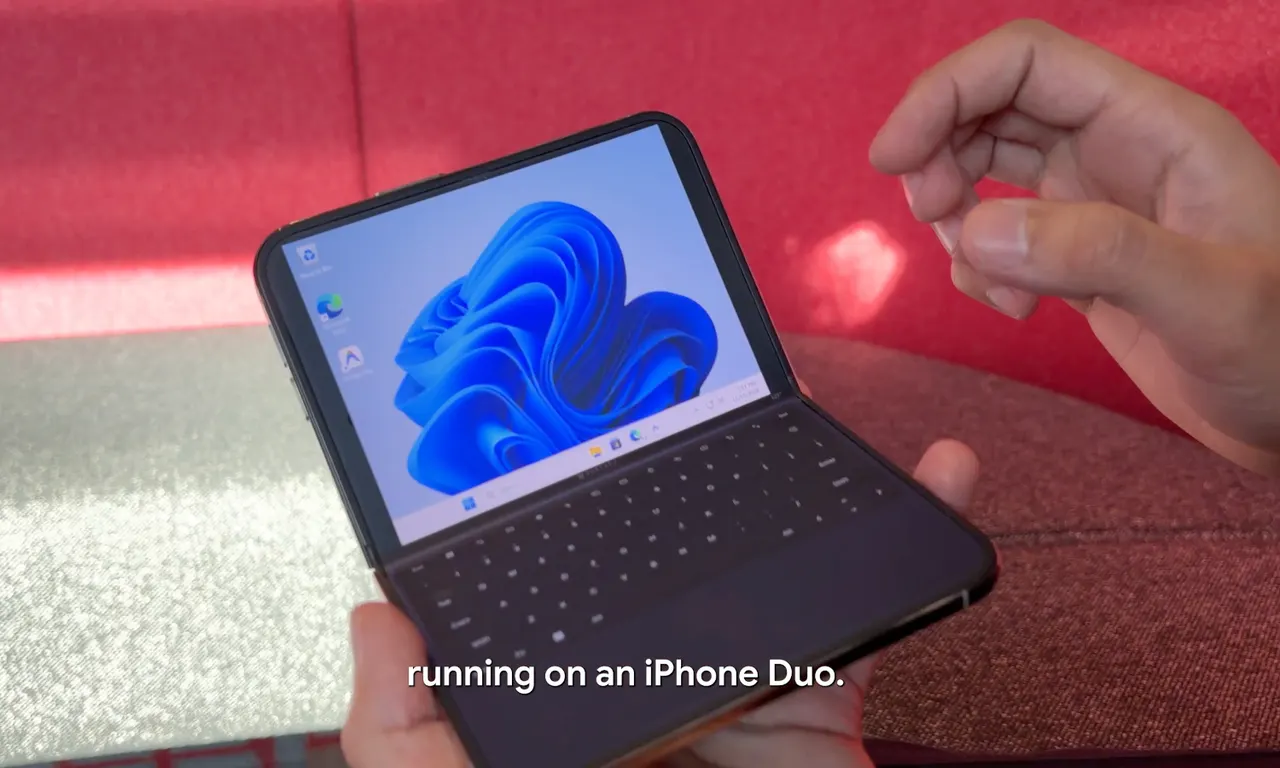
Google's Ammaar Reshi put Windows 11 on an iPhone Duo to work
Ask Maps can now call local businesses to book appointments