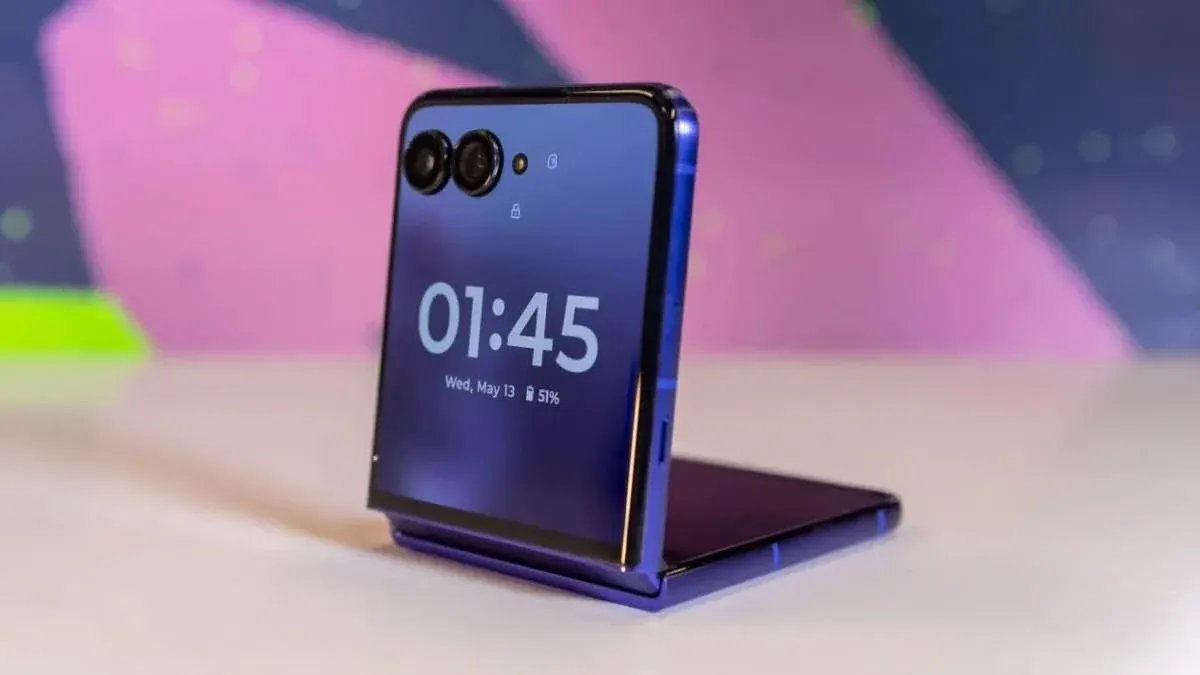
Motorola Razr Android Auto bug appears fixed by Android 17
Razr owners had to unfold their phones every time they wanted Android Auto. After Android 17, users say the phone connects while still closed.
 SUMO· the number puzzle
 Dialo· learn languages by speaking
 ediviewer· read EDI files like documents
 giftdetect· the right gift in minutes
If you own a folding Motorola Razr, you may remember the annoyance: get in the car, and Android Auto refuses to connect until you flip the phone open. Users now report that the Motorola Android 17 update has fixed it.
The whole point of a flip phone's outside screen is that you can do most things without opening it. Android 16 broke that for Razr owners. Connecting to Android Auto suddenly required unfolding the phone.
One owner of a Motorola Razr Ultra 2025 wrote on Reddit that Android Auto now connects automatically with the phone folded after the Android 17 update. Other users in the thread said the same.
How long has the Razr Android Auto problem been around?
Several months. In February, an owner of a Razr Plus 2024 described how the phone used to connect wirelessly to the car while it stayed in a pocket. After Android 16, it had to be opened each time the car started.
Nothing the owners tried helped. Changing Android Auto settings, clearing the app's data and reinstalling updates all failed. Unlocking the phone wasn't required either. Simply opening it was enough to make Android Auto work.
Is everything fixed now?
Not necessarily. In September, reports surfaced of another Android Auto bug that stops Motorola Razr and Samsung Galaxy Z Flip owners from making outgoing calls through Gemini while their phones are folded. It isn't clear whether Android 17 fixes that one too.
The evidence so far is user reports, not an official Motorola statement, so your results may vary.
Apps worth a look
SUMO: the number puzzleTap the right tiles, add them up, hit the target. Easy to learn, hard to master. Free, for all ages.
Dialo: learn languages by speakingTalk to an AI conversation partner; every sentence comes back corrected and explained in your language. 9 languages, A1 to C2.
ediviewer: read EDI files like documentsOpen EDIFACT and X12 messages, see every segment explained, convert to JSON/XML, export PDF and Excel. Runs locally, no upload.
giftdetect: the right gift in minutesPick who it is for, the occasion and their personality. The search engine reads product descriptions from local shops and ranks what fits. Free, no sign-up.
More from this day
See all →
Talkie AI app pulled from App Store worldwide over child safety

Drupal vulnerability CVE-2026-136716 is being exploited after patch
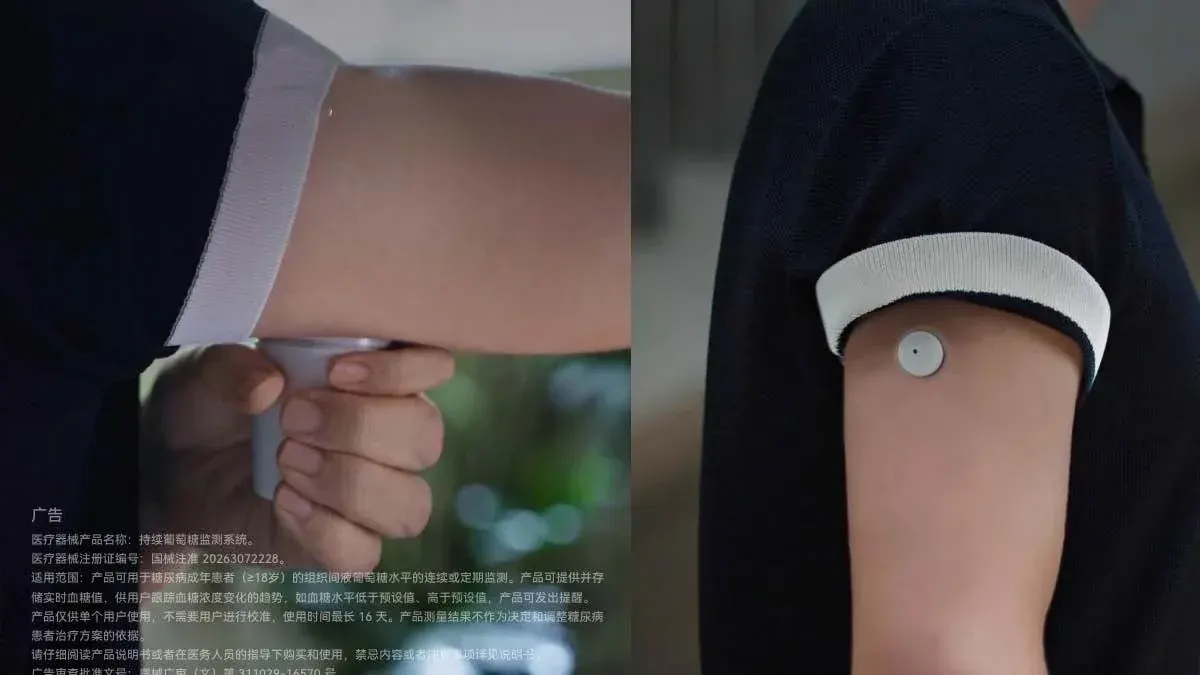
Huawei Sense G1: a glucose sensor the size of a coin, 1.5 grams

Mars boulder rows look like a giant fingerprint, and no one knows why
More in: Mobile
See all →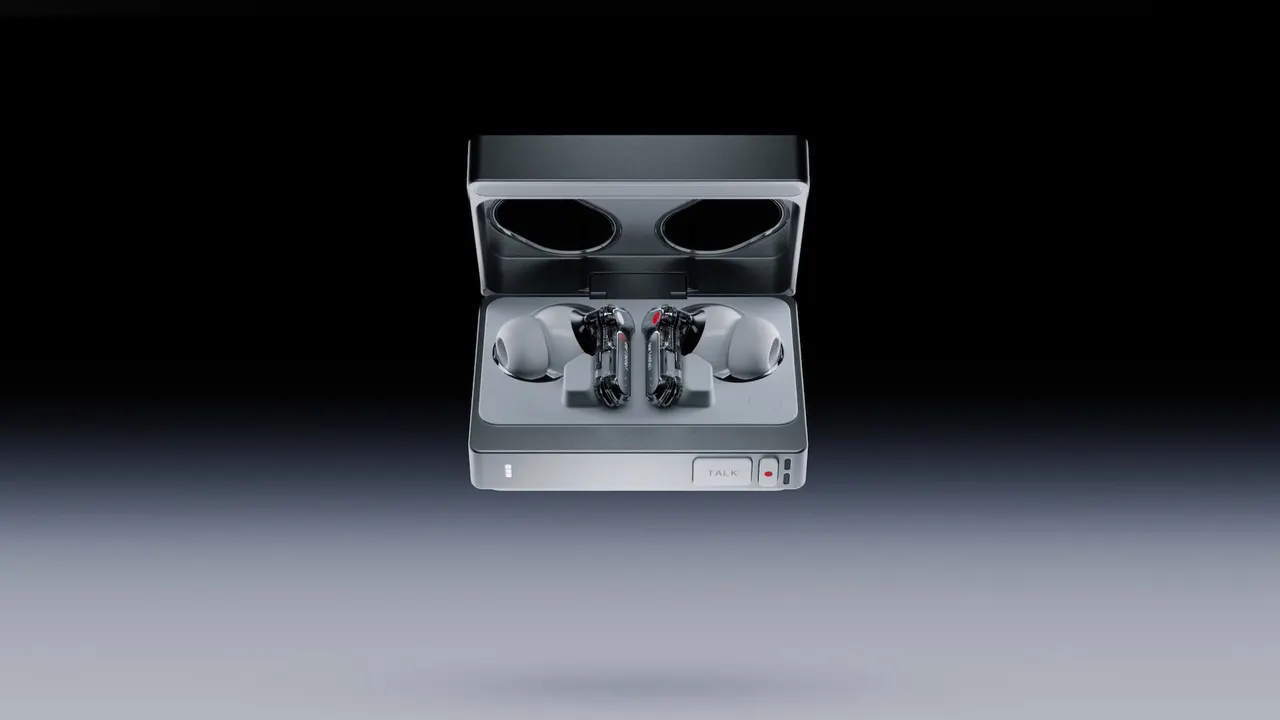
Nothing Ear note: earbuds with a charging case that records

Apple Intelligence ad case: Korea's FTC weighs fine over Siri
WhatsApp scheduled messages: send up to 14 days later