Microsoft To Do shuts down in June 2027: how to move your lists
Microsoft To Do, the default task app in Windows 11, loses support in June 2027. Todoist has already built a tool that moves your lists over intact.
 SUMO· the number puzzle
 Dialo· learn languages by speaking
 ediviewer· read EDI files like documents
 giftdetect· the right gift in minutes
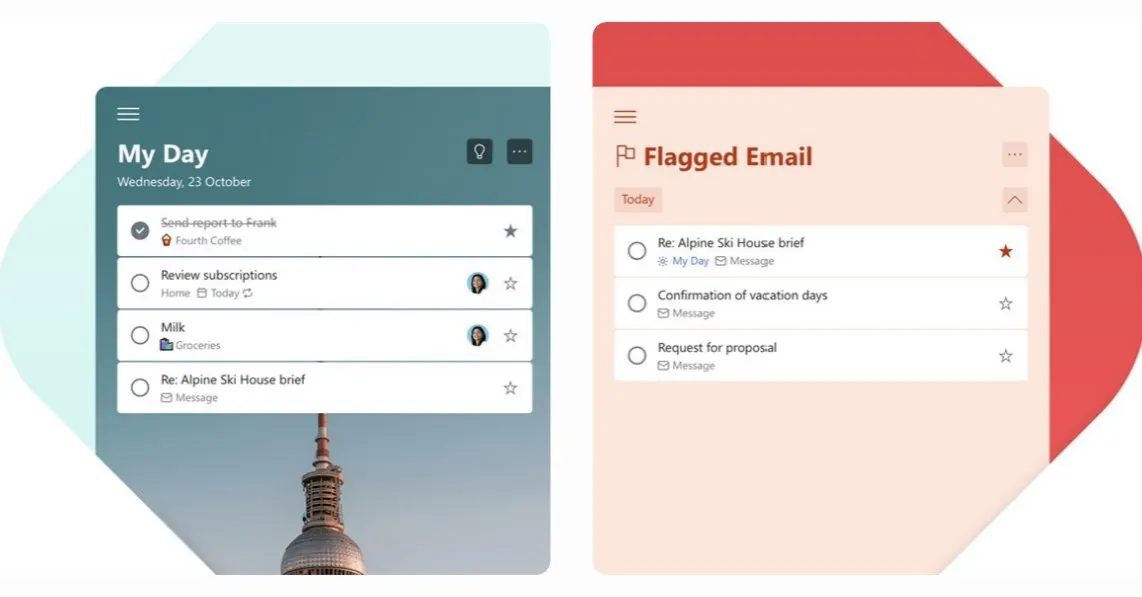
Microsoft To Do, the default to-do list app in Windows 11, will lose support in June 2027. If you keep your shopping lists, work tasks or reminders in it, you have a little over six months of comfortable runway to pick a new home for them.
The app is well liked for its minimalist look, reliability and readability. It is also popular on Android and syncs with Samsung Reminder on Galaxy phones and watches. Microsoft is dropping it anyway, because it now wants to focus on unified task lists inside Microsoft Planner and on integration with Copilot. The stated reasoning is easier access to tasks in an office setting and links to other Microsoft apps.
That may suit business customers. For individual users it is less friendly. Planner is part of Microsoft's office tool ecosystem, not a light standalone app, and there is no dedicated way to export your lists from To Do into Planner.
How to move Microsoft To Do lists to Todoist
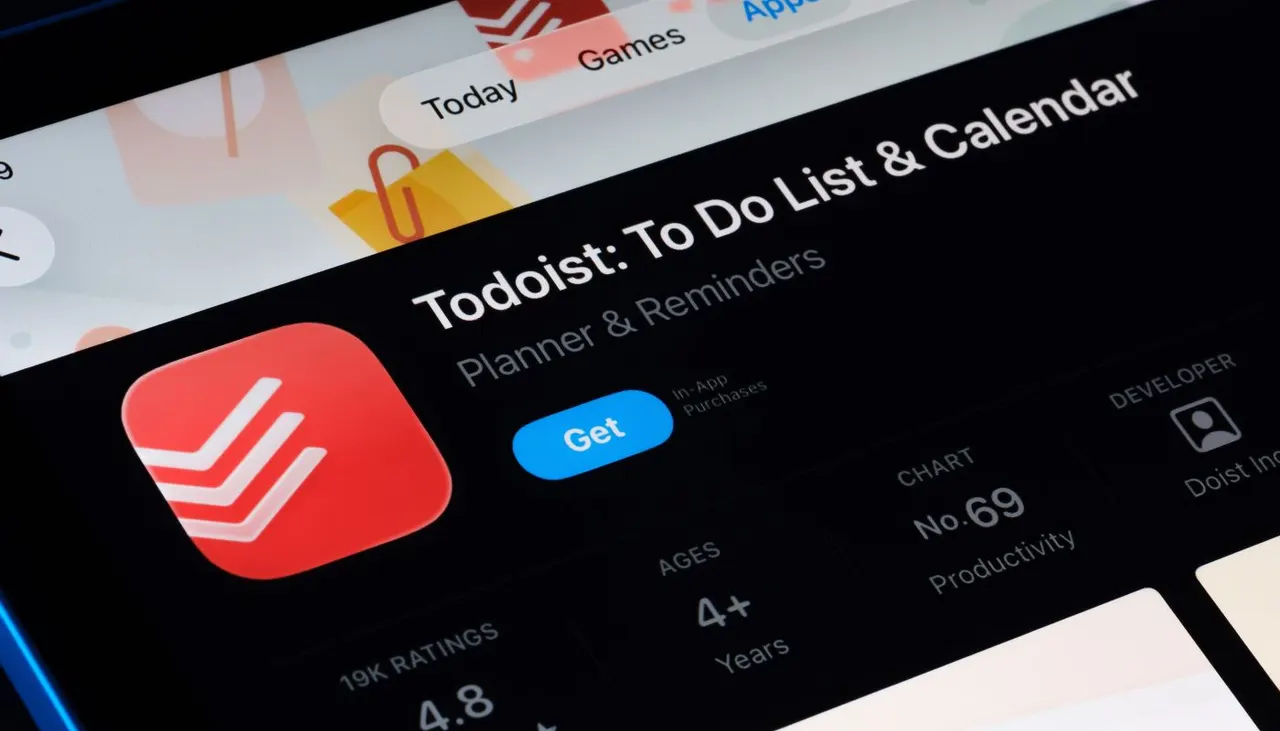
Todoist stepped in. The company built a tool that transfers lists from To Do to Todoist. Its CEO, Amir Salihefendić, pointed out that Todoist has existed since 2007 and says it will stay around for a very long time.
According to the report, the tool keeps the structure of your lists exactly as it was, so you shouldn't need to edit anything afterwards. Todoist also has a desktop app, which Planner lacks, and offers broader options for sharing lists.
There is one catch. If you have an extreme number of lists, you may hit the limit of Todoist's free plan and need a paid tier.
Not the first time
To Do was the successor to Wunderlist. Microsoft bought that app's makers in 2015 and retired Wunderlist five years later. The team then built To Do from scratch, guided by the same philosophy. Now the replacement is getting the same treatment.
Apps worth a look
SUMO: the number puzzleTap the right tiles, add them up, hit the target. Easy to learn, hard to master. Free, for all ages.
Dialo: learn languages by speakingTalk to an AI conversation partner; every sentence comes back corrected and explained in your language. 9 languages, A1 to C2.
ediviewer: read EDI files like documentsOpen EDIFACT and X12 messages, see every segment explained, convert to JSON/XML, export PDF and Excel. Runs locally, no upload.
giftdetect: the right gift in minutesPick who it is for, the occasion and their personality. The search engine reads product descriptions from local shops and ranks what fits. Free, no sign-up.
More from this day
See all →
MoldyRoost ad campaign can hack iPhones with one tap, Confiant says

VMware vCenter bug CVE-2026-123890 was exploited in September

South Korea's Suneung exam alert caught 49 students with phones

Kh-101 missiles found at three crash sites in Poland, prosecutors say
More in: Software
See all →
Google homepage drops the Search button for AI tools

nospeaker makes a MacBook trackpad talk using its haptic motor
Microsoft To Do shuts down June 2027, with no Planner for home users