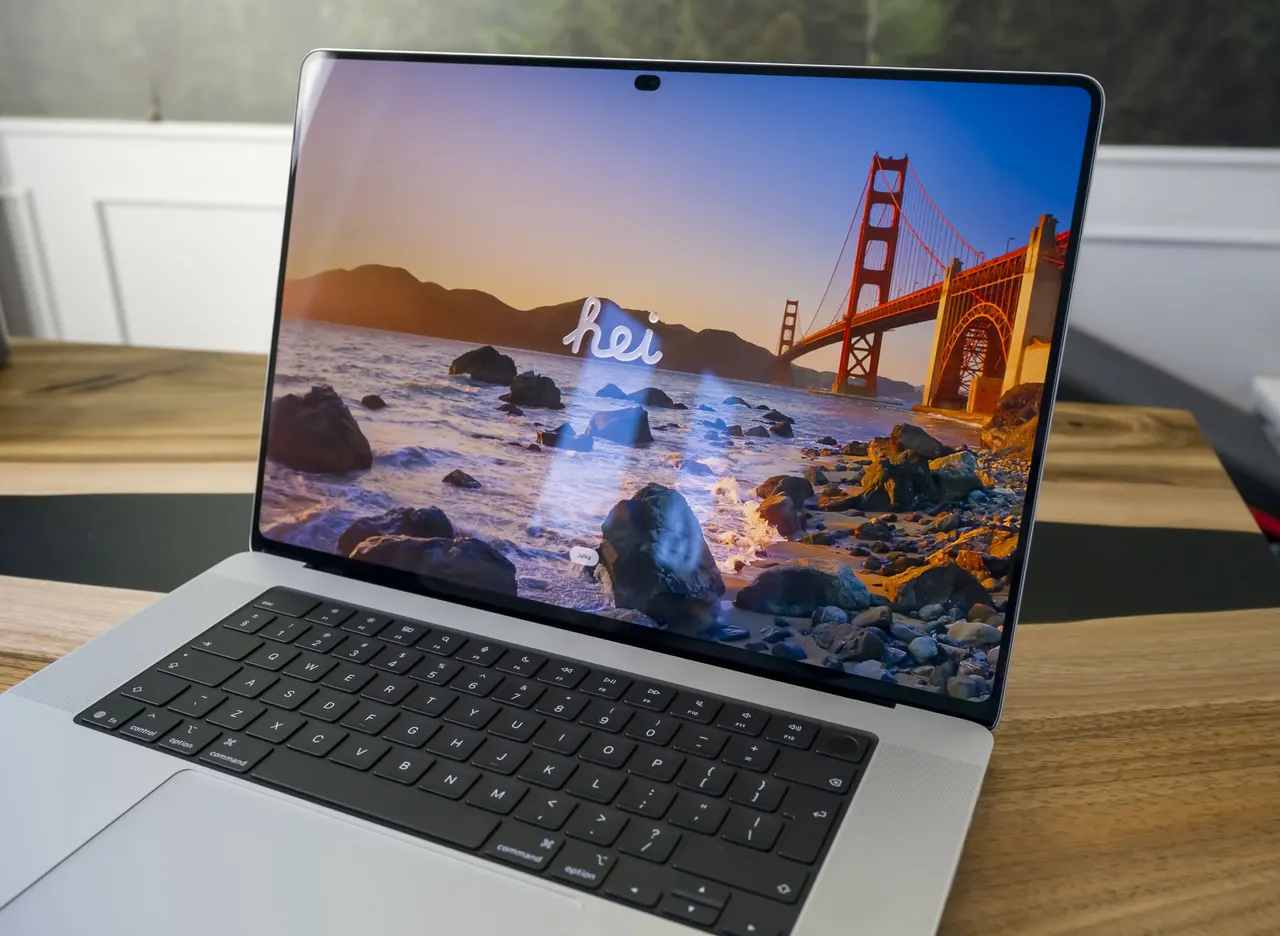
MacBook Pro PROLED XDR Adds Touchscreen and Dynamic Island
The new MacBook Pro with a tandem PROLED XDR panel gains a touchscreen and Dynamic Island, but still runs the same M5 Pro and M5 Max chips as standard models.
 SUMO· the number puzzle
 Dialo· learn languages by speaking
 ediviewer· read EDI files like documents
 giftdetect· the right gift in minutes
The latest MacBook Pro is built around a new tandem PROLED XDR display, and it brings two firsts for Apple's laptop line: a touchscreen and a Dynamic Island. The screen is the headline change. Everything else about the machine's processing power stays familiar.
Under the hood, the PROLED XDR model uses the same M5 Pro and M5 Max chips as the "regular" MacBook Pro configurations. In other words, buyers do not get a faster processor in exchange for the new panel. Any premium they pay goes toward the display and the features tied to it.
What changes in daily use
The tandem panel is the core of the upgrade, while touch input and the Dynamic Island change how people can interact with the laptop. Touch on a MacBook has long been a debated idea, and early hands-on impressions focus on exactly that question: does it make sense on a laptop that is otherwise operated with a trackpad and keyboard?
The Dynamic Island, familiar from the iPhone, adds a new interface element at the top of the screen. How useful it proves will depend on how well macOS and third-party apps make use of it.
Is the higher price justified?
Because performance is identical to the standard M5 Pro and M5 Max models, the case for the PROLED XDR version rests entirely on the screen and its new input options. For people who work with visual content or want touch control, that may be enough. For those who mainly care about raw speed, the standard models offer the same chips without the display upgrade.
The choice therefore comes down to priorities: pay more for a new kind of display and interaction, or keep the proven design with identical processing power.
Apps worth a look
SUMO: the number puzzleTap the right tiles, add them up, hit the target. Easy to learn, hard to master. Free, for all ages.
Dialo: learn languages by speakingTalk to an AI conversation partner; every sentence comes back corrected and explained in your language. 9 languages, A1 to C2.
ediviewer: read EDI files like documentsOpen EDIFACT and X12 messages, see every segment explained, convert to JSON/XML, export PDF and Excel. Runs locally, no upload.
giftdetect: the right gift in minutesPick who it is for, the occasion and their personality. The search engine reads product descriptions from local shops and ranks what fits. Free, no sign-up.
More from this day
See all →
Calogena wins €40 million EU grant for first commercial SMR
Windows 11 Registry Editor Gets a WinUI 3 Version as a Demo

JRH ASI to Finance Radar System Production for Ukrainian Partner

Budimex Tests Autonomous Rollers as Poland's Labor Shortage Bites
More in: Hardware
See all →
Bluetooth HDT Lifts Low Energy Speeds to 7.5 Mbit/s in 2027

SK Telecom, Nvidia and Rebellions to Build GPU-NPU AI Systems

Snap Specs hands-on: lighter and cooler, but still $2,200