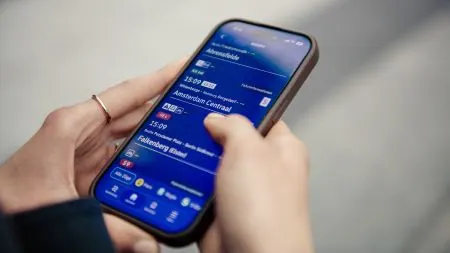
How to tell if someone blocked your number on iPhone
An unanswered call or a missing read receipt doesn't prove a block. Here are the iPhone clues that matter, and the ordinary reasons that can look the same.
 SUMO· the number puzzle
 Dialo· learn languages by speaking
 ediviewer· read EDI files like documents
 giftdetect· the right gift in minutes
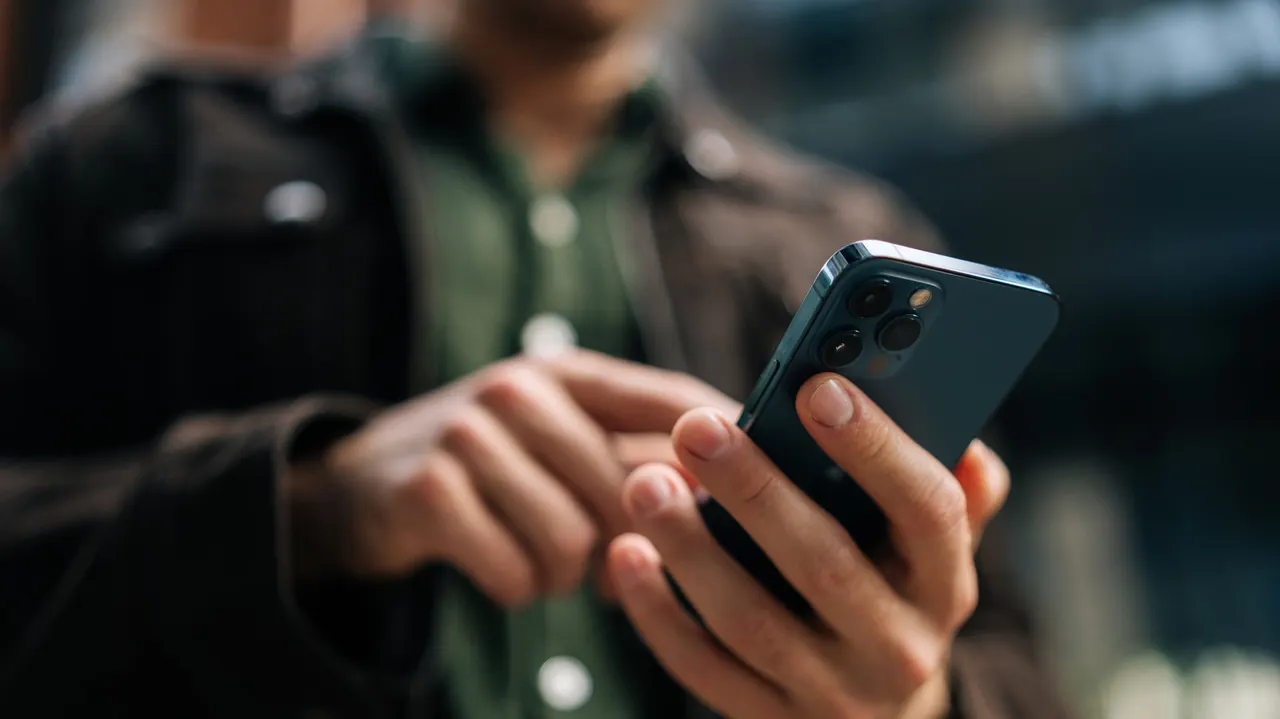
You call, it goes to voicemail. You text, nothing says "Read." Before you decide you've been blocked, know that the same symptoms can come from a dead battery or a weak signal. Still, if you want to know whether someone blocked your number on iPhone, there are a few clues worth checking.
A quick note first. If someone has blocked you, that's their right, on iPhone or Android. Trying to get around it could count as harassment, and in some places even a crime. Looking for signs is harmless, and it can matter if you think the block was a mistake. Accidental blocks are unlikely, but they happen.
What are the signs your number is blocked on iPhone?
The biggest clue is a call in the Phone app that goes to voicemail after one ring, or none. One call proves nothing, though. Try several times at different hours. The person could have Do Not Disturb or another Focus mode on, a bad cellular or Wi-Fi signal, a switched-off phone, or an iOS or Android update that needs a long reboot.
Other hints: FaceTime calls that never connect, and iMessages with no read receipt hours or days later. Again, there are innocent explanations. They may have turned off iMessage, or Apple's servers may be down. Android phones show no receipts at all unless they use RCS instead of SMS.
Calling from a second number, such as Google Voice or a work phone, would settle it faster. It can also look like harassment, so passive methods are better.
Does blocking on iPhone affect WhatsApp, Signal or Telegram?
No. Those apps work outside Apple's control, so a block in iOS settings doesn't touch them. If calls and messages there also go unanswered, you may be blocked on several platforms, or Meta or Telegram may simply be having problems.
Automated replies don't tell you much either, although some people use them as a gentler way to say "stop." A stronger sign is call screening appearing on an iPhone where it wasn't before. It can mean you've been deleted from their Contacts.
There's no official way to check. Apple and your carrier can't tell you, because that would expose the other person's privacy. If the clues add up, the sensible move is to let it go.
Apps worth a look
SUMO: the number puzzleTap the right tiles, add them up, hit the target. Easy to learn, hard to master. Free, for all ages.
Dialo: learn languages by speakingTalk to an AI conversation partner; every sentence comes back corrected and explained in your language. 9 languages, A1 to C2.
ediviewer: read EDI files like documentsOpen EDIFACT and X12 messages, see every segment explained, convert to JSON/XML, export PDF and Excel. Runs locally, no upload.
giftdetect: the right gift in minutesPick who it is for, the occasion and their personality. The search engine reads product descriptions from local shops and ranks what fits. Free, no sign-up.
More from this day
See all →
Spotify Artist Profile Protection lets artists block fake releases

AI distillation: how Chinese firms learn from US AI models

AI models picked a school in Iran as a target in Vals tests

Vulcan Centaur failure: 40 Amazon Leo satellites lost at launch
More in: Mobile
See all →
2GIS Neon City: GTA 6-style maps with palms and a biker cursor
Android Auto on an old tablet: a free fix for older cars

Indoor mobile signal: Ookla finds old Madrid buildings lose most