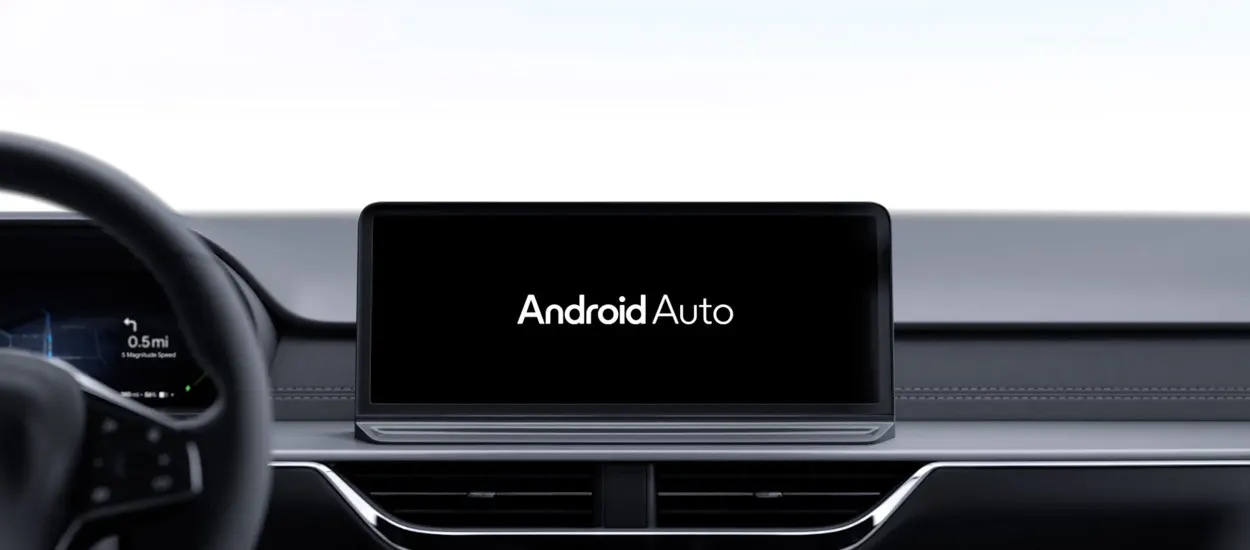
Android Auto on an old tablet: a free fix for older cars
No Android Auto in your car? A new solution lets an old tablet from a drawer take over the job, and it costs nothing.
 SUMO· the number puzzle
 Dialo· learn languages by speaking
 ediviewer· read EDI files like documents
 giftdetect· the right gift in minutes
If your car is too old for Android Auto, the answer may be sitting in a drawer at home. A new solution lets you turn a spare tablet into an Android Auto screen for the dashboard, and the idea is that you don't have to buy anything.
That's the pitch, anyway. Android Auto puts maps, music, calls and messages on a simplified screen that is meant to be safer to use while driving. Newer cars have it built into the head unit, the screen in the middle of the dashboard. Older ones don't, and replacing the whole unit can be a pricey job.
A tablet is an obvious stand-in. Plenty of people have one that is too slow for everyday use, with a battery that is past its best and a place on a shelf. It has a decent screen, it can run apps, and a car is a place where a bigger display is actually welcome.
Can an old tablet replace Android Auto in a car?
According to the report behind this story, yes, the new approach is meant to let an old tablet do exactly that. The details of the setup were not available to us, so we can't tell you which tablets are supported, which apps are involved or how long the installation takes. Those are the things to check before you start.
What it means for you
The appeal is simple. An older car gets a modern navigation and media screen, and a device that would otherwise gather dust gets a second life. If it works as described, it also saves the money you would have spent on a new head unit or a dedicated gadget.
Before you mount anything, think about the practical side: a secure holder, a power source, and a position that doesn't block your view of the road. A tablet that slides around on the passenger seat is not an upgrade.
Apps worth a look
SUMO: the number puzzleTap the right tiles, add them up, hit the target. Easy to learn, hard to master. Free, for all ages.
Dialo: learn languages by speakingTalk to an AI conversation partner; every sentence comes back corrected and explained in your language. 9 languages, A1 to C2.
ediviewer: read EDI files like documentsOpen EDIFACT and X12 messages, see every segment explained, convert to JSON/XML, export PDF and Excel. Runs locally, no upload.
giftdetect: the right gift in minutesPick who it is for, the occasion and their personality. The search engine reads product descriptions from local shops and ranks what fits. Free, no sign-up.
More from this day
See all →
Elon Musk says he warned early SpaceX hires they could die
Ask Maps: Google Maps lets you ask Gemini about places

Asteroid 1998 KY26: Could It Be the Lost Soviet Probe Phobos 1?

iCloud down: Apple users signed out and locked out of accounts
More in: Mobile
See all →
Indoor mobile signal: Ookla finds old Madrid buildings lose most
DB Info app shows live delays and platform changes, no tickets

WhatsApp Zaps: photos and videos that vanish after one view