How to take a PS5 on a plane: TSA rules, controller and packing
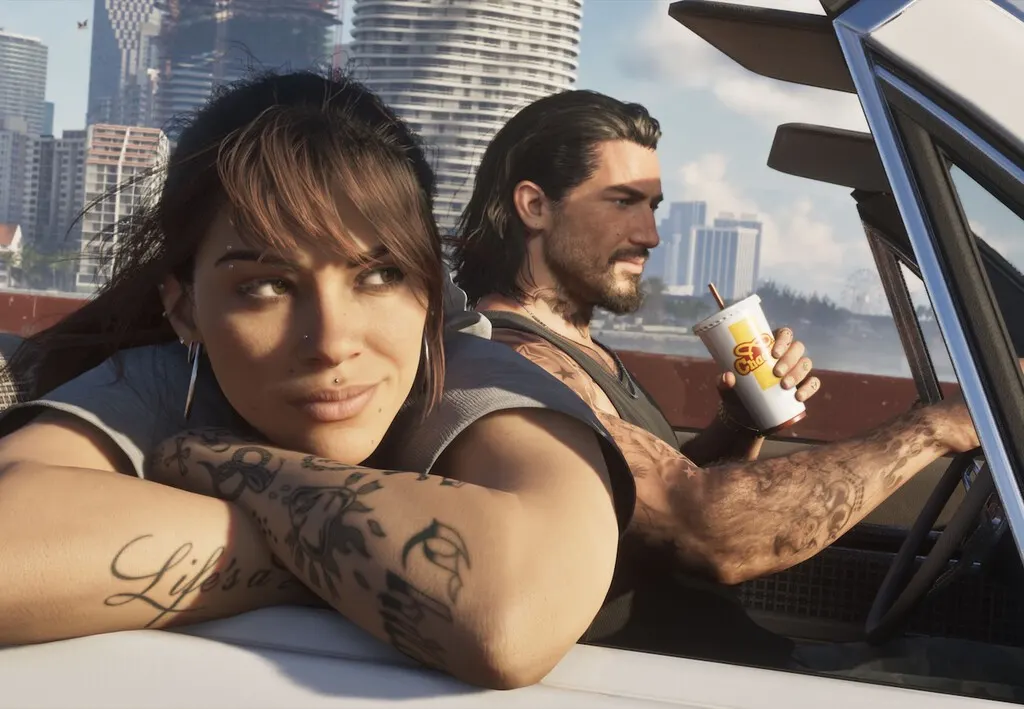
GTA 6 launches in November 2026 and your business trip won't wait. Yes, you can fly with a PS5, but the DualSense controller needs special care.
 SUMO· the number puzzle
 Dialo· learn languages by speaking
 ediviewer· read EDI files like documents
 giftdetect· the right gift in minutes
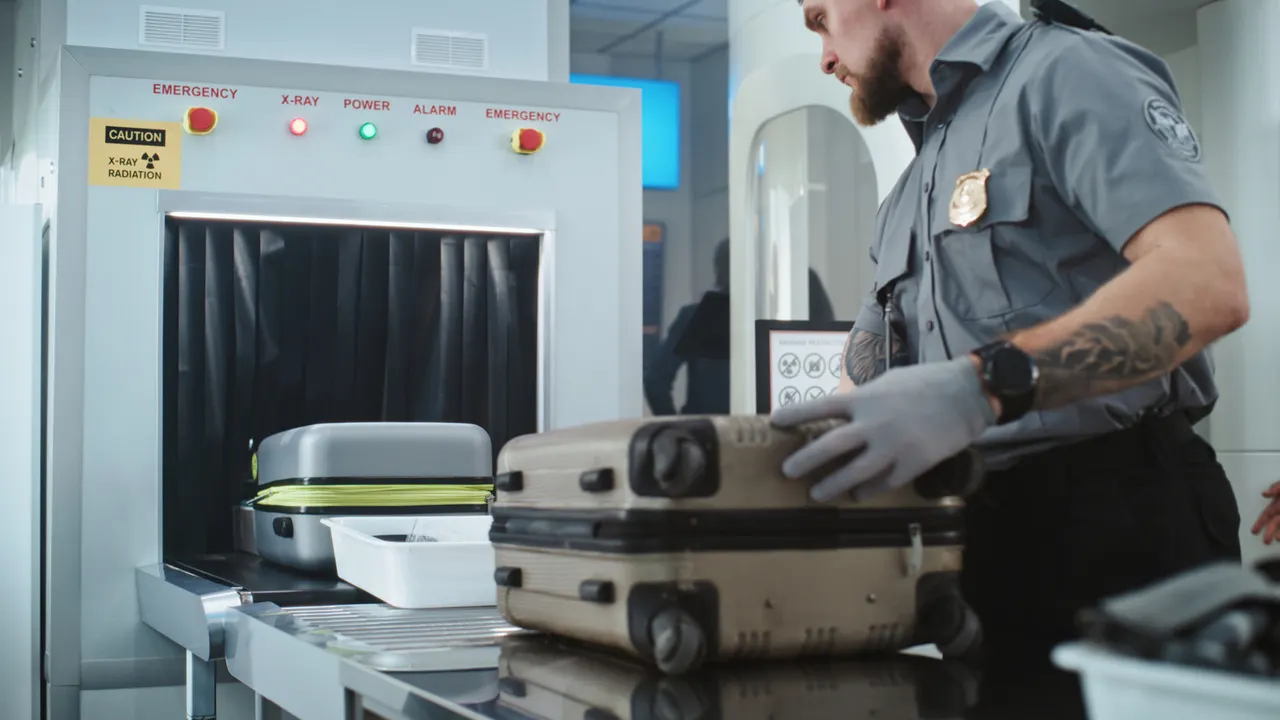
GTA 6 launches in November 2026, but real life doesn't pause for it, and neither does that business trip. So can you take a PS5 on a plane? Yes. The TSA allows the console in both carry-on and checked bags, though it recommends carry-on for fragile electronics.
Carry-on or checked bag for a PS5?
It's your call. A carry-on means you haul the console the whole trip and lose bag space, but you can keep an eye on it. A checked bag frees up room, but an airport worker could mishandle or lose your luggage.
Either way, padding matters. In a carry-on, wrap the console in a sweater and pack the cables with it, ideally under the seat in front of you rather than in the overhead bin. In a checked bag, the original box or a hard shell is best. Otherwise put the console in the middle of the suitcase and surround it with soft clothes. A hard plastic suitcase beats a soft one.
What to do with the DualSense controller
The controller is the only tricky part. Its lithium-ion battery is rated at 3.65 volts and 1,560 mAh, about 5.7 watt hours, far below the FAA's 100 watt hour limit. So it is allowed, but the FAA says devices with lithium batteries should travel in the cabin. If it has to be checked, it must be fully powered off and protected from damage or accidental activation.
The worry is thermal runaway, a battery overheating and catching fire. ULSE counted an average of 2.36 such incidents per week on passenger flights in 2025. Cabin crews are trained to handle them. An official DualSense carry case, like the one with the DualSense Edge, is the best way to carry it.
How to pack your PS5 for a flight
- Check the airline's carry-on size and weight limits against the console's dimensions.
- Back up your save data and finish any pending updates.
- Shut the console down completely, unplug everything and take out the disc.
- Wrap the power and HDMI cables and pack them with the console.
- Pad the console in its original box, a hard case or soft clothes at the center of your luggage.
- Switch the controller off and keep it in the cabin in a padded pouch.
- At the hotel, check that the TV has a free HDMI port.
Can you play your PS5 remotely instead?
Yes, with Remote Play. It streams games from your home console to a phone, tablet or laptop. Sony requires at least 5Mbps and recommends 15Mbps. The console must sit in rest mode with "Stay Connected to the Internet" and "Enable Turning on PS5 from Network" switched on, under Settings > System > Power Saving > Features Available in Rest Mode.
The PlayStation Portal handheld streams the PS5 over Wi-Fi, and Sony says it works on public networks once it has been set up at home. With PlayStation Plus Premium, it can also stream select games from Sony's servers with no console running at home.
Apps worth a look
SUMO: the number puzzleTap the right tiles, add them up, hit the target. Easy to learn, hard to master. Free, for all ages.
Dialo: learn languages by speakingTalk to an AI conversation partner; every sentence comes back corrected and explained in your language. 9 languages, A1 to C2.
ediviewer: read EDI files like documentsOpen EDIFACT and X12 messages, see every segment explained, convert to JSON/XML, export PDF and Excel. Runs locally, no upload.
giftdetect: the right gift in minutesPick who it is for, the occasion and their personality. The search engine reads product descriptions from local shops and ranks what fits. Free, no sign-up.
More from this day
See all →
South Korea's Suneung exam alert caught 49 students with phones
Kh-101 missiles found at three crash sites in Poland, prosecutors say
mBank warns of card scams after the Autopay data leak
Google homepage drops the Search button for AI tools
More in: Gaming
See all →
Phantom Blade Zero Denuvo crack: voices38 strikes again

Rockstar Games Launcher down: GTA 5 and RDR2 won't start
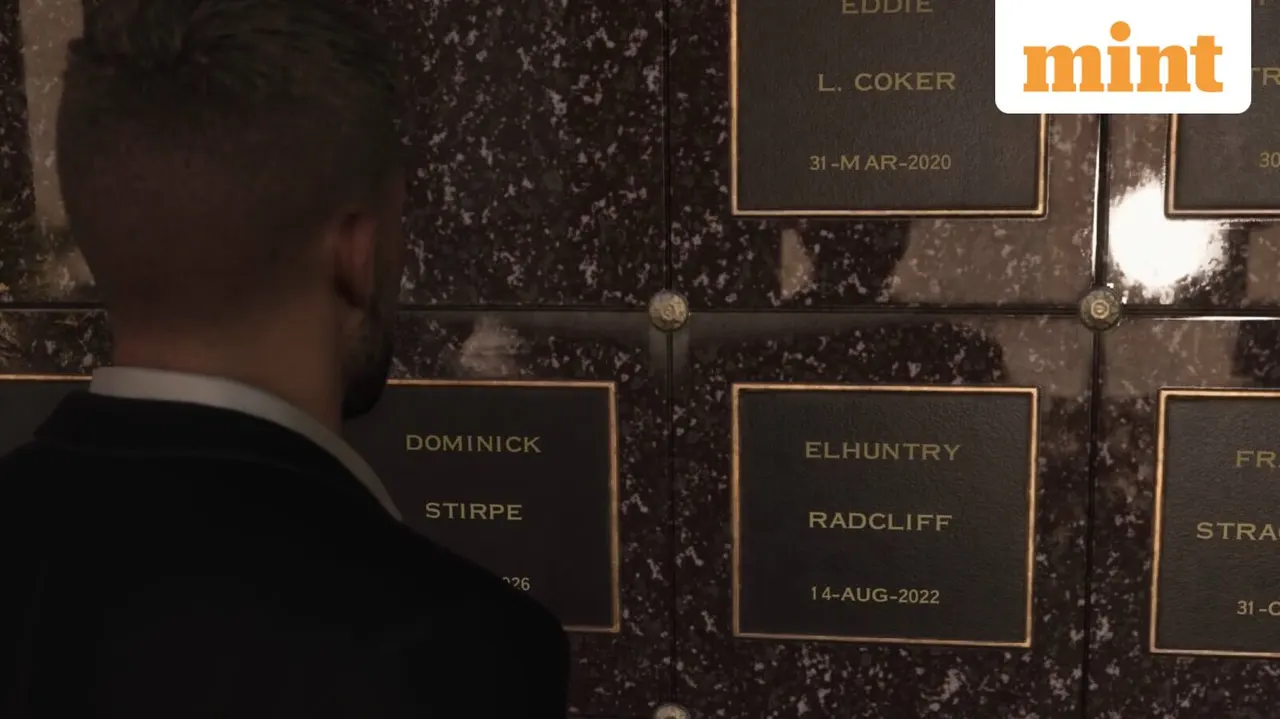
GTA 6 memorial in Leonida honours developers' lost family