How to spot scam ads on social media before you pay
A $300 jacket for $39, a celebrity vouching for it, and a countdown clock. Scam ads cost people $95 million in 2025, and AI is making them harder to spot.
 SUMO· the number puzzle
 Dialo· learn languages by speaking
 ediviewer· read EDI files like documents
 giftdetect· the right gift in minutes
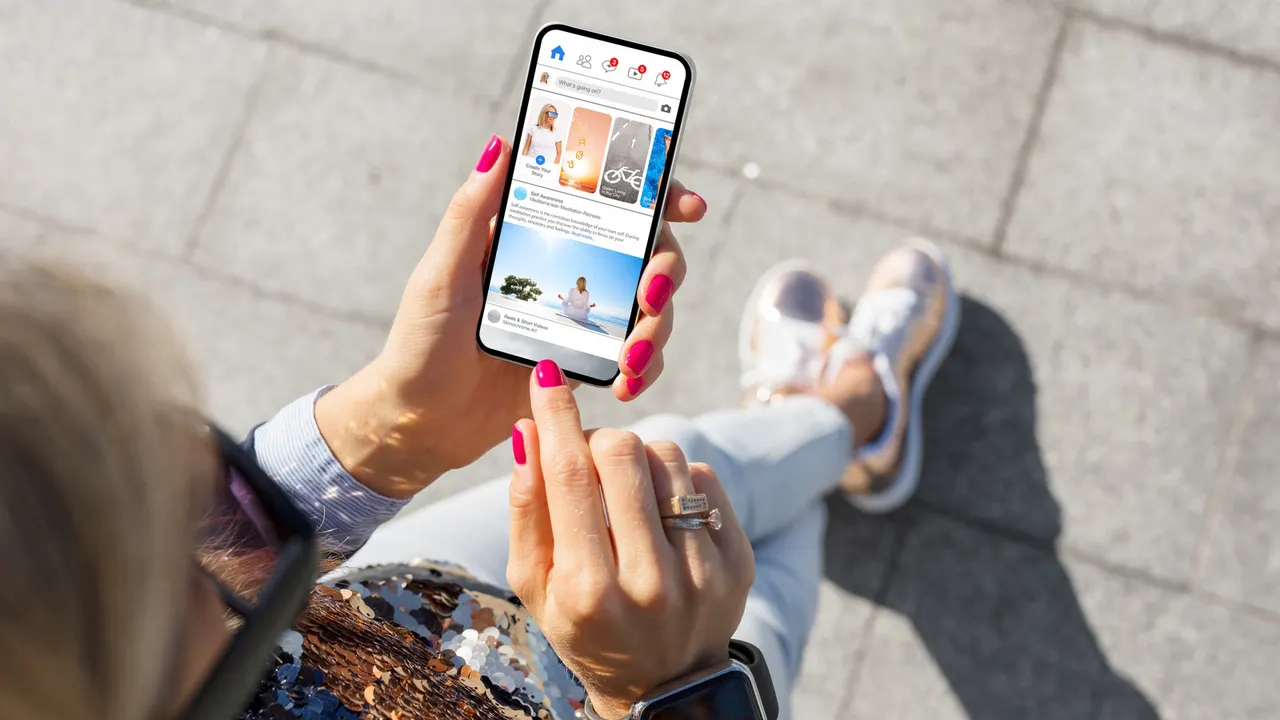
A jacket that normally costs $300 shows up in your Facebook feed for $39. The photos look right, the logo is familiar, and a countdown says the deal ends tonight. That is exactly how scam ads on social media get people to hit buy before they think.
The numbers are not small. People reported losing more than $95 million in 2025 to purchases made through social media ads that sent them to outside websites. Across all scams that started on social media, reported losses reached $2.1 billion that year.
The ads can look like they come from a well-known brand, sell goods that do not exist, or feature celebrity endorsements, some of them made with AI. In February 2026, Meta sued a Vietnam-based advertiser over discounted products, including Longchamp items. Shoppers filled in a survey, then landed on a site asking for card details. Meta said nothing was delivered, yet unauthorized recurring charges appeared. Other advertisers used manipulated faces and voices of celebrities to push health products or investment groups. The old giveaways, like blurry images and clumsy voiceovers, are fading.
How can you tell if a social media ad is a scam?
"Sponsored" only means someone paid to show the ad. It says nothing about honesty. So skip the link and type the store's name into a new tab instead.
If you do land on a site, read the URL closely for extra words, odd spelling or a different domain ending. Search the company name with "scam" or "fraud", and try a reverse image search, since fake shops often lift photos from others. A padlock or HTTPS does not help: it only encrypts your connection, and scammers use it too. And luxury brands rarely sell at 80 percent off.
Pay by credit card or a wallet like PayPal when buying from an unknown shop, because disputes are easier. Anyone asking for gift cards or money transfers is almost certainly a scammer.
What if you already clicked or paid?
Do not enter details or download anything. If a file did download, do not open it. Delete it, update your anti-malware tool and run a scan.
If you typed in a password, change it everywhere you use it. If you entered payment details, even without finishing checkout, tell your bank or card issuer and ask them to block further payments and try to reclaim money.
Report the ad through Meta's fraudulent ads page (Facebook, Instagram, WhatsApp) or TikTok's support pages. Keep screenshots, the site's URL and payment details. In the US, you can report fraud at ReportFraud.ftc.gov.
Apps worth a look
SUMO: the number puzzleTap the right tiles, add them up, hit the target. Easy to learn, hard to master. Free, for all ages.
Dialo: learn languages by speakingTalk to an AI conversation partner; every sentence comes back corrected and explained in your language. 9 languages, A1 to C2.
ediviewer: read EDI files like documentsOpen EDIFACT and X12 messages, see every segment explained, convert to JSON/XML, export PDF and Excel. Runs locally, no upload.
giftdetect: the right gift in minutesPick who it is for, the occasion and their personality. The search engine reads product descriptions from local shops and ranks what fits. Free, no sign-up.