How to eject a stuck disc from your PS5 with a screwdriver
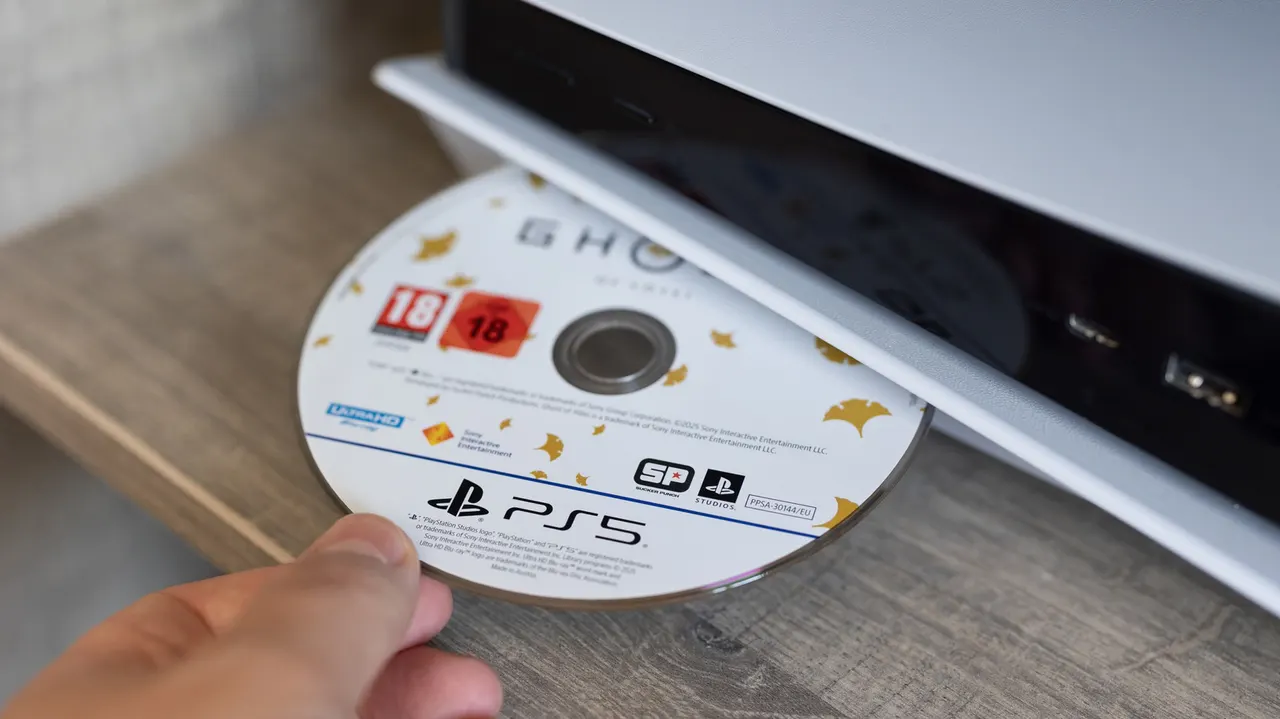
If your PS5 won't give back a game disc, you don't need a repair shop. A #1 Phillips screwdriver and a few minutes are enough to get it out.
 SUMO· the number puzzle
 Dialo· learn languages by speaking
 ediviewer· read EDI files like documents
 giftdetect· the right gift in minutes
A disc stuck in your PS5 is annoying, but you can usually get it out yourself with one screwdriver. No forcing, and no paid repair.
The problem is bigger than it sounds. While a disc is jammed, you can't swap to another game or movie, and a clumsy removal could damage a game that cost as much as $70. Sony also said earlier this year that it plans to halt game disc production in 2028, around when a PlayStation 6 may arrive. So the PS5 could be its last console with a built-in disc drive.
How to eject a stuck disc from a PS5
This is for when the eject button fails and you can't gently grab the disc with your fingers. You need a flat table, a #1 Phillips head screwdriver, and ideally a soft cloth and a flashlight.
- Power down the PS5 fully (not rest mode) and unplug all cables.
- Put the console on the table, optionally on a cloth, and remove the base.
- Turn it so the base screw hole faces you, the PlayStation logo faces down and the disc slot is on your left.
- Rest your palms near the top corners, grasp the edge of the cover and pull it up. A clicking sound is normal.
- On older models you may see a circle of thin black film. You can remove it or push through it, since the screw is behind it.
- Turn the screw clockwise with the screwdriver until the disc is almost completely exposed.
- Pull the disc out carefully. Don't force it. If it resists, turn the screw some more.
- Slide the cover back on until it clicks.
Then reconnect the cables and play as usual. To avoid a repeat, don't insert discs the PS5 can't play, such as audio CDs. While it's unplugged, it's also a good moment to clean the console.
Other options for a stuck PS5 disc
If that fails, try Safe Mode. Power off the console, then hold the power button until you hear a second beep. Press eject again once Safe Mode is active, and the console may let go of the disc.
If the PS5 is within its one-year warranty, Sony may repair or replace it for free. Tell the company about the stuck disc during the claim, or you might not get the disc back. Follow Sony's console shipping guide. A retailer with tech support, such as Best Buy, may also help for a fee, though the DIY fix is cheap enough that it's probably not worth it.
Apps worth a look
SUMO: the number puzzleTap the right tiles, add them up, hit the target. Easy to learn, hard to master. Free, for all ages.
Dialo: learn languages by speakingTalk to an AI conversation partner; every sentence comes back corrected and explained in your language. 9 languages, A1 to C2.
ediviewer: read EDI files like documentsOpen EDIFACT and X12 messages, see every segment explained, convert to JSON/XML, export PDF and Excel. Runs locally, no upload.
giftdetect: the right gift in minutesPick who it is for, the occasion and their personality. The search engine reads product descriptions from local shops and ranks what fits. Free, no sign-up.
More from this day
See all →

More in: Hardware
See all →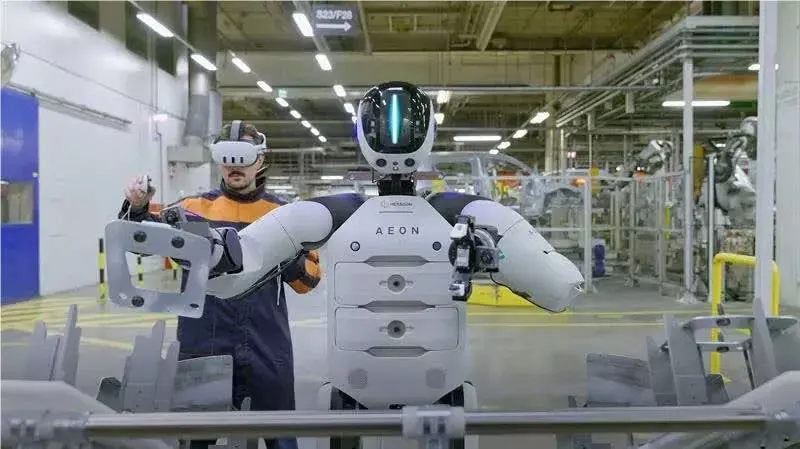
Volvo's Ghent factory is teaching AEON humanoid robots the job
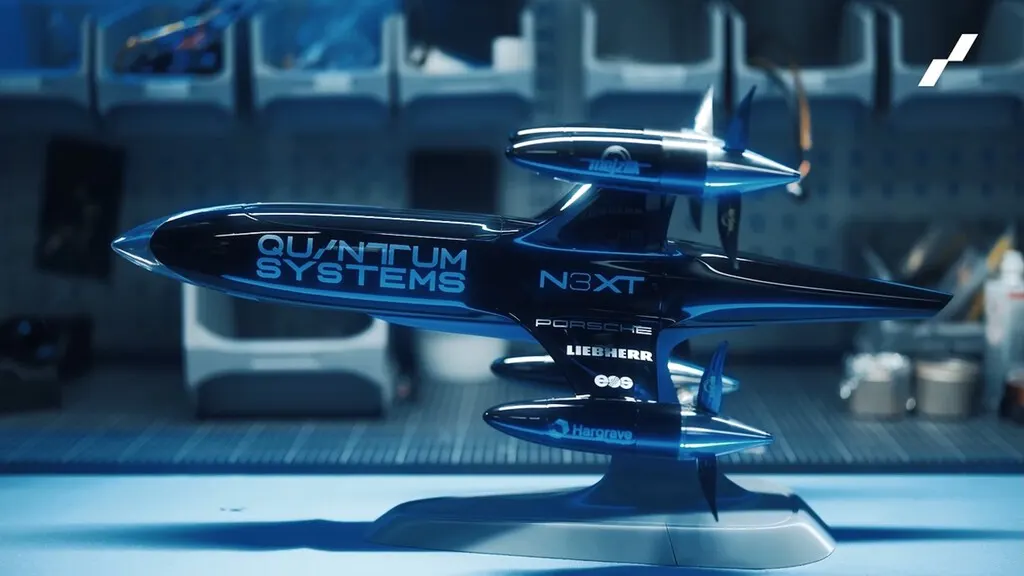
Apex Recordhunter drone hits 727 km/h, a battery-powered record
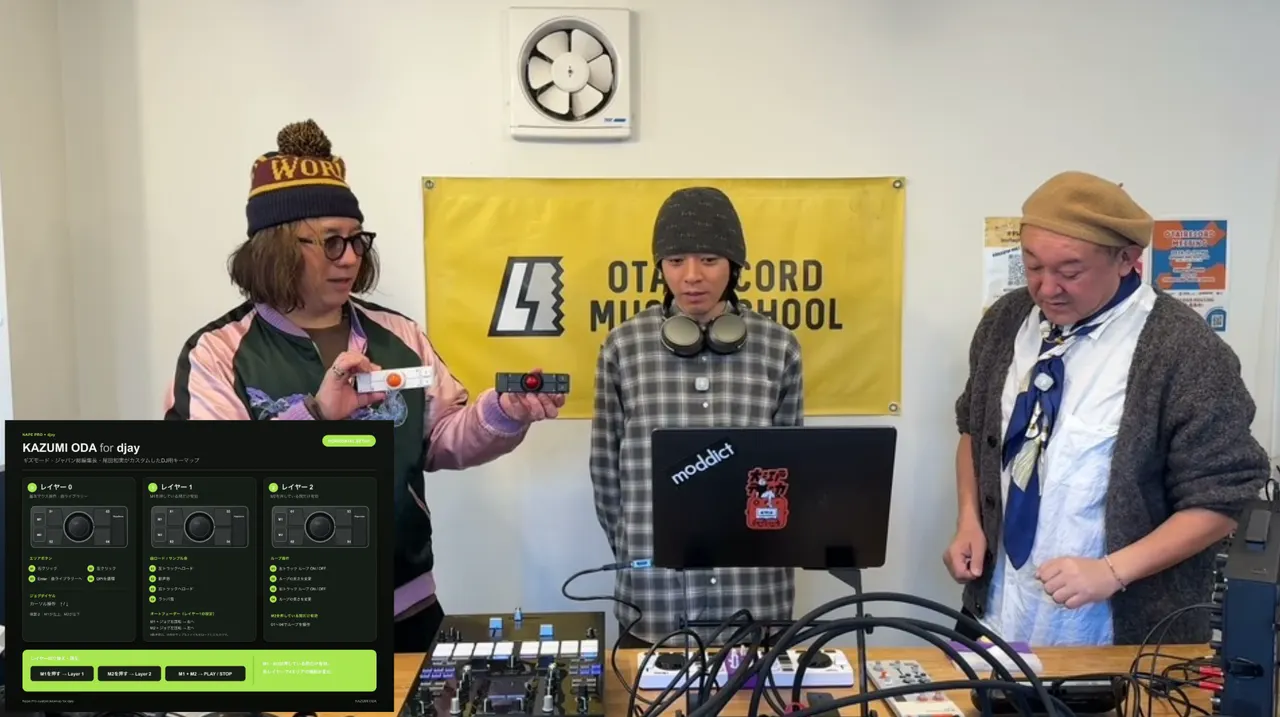
Nape Pro trackball tested as a DJ controller at a Tokyo shop