GTA 6 download slow? Fritzbox settings that can speed it up
The GTA 6 preload is live, but a 200 GB download crawls on a busy home network. A few Fritzbox settings and one network cable can make a real difference.
 SUMO· the number puzzle
 Dialo· learn languages by speaking
 ediviewer· read EDI files like documents
 giftdetect· the right gift in minutes
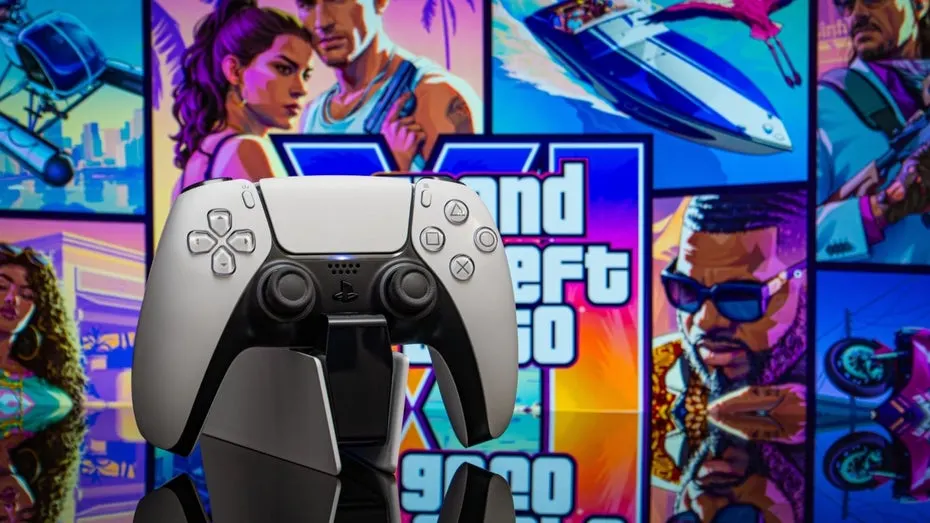
The GTA 6 preload has started on PS5 and Xbox Series X, and the install is over 200 gigabytes. Unless you have a gigabit line, that bar will move slowly. If your router is a Fritzbox, you can tell it to give your console the bandwidth first.
Fritzboxes can prioritise traffic for specific devices and applications. That means the full download speed goes to your PlayStation 5 or Xbox instead of the rest of the household. One warning: other connected devices may get slower, and your family or flatmates may not love it if you hoard the connection without telling them.
How to prioritise your console on a Fritzbox
Open the router's interface in a browser via "fritz.box" or the factory IP address "192.168.178.1". The login details are printed on the Fritzbox. Click "Heimnetz" (Home Network) in the left sidebar, then "Netzwerk" (Network).
Find your console in the device list by searching for "PS5" or "Xbox". If it has no clear name, look up the MAC address in the console's network settings and match it against the list. Click the pencil icon next to the device and set "Internetnutzung" (Internet use) to "priorisiert" (prioritised). Other devices then only get bandwidth again once the GTA 6 download is finished.
Next, go to "Internet", then "Filter", and open the "Priorisierung" tab. In the "Priorisierte Anwendungen" section at the bottom, add a new rule, pick the console, and set the second dropdown to all network applications.
Can you speed up GTA 6 on the console itself?
Barely. There are no meaningful settings on PS5 or Xbox Series X that make the download faster, but there is also no feature that quietly throttles it. What counts is the connection.
Wi-Fi always costs some speed, and the further you are from the router or a repeater, the less arrives. The fix is simple: plug the console into the Fritzbox with a LAN cable for the download. Once it finishes, move the console back to its usual spot and Wi-Fi, and you are ready to play on release day.
Apps worth a look
SUMO: the number puzzleTap the right tiles, add them up, hit the target. Easy to learn, hard to master. Free, for all ages.
Dialo: learn languages by speakingTalk to an AI conversation partner; every sentence comes back corrected and explained in your language. 9 languages, A1 to C2.
ediviewer: read EDI files like documentsOpen EDIFACT and X12 messages, see every segment explained, convert to JSON/XML, export PDF and Excel. Runs locally, no upload.
giftdetect: the right gift in minutesPick who it is for, the occasion and their personality. The search engine reads product descriptions from local shops and ranks what fits. Free, no sign-up.
More from this day
See all →
Tesla driver asleep on Ottawa's Highway 417 charged by OPP

Nāpōwawāʻenakaulua: Webb Finds Earliest Quasar Pair Ever
United Airlines AI agent ban: bots can't tick the check-in box
Jensen Huang resigns as Nvidia CEO; Colette Kress steps in as interim
More in: Gaming
See all →
Picofly Switch modchip firmware pulled from GitHub by Nintendo
Zelda Ocarina of Time remake: rolling still beats the new sprint

PlayStation Plus PC app shuts down on December 10