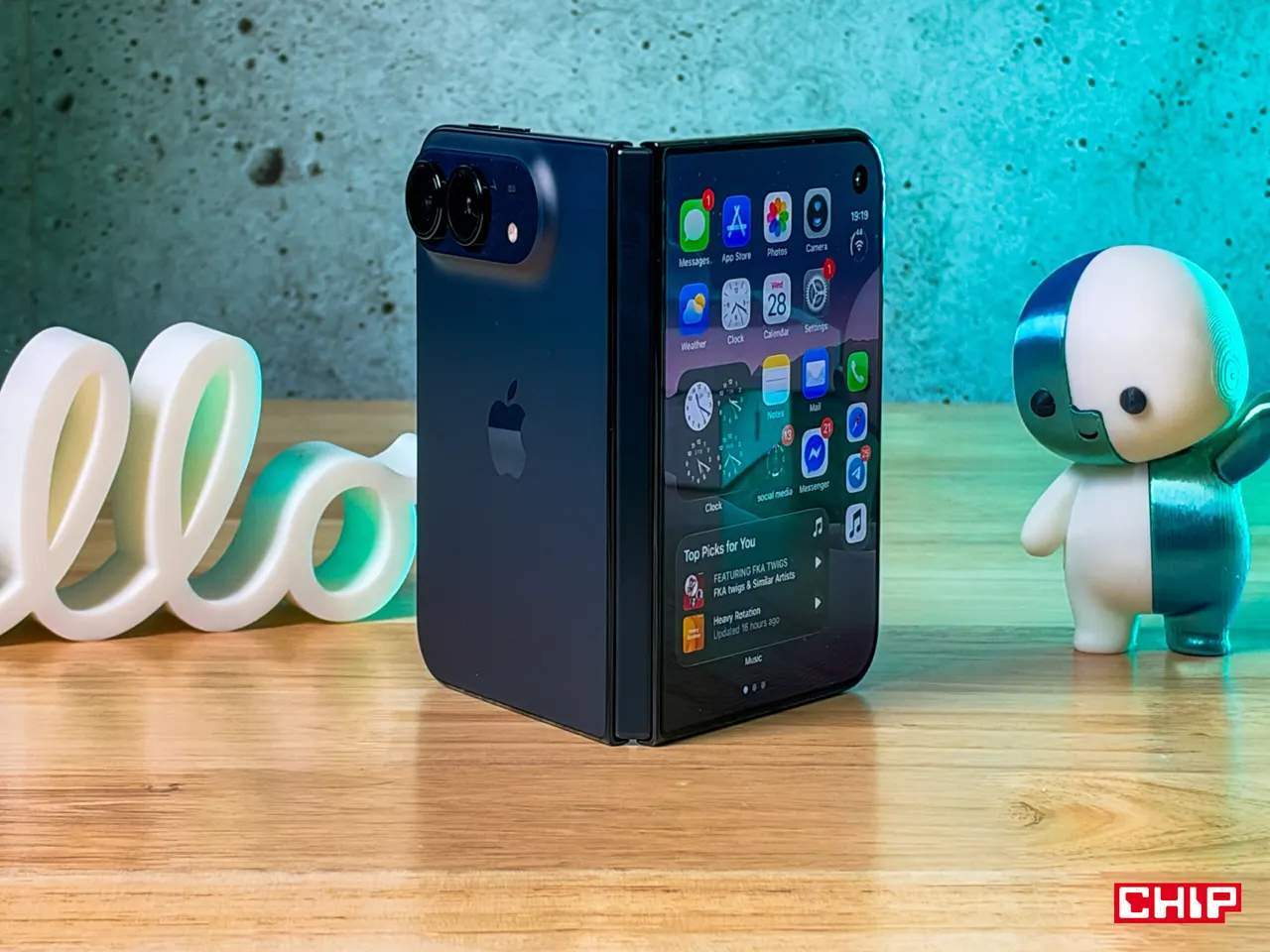
Google Wallet for iPhone is here, but you can't tap to pay
Google Wallet has landed on the iPhone, but only in the US and without contactless payments, the one thing most people use a phone wallet for.
 SUMO· the number puzzle
 Dialo· learn languages by speaking
 ediviewer· read EDI files like documents
 giftdetect· the right gift in minutes
Google Wallet now works on the iPhone. You can't pay in a shop with it, though, which is a bit like a car without an engine for most people who use a phone wallet.
The app has launched on iOS, but for now only iPhone users in the United States can get it. Google hasn't said whether other countries will follow or when.
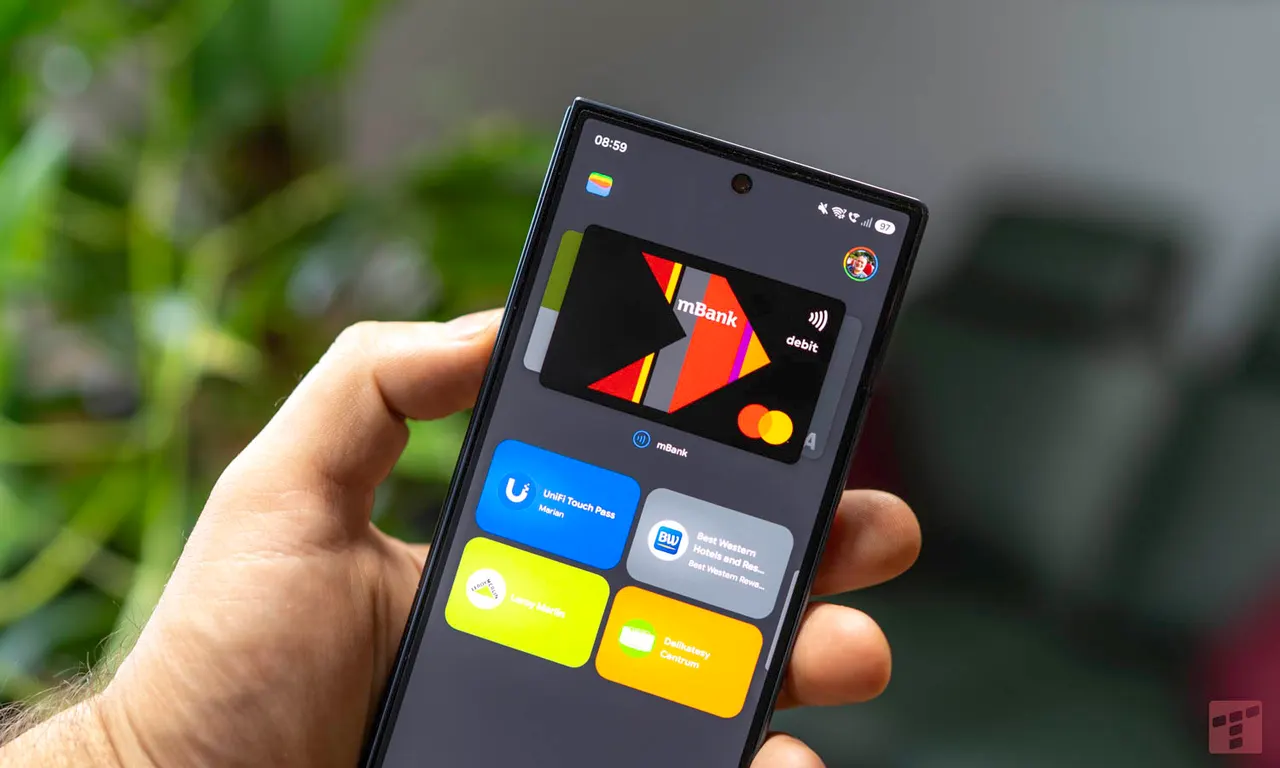
What it does is hold your digital paperwork in one place: tickets, boarding passes, purchase confirmations and travel details. You can add loyalty and membership cards, such as a gym card, by scanning them with the phone's camera. It also keeps order confirmations, receipts and delivery information, and it can store payment cards for quicker online checkout in Google services and other places that support Google Pay.
Can you tap to pay with Google Wallet on iPhone?
No. The iOS version doesn't support contactless payments, so you can't hold your iPhone to a terminal and pay with it. Google hasn't explained whether it plans to add that or when. On iPhone, that job still belongs to Apple Wallet and Apple Pay.
Why would Google bother?
The interesting part is AI. Google wants Wallet to be the place where purchases made through AI agents are handled, an area where it is pushing ahead while Apple is far more cautious about letting AI shop for you.
The timing is a little funny too. The same day, some Apple services went down after a problem with an internal update, and people who use Apple's payment services had to find other ways to pay. Google Wallet is a handy extra place to keep cards and important information. Without tap to pay, though, it won't replace Apple Pay.
Apps worth a look
SUMO: the number puzzleTap the right tiles, add them up, hit the target. Easy to learn, hard to master. Free, for all ages.
Dialo: learn languages by speakingTalk to an AI conversation partner; every sentence comes back corrected and explained in your language. 9 languages, A1 to C2.
ediviewer: read EDI files like documentsOpen EDIFACT and X12 messages, see every segment explained, convert to JSON/XML, export PDF and Excel. Runs locally, no upload.
giftdetect: the right gift in minutesPick who it is for, the occasion and their personality. The search engine reads product descriptions from local shops and ranks what fits. Free, no sign-up.
More from this day
See all →
One UI 9.5 lets you download every Galaxy Over the Horizon ringtone

Phone Battery Draining When You're Not Using It? Likely Causes
Home internet data running out early? How to find the device eating it