Google Photos edit update: save changes without duplicate copies
Google Photos is dropping the annoying habit of saving a second copy every time you edit a picture. You can now save changes straight onto the original.
 SUMO· the number puzzle
 Dialo· learn languages by speaking
 ediviewer· read EDI files like documents
 giftdetect· the right gift in minutes
If your phone gallery is full of two versions of the same photo, Google Photos has just fixed the reason why. A new update lets you save edits directly onto the original picture instead of creating a separate copy.
Until now, editing a photo in Google Photos left you with two files: the untouched original and the edited one. Many people ended up deleting the old version by hand, or simply let the clutter pile up and eat storage. According to the official announcement, that step is no longer needed.
The change matters most with the heavier editing tools, such as Magic Eraser (which removes unwanted objects) and Unblur (which sharpens fuzzy shots). It also covers photos that use Ultra HDR and C2PA, a content-credentials标准 that records how an image was made. The update supports devices running Android 11 or newer.
Can you edit a photo again after saving it?
Yes. You can go back to a photo you already edited and keep working on it, and your earlier settings, such as filters and brightness levels, are kept. You don't have to start from zero to nudge the result a little.
What is still missing in Google Photos editing
One long-running request is still unanswered: copying the edit settings from one photo and pasting them onto a batch of others. It would help most after a trip or an event, when you have dozens of shots that need the same fix to lighting, shadows, saturation or colour. For now, each photo has to be edited one at a time, which takes a while.
So the update cleans up how edits are saved, but photographers with big piles of pictures will still be waiting for batch editing.
Apps worth a look
SUMO: the number puzzleTap the right tiles, add them up, hit the target. Easy to learn, hard to master. Free, for all ages.
Dialo: learn languages by speakingTalk to an AI conversation partner; every sentence comes back corrected and explained in your language. 9 languages, A1 to C2.
ediviewer: read EDI files like documentsOpen EDIFACT and X12 messages, see every segment explained, convert to JSON/XML, export PDF and Excel. Runs locally, no upload.
giftdetect: the right gift in minutesPick who it is for, the occasion and their personality. The search engine reads product descriptions from local shops and ranks what fits. Free, no sign-up.
More from this day
See all →
iPhone Duo delivery dates move up from January to December

12,000 mAh phones are coming, and Xiaomi is already building them
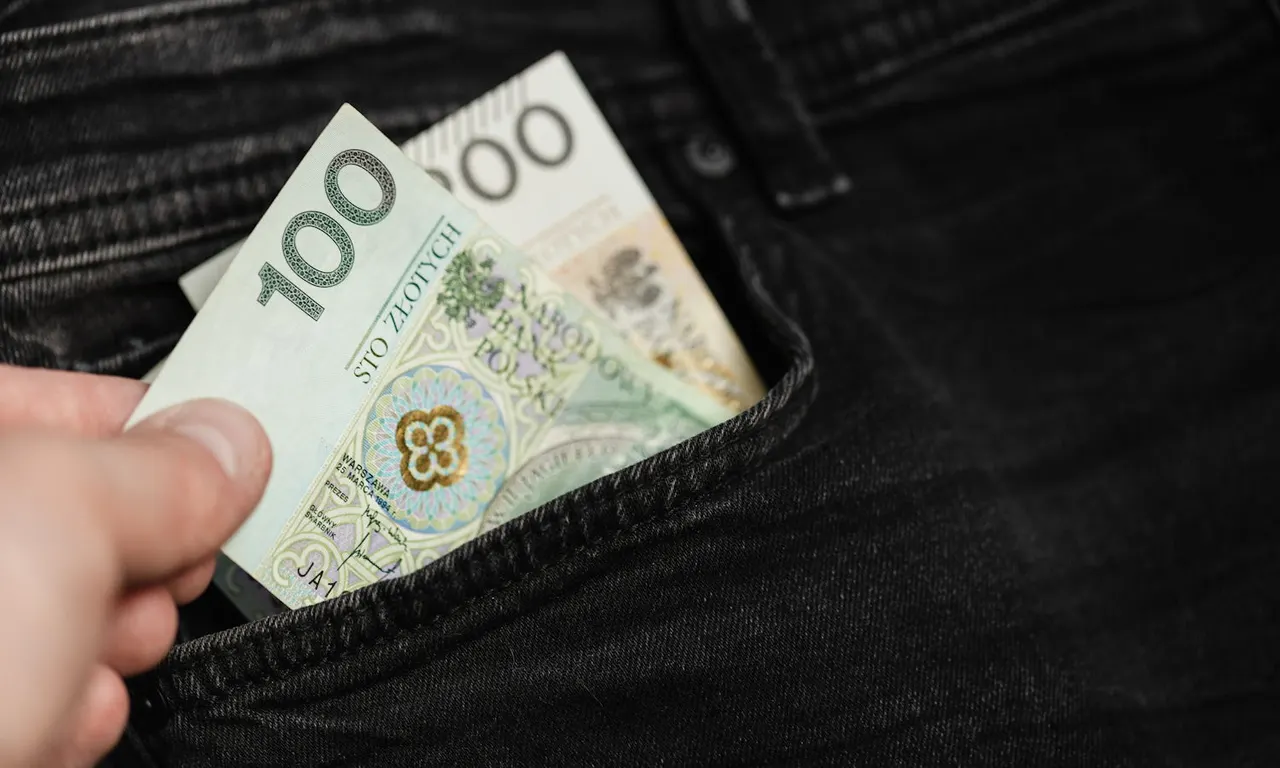
Poland's smartphone tax is now in force: 1% on phones from 32 GB

Pekao Savings Account Offers Up to 6% a Year Until 23 November
More in: Software
See all →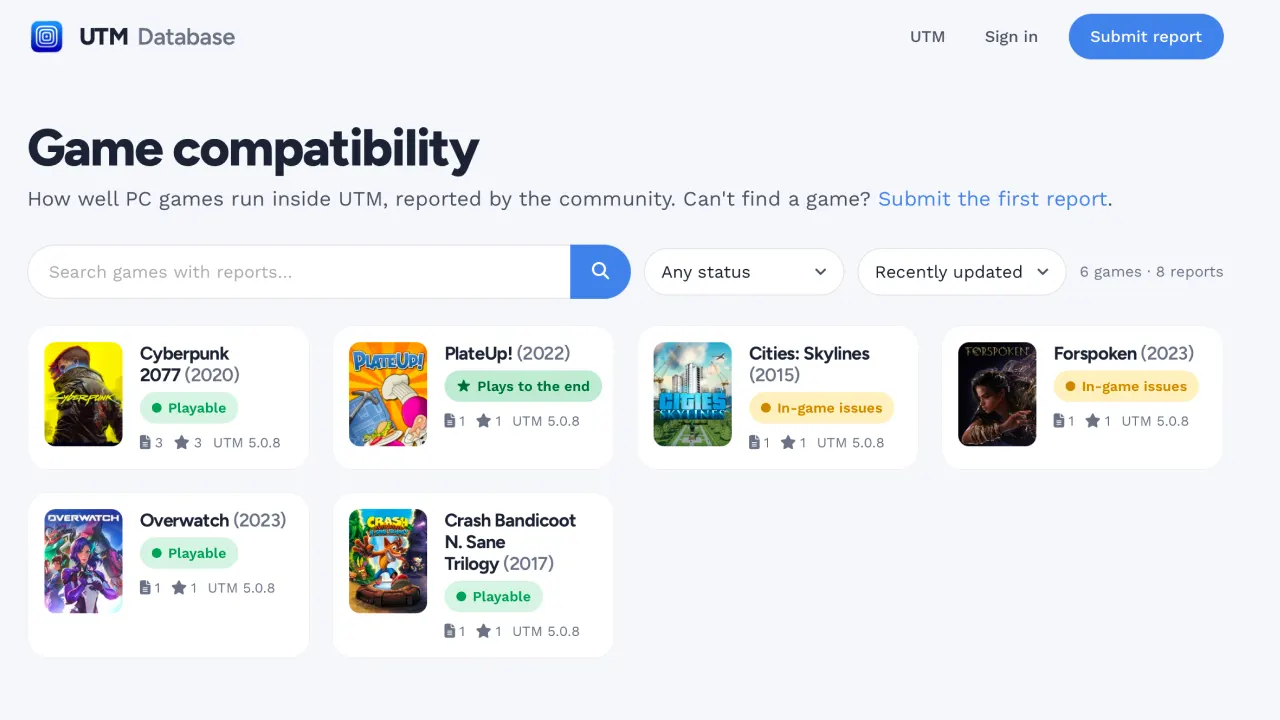
UTM game compatibility database uses a Claude Code agent to patch bugs

SQL Server linked server bug after October update leaks connections
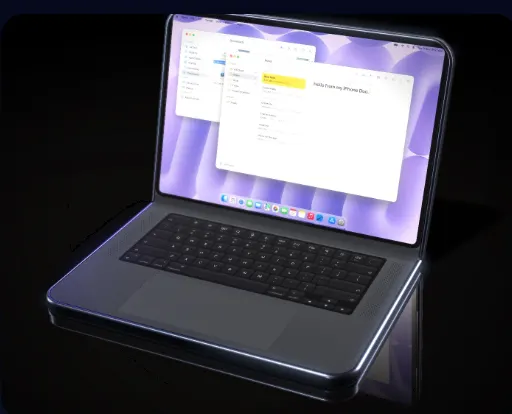
DuoBook: Pocket Mac turns a folded iPhone Duo into a MacBook